a AND b
logic and thresholds= 1 when a > 0.5 and b > 0.5, else 0Logical AND: 1 only while both inputs are TRUE, which means above +0.5.
SEE IT MOVE
Computed in your browser with KINSPIRATION's FUN engine. Drag on the map to try any a and b.
WHAT TO KNOW
INPUTS
Two switches, or any sources read as switches.
OUTPUT RANGE
0 or 1
USE IT FOR
An ASR trigger, a layer Enable or a switched depth that needs two conditions at once (pedal and button down; a hard note and aftertouch); with an LFO as one input, the output pulses while the other is on.
WATCH OUT
A continuous source counts only past its middle.
IN THE FACTORY PROGRAMS
In 10 FUN slots of the factory programs: FUN4 5, FUN1 4, GFUN4 1. GFUN2 and GFUN4 are the program's global FUNs.
MOST USED INPUTS (a, b)
WHERE THE OUTPUT GOES
FIND THEM ON YOUR K2700
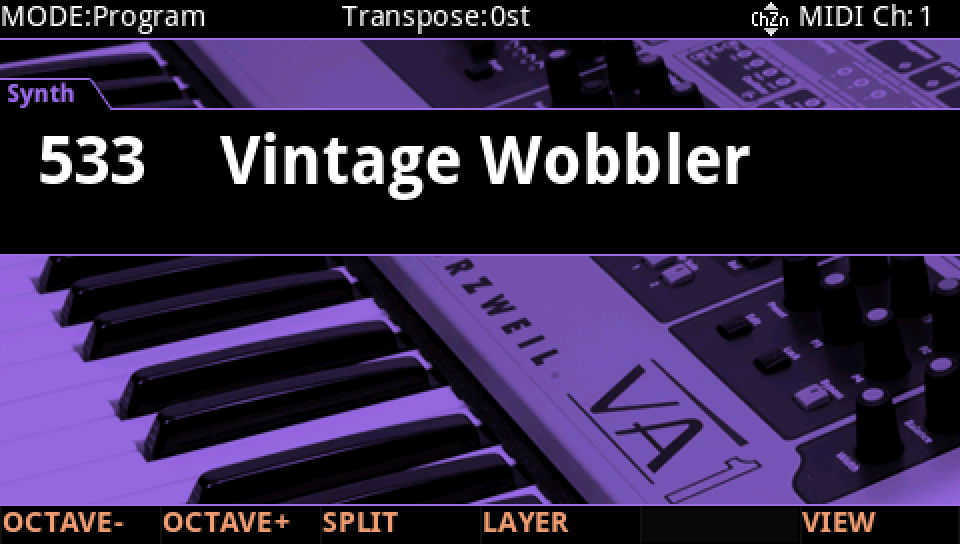
HOW TO ON YOUR K2700 · 533 Vintage Wobbler
Vintage Wobbler uses a AND b on its layer 1: see it, then where it goes.
In Program mode choose 533 Vintage Wobbler (KEYPAD, 533, ENTER).
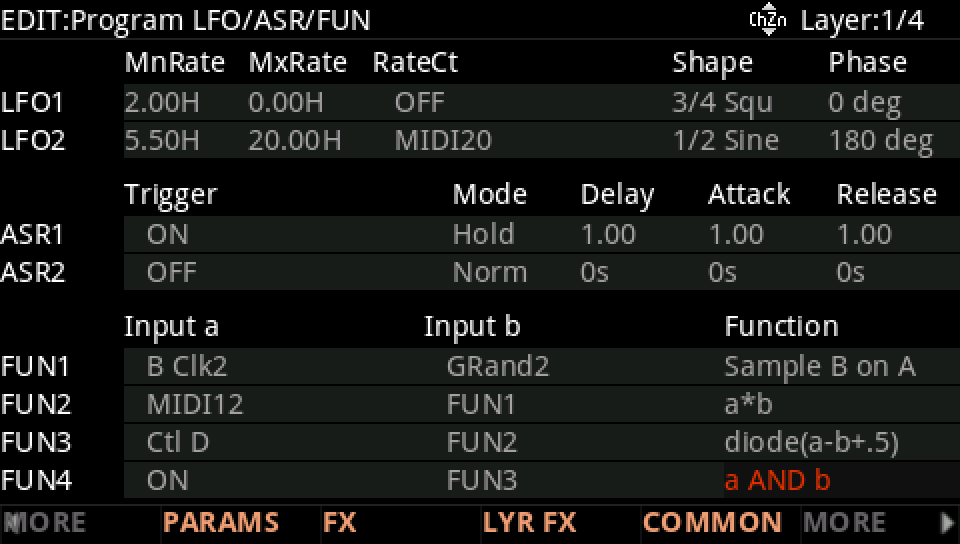
Press EDIT, then MORE and LFO+. The FUN4 row: Input a ON, Input b FUN3, Function a AND b.
Where it goes: MORE, DSP MOD. On the LP Frq row Source 2 is FUN4, its depth from 0 ct to -4500 ct as MIDI12 rises.
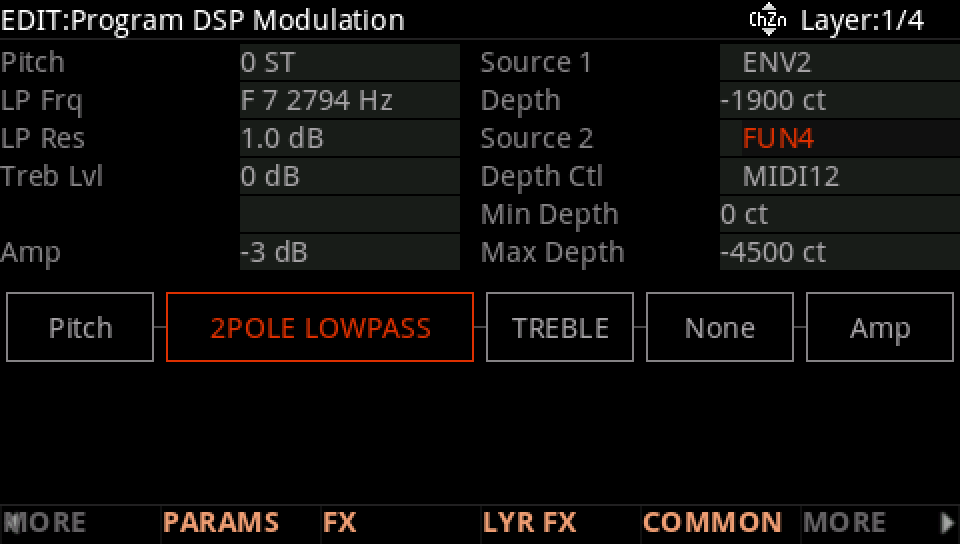
Hold a note: the LP Frq row follows FUN4.
Press EXIT and answer NO to leave the factory program as it was, or SAVE to keep your version on a USER ID.