b > a
logic and thresholds= 1 when b is greater than a, else 0A comparator: 1 while b exceeds a, otherwise 0.
SEE IT MOVE
Computed in your browser with KINSPIRATION's FUN engine. Drag on the map to try any a and b.
WHAT TO KNOW
INPUTS
a: the threshold, a constant or a source; b: the source compared with it.
OUTPUT RANGE
0 or 1
USE IT FOR
A switch at any level, not only at 0.5: the wheel above 0.30, a key above a split, a velocity above a point; an ASR trigger. The factory's 0.22 and GKeyNum (4 global FUN2s) gives 1 for keys from F1 up.
WATCH OUT
Mind the order: the output is 1 when b, the second input, is the greater. Compare diode(a−b), which passes how far a is above b as a value rather than a switch.
IN THE FACTORY PROGRAMS
In 7 FUN slots of the factory programs: GFUN2 4, FUN1 2, GFUN4 1. GFUN2 and GFUN4 are the program's global FUNs.
MOST USED INPUTS (a, b)
WHERE THE OUTPUT GOES
FIND THEM ON YOUR K2700
HOW TO ON YOUR K2700 · 2046 Editor Template
The factory does not route b > a to a sound on its own: set one up on 2046 Editor Template and hear it on the pitch.
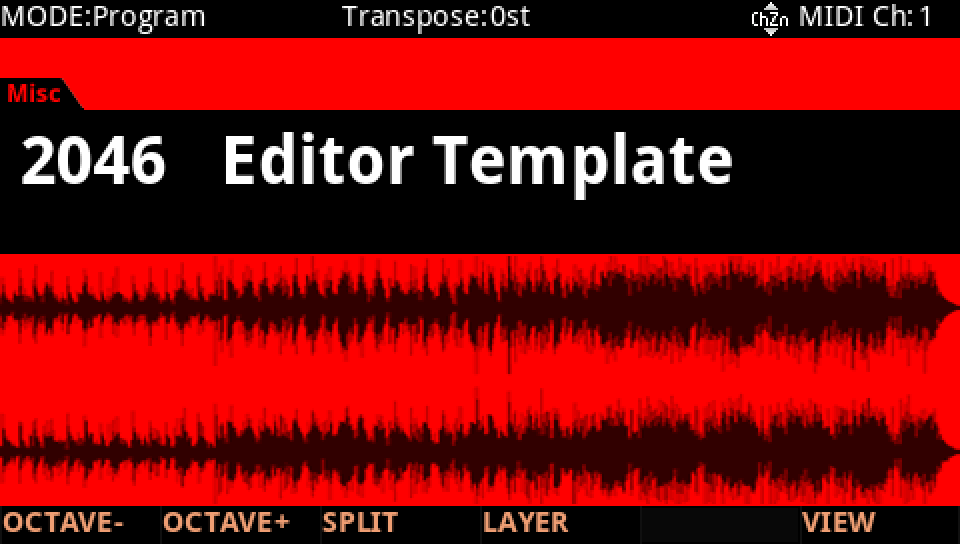
In Program mode choose 2046 Editor Template, a plain one-layer program to build on (KEYPAD, 2046, ENTER).
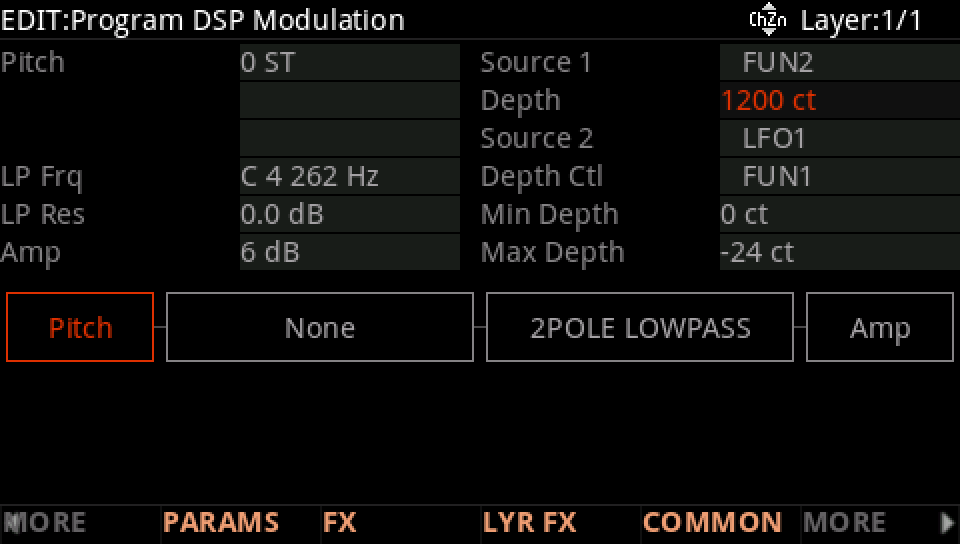
Press EDIT, then MORE and DSP MOD. On the Pitch row set Source 1 to FUN2 and its Depth to 1200 ct: FUN2's result, −1 to +1, now bends the pitch up to an octave either way.
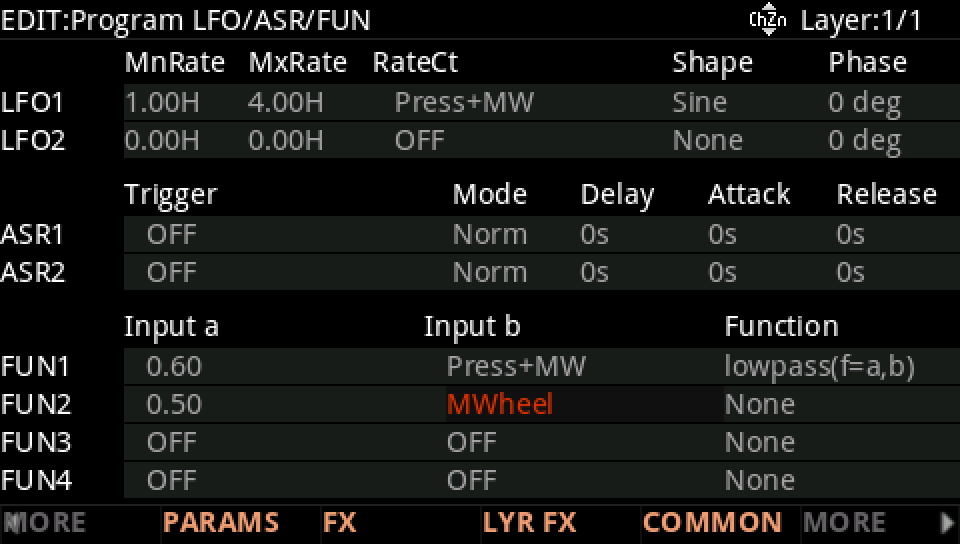
MORE, then LFO+. On the FUN2 row set Input a to 0.50 and Input b to MWheel.
Move to Function and turn the Alpha Wheel to b > a.
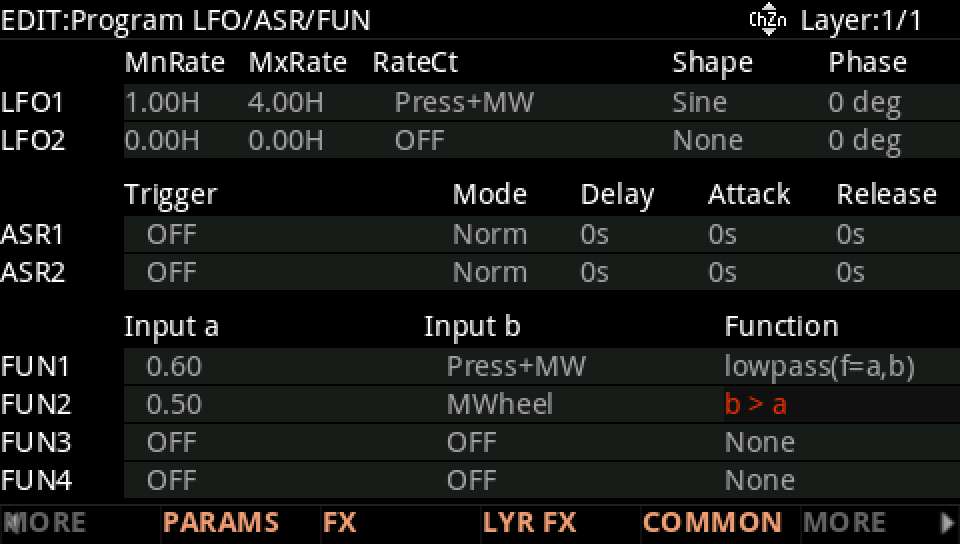
Move the mod wheel: below halfway nothing happens; past it the pitch jumps up an octave, b > a giving 1, and drops back as the wheel comes down. A switch made from a wheel.
Press EXIT and answer NO to leave the factory program as it was, or SAVE to keep your version on a USER ID.