Track B While A
sample and hold= output = b while a > 0.5; frozen at its last value while a is 0.5 or belowTrack and hold: the output follows b while a is TRUE and freezes when a turns FALSE, until a is TRUE again.
SEE IT MOVE
Computed in your browser with KINSPIRATION's FUN engine, step by step: this FUN keeps a state, so its output depends on what came before.
WHAT TO KNOW
INPUTS
a: the switch (Note St, Key St, a button); b: the value to follow.
OUTPUT RANGE
b's range
USE IT FOR
Keeping a controller's last value after the key is lifted (a = Key St or Note St, b = Press: the vibrato depth stays through the release); freezing a modulation while a switch is off. In the factory programs: Note St and FUN1 (19 slots).
WATCH OUT
It freezes as a falls and follows again as soon as a is TRUE: with a = ON it never freezes and just passes b.
IN THE FACTORY PROGRAMS
In 44 FUN slots of the factory programs: FUN2 32, FUN1 11, FUN4 1. GFUN2 and GFUN4 are the program's global FUNs.
MOST USED INPUTS (a, b)
WHERE THE OUTPUT GOES
FIND THEM ON YOUR K2700
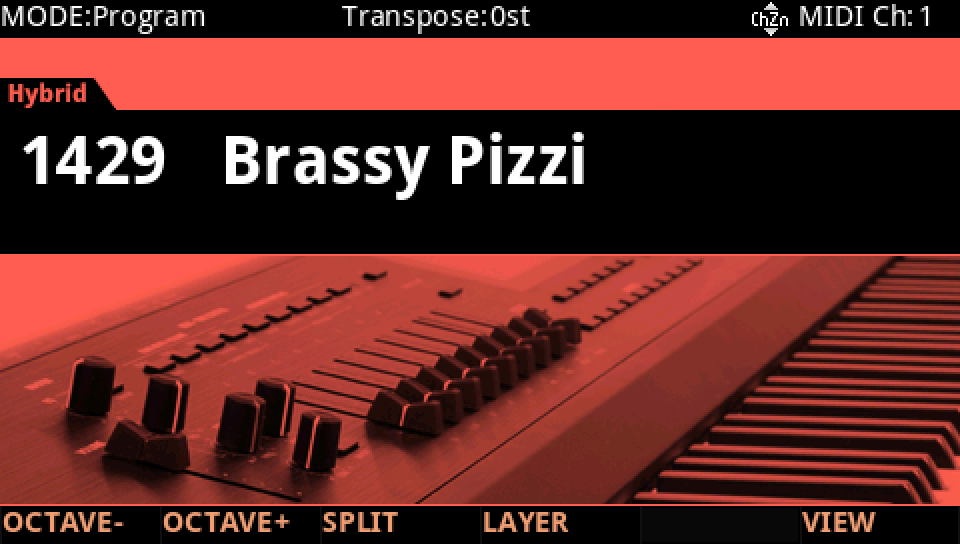
HOW TO ON YOUR K2700 · 1429 Brassy Pizzi
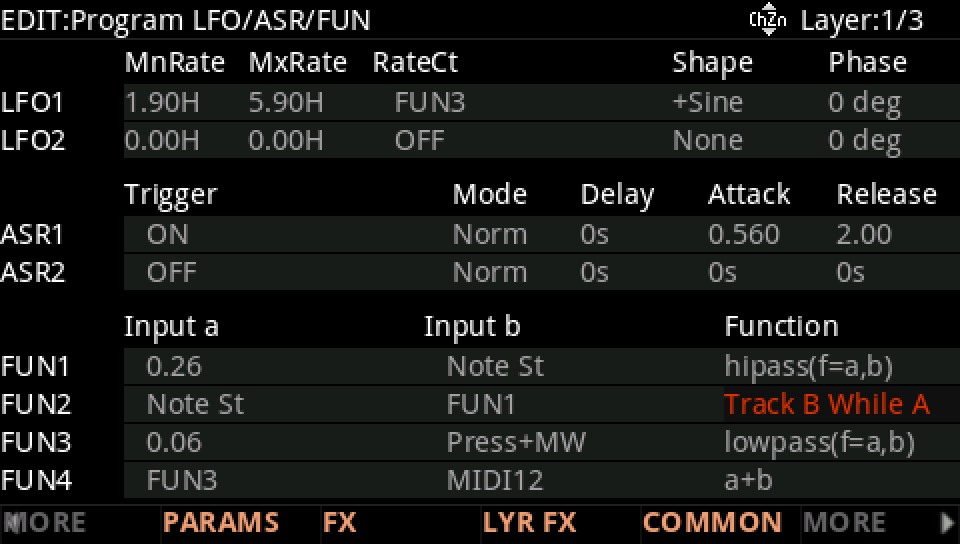
Brassy Pizzi uses Track B While A on its layer 1: see it, then where it goes.
In Program mode choose 1429 Brassy Pizzi (KEYPAD, 1429, ENTER).
Press EDIT, then MORE and LFO+. The FUN2 row: Input a Note St, Input b FUN1, Function Track B While A.
Where it goes: MORE, DSP MOD. On the Pitch row Source 1 is FUN2, with a Depth of 80 ct.
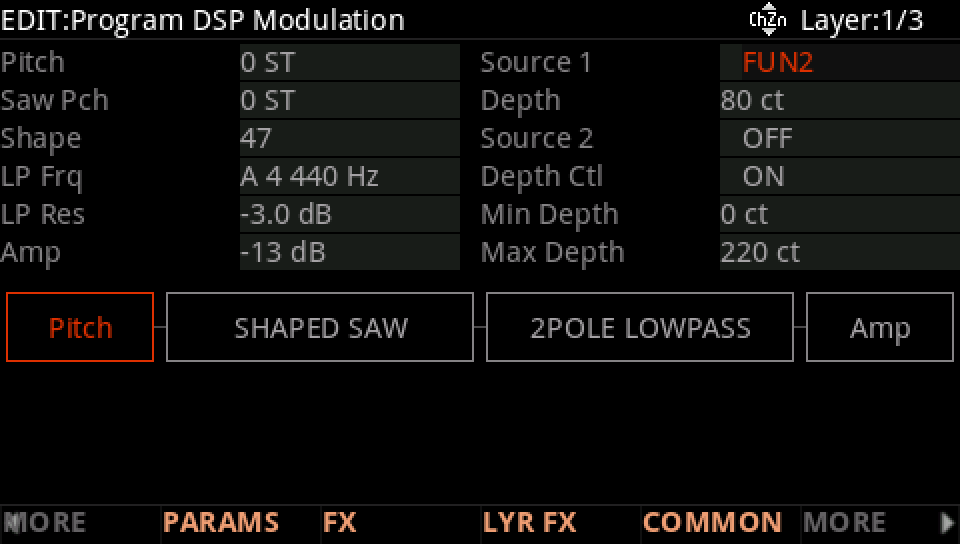
Play notes and let them go. Hold a note: the Pitch row follows FUN2.
Press EXIT and answer NO to leave the factory program as it was, or SAVE to keep your version on a USER ID.