lowpass(f=a,b)
lag filters= every 20 ms the output moves the share a of the way to b: y = y + a × (b - y)A lag: the output follows b slowly, and a sets how fast. A low a means a long lag and a = 1 none; with b held high, a small a makes the output creep up from 0 toward b.
SEE IT MOVE
Computed in your browser with KINSPIRATION's FUN engine, step by step: this FUN keeps a state, so its output depends on what came before.
WHAT TO KNOW
INPUTS
a: the speed, a constant 0..1 (0.02 slow, 0.6 fast); b: the source to smooth.
OUTPUT RANGE
b's range, smoothed
USE IT FOR
Smoothing a stepped or jumpy controller (aftertouch, sequenced CCs, the tempo clocks); turning a switch into a fade (a button through lowpass becomes a ramp); slow automatic fades. The factory's main use: lowpass(0.06, Press+MW), a smoothed aftertouch-or-wheel for the vibrato depth or the LFO rate (484 slots), and also 0.60 (200) and 0.12 (145) with Press+MW, 0.06 with MWheel (129).
WATCH OUT
The time it takes to cover 63 % of a jump: a 0.02: 0.99 s, 0.05: 0.39 s, 0.1: 0.19 s, 0.25: 0.07 s, 0.5: 0.03 s, 0.9: 0.008 s, 1: at once. Keep a at 0 or above: a negative a does not behave as a lag.
IN THE FACTORY PROGRAMS
In 1672 FUN slots of the factory programs: FUN4 625, FUN1 549, FUN2 213, FUN3 124, GFUN2 121, GFUN4 40. GFUN2 and GFUN4 are the program's global FUNs.
MOST USED INPUTS (a, b)
WHERE THE OUTPUT GOES
FIND THEM ON YOUR K2700
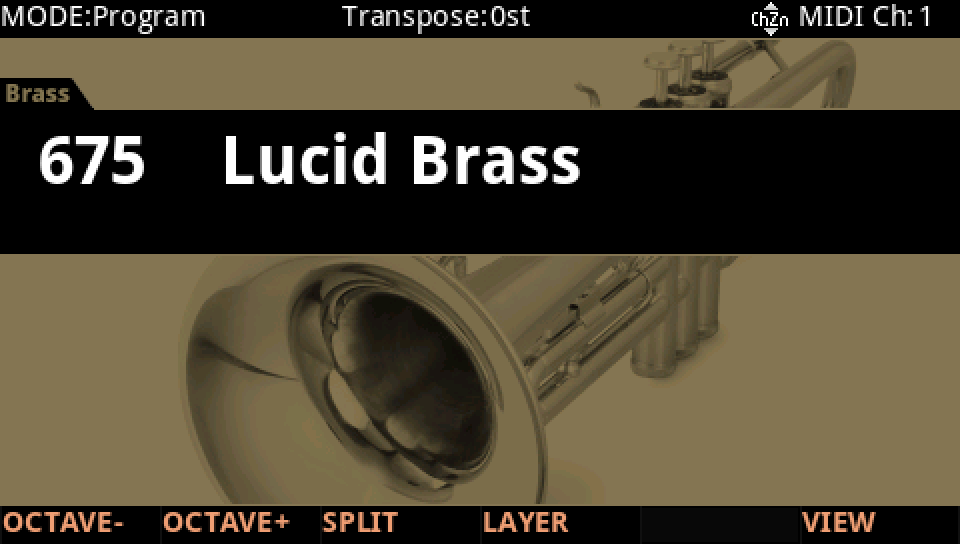
HOW TO ON YOUR K2700 · 675 Lucid Brass
Lucid Brass uses lowpass(f=a,b) on its layer 2: see it, then where it goes.
In Program mode choose 675 Lucid Brass (KEYPAD, 675, ENTER).
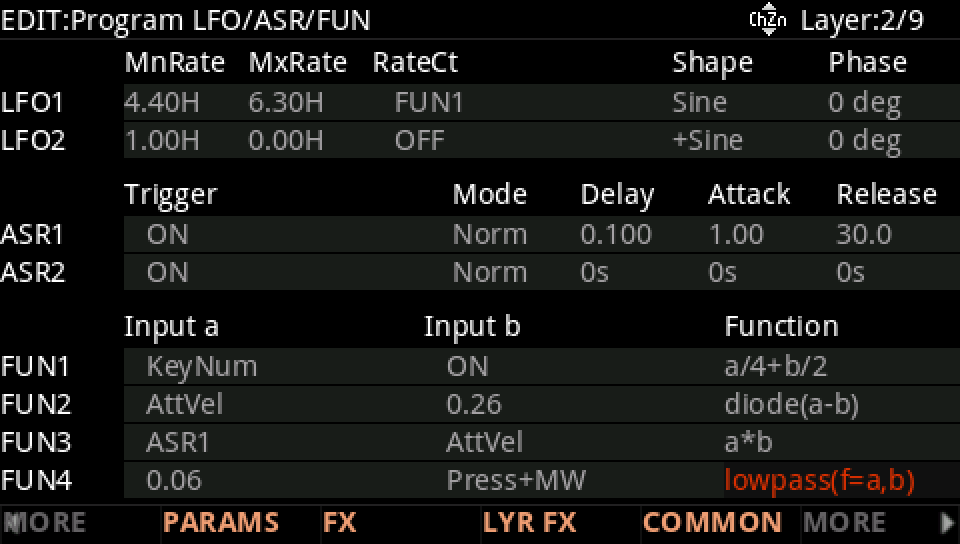
Press EDIT, go to layer 2 with CHANNEL/LAYER ▲, then MORE and LFO+. The FUN4 row: Input a 0.06, Input b Press+MW, Function lowpass(f=a,b).
Where it goes: MORE, DSP MOD. On the LP Frq row Source 1 is FUN4, with a Depth of 8800 ct.
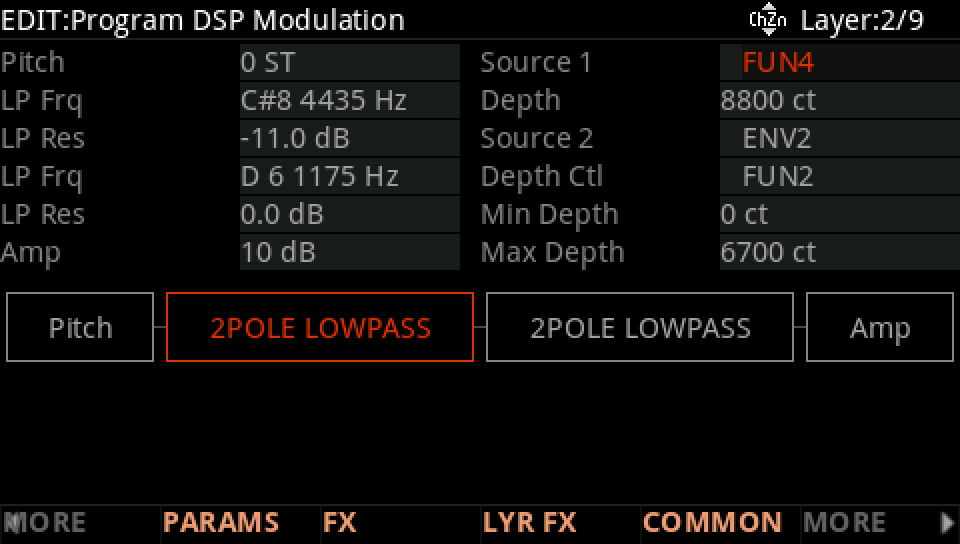
Press into the keys, or push the mod wheel: the LP Frq row follows FUN4.
Press EXIT and answer NO to leave the factory program as it was, or SAVE to keep your version on a USER ID.