a(b−y)
recursions= y = a × (b - y), recomputed every 20 ms from the last output yA recursive equation: each evaluation feeds the last output back into it. With a between 0 and 1 it settles at a × b / (1 + a), overshooting on the way (a 0.5, b 1: 0.5, 0.25, 0.375 …).
SEE IT MOVE
Computed in your browser with KINSPIRATION's FUN engine, step by step: this FUN keeps a state, so its output depends on what came before.
WHAT TO KNOW
INPUTS
a: the feedback amount; b: the target.
OUTPUT RANGE
-1..+1, clamped
USE IT FOR
A settling curve or a buzz: a = ON swaps the output between b and 0 every 20 ms, a 25 Hz square of height b; a negative a gives a smooth approach (a -0.5, b 0.5 creeps to -0.5).
WATCH OUT
It is worked out every 20 ms from its own last output and holds in between; at a = 1 it never settles but swaps between b and 0.
IN THE FACTORY PROGRAMS
In 6 FUN slots of the factory programs: FUN3 5, FUN1 1. GFUN2 and GFUN4 are the program's global FUNs. 2 of these slots have both inputs OFF, unused slots that keep this equation: its real uses are 4.
MOST USED INPUTS (a, b)
WHERE THE OUTPUT GOES
FIND THEM ON YOUR K2700
HOW TO ON YOUR K2700 · 2046 Editor Template
The factory does not route a(b-y) to a sound on its own: set one up on 2046 Editor Template and hear it on the pitch.
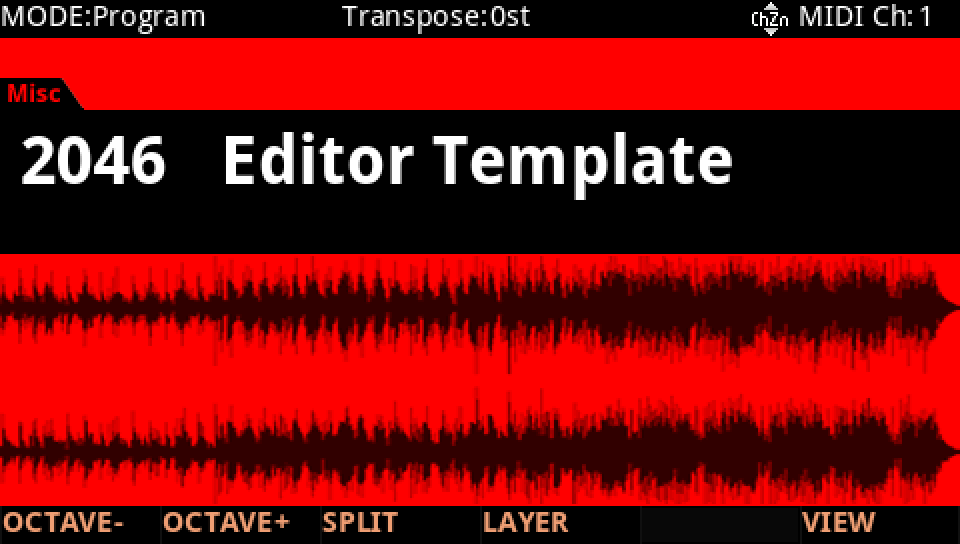
In Program mode choose 2046 Editor Template, a plain one-layer program to build on (KEYPAD, 2046, ENTER).
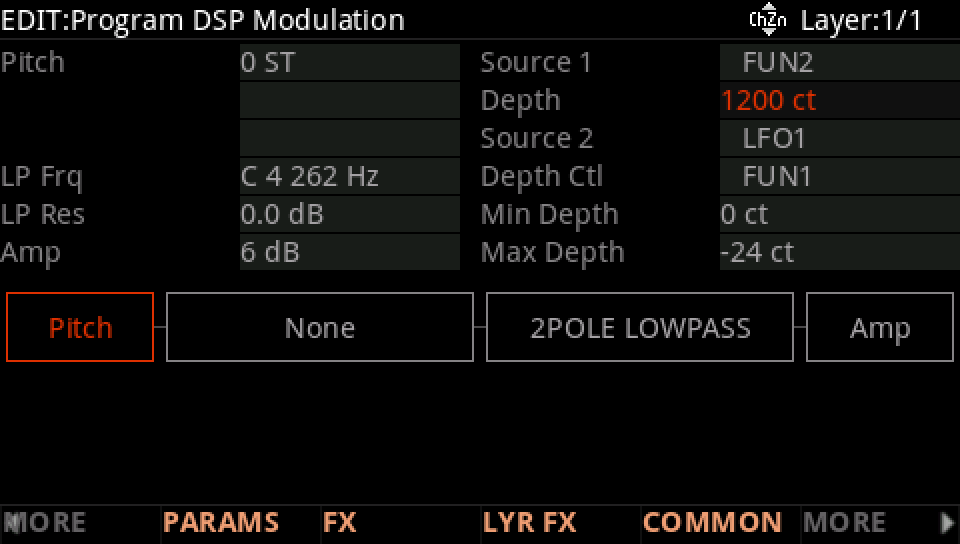
Press EDIT, then MORE and DSP MOD. On the Pitch row set Source 1 to FUN2 and its Depth to 1200 ct: FUN2's result, −1 to +1, now bends the pitch up to an octave either way.
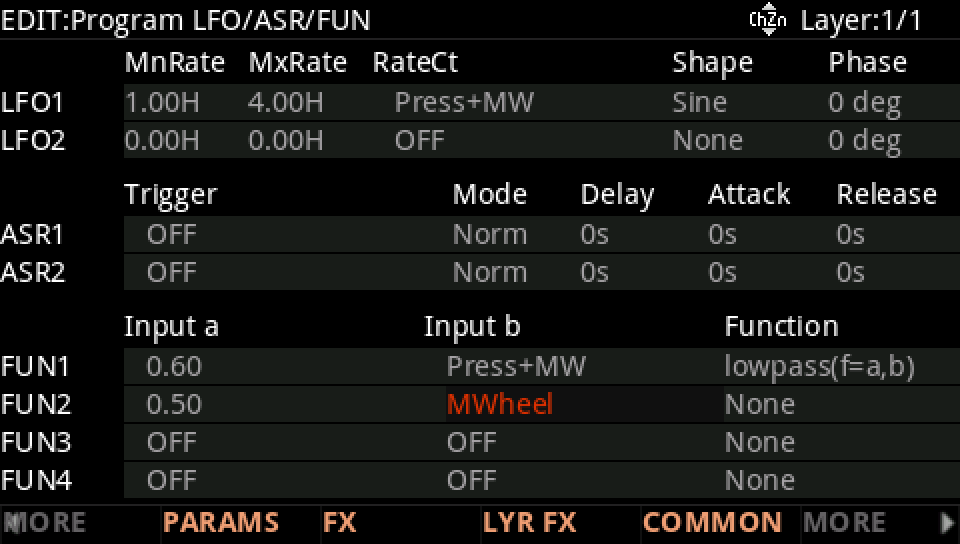
MORE, then LFO+. On the FUN2 row set Input a to 0.50 and Input b to MWheel.
Move to Function and turn the Alpha Wheel to a(b-y).
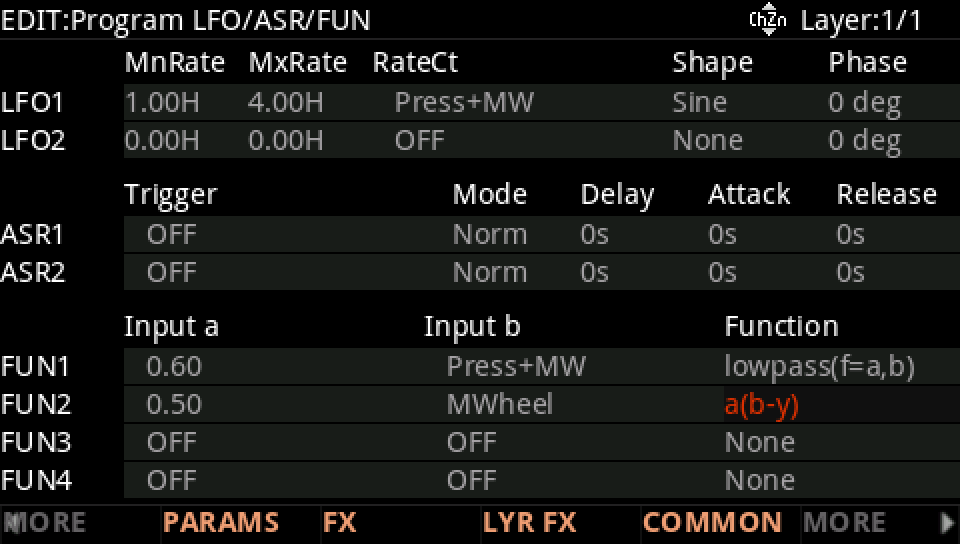
Move the mod wheel: the pitch follows to a third of its value (400 ct at the top), settling within a few 20 ms steps: y = 0.5 × (wheel − y) settles at wheel / 3.
Press EXIT and answer NO to leave the factory program as it was, or SAVE to keep your version on a USER ID.