a(y+b)
recursions= y = a × (y + b), every 20 msA recursive generator: the last output plus b, times a. Like the other y-equations it can cycle like an LFO or turn chaotic, depending on the inputs.
SEE IT MOVE
Computed in your browser with KINSPIRATION's FUN engine, step by step: this FUN keeps a state, so its output depends on what came before.
WHAT TO KNOW
INPUTS
a: the feedback (ON for a ramp); b: the step.
OUTPUT RANGE
−1..+1, wrapping round from +1 to −1
USE IT FOR
With a = ON a rising sawtooth at 25 × b Hz in 20 ms steps (b 0.2: 5 Hz); with a below 1 it settles at a × b / (1 - a) (a 0.5, b 0.5: 0.5).
WATCH OUT
Past +1 it wraps round to −1 rather than stopping: that wrap is what makes a ramp of it.
IN THE FACTORY PROGRAMS
No factory program uses it: one of the K2700's hidden tools.
HOW TO ON YOUR K2700 · 2046 Editor Template
The factory does not route a(y+b) to a sound on its own: set one up on 2046 Editor Template and hear it on the pitch.
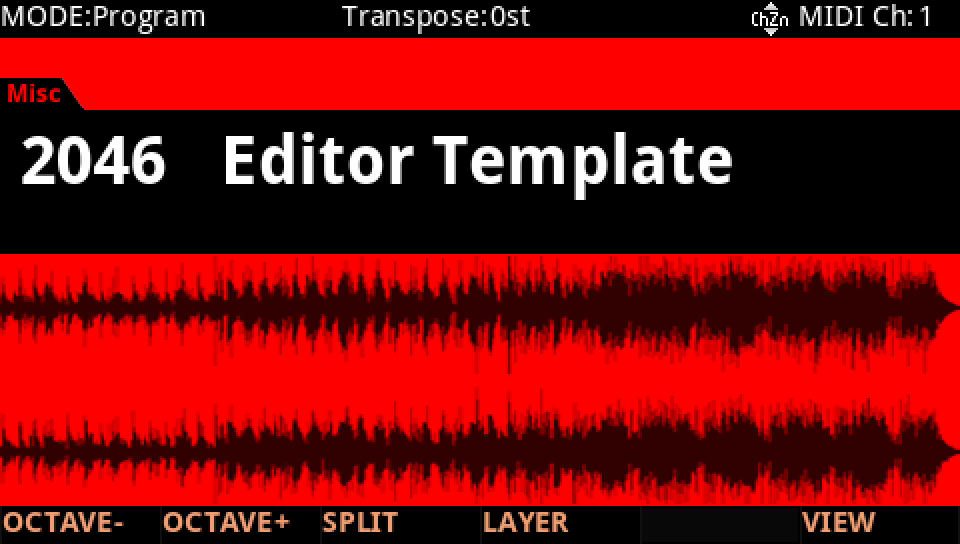
In Program mode choose 2046 Editor Template, a plain one-layer program to build on (KEYPAD, 2046, ENTER).
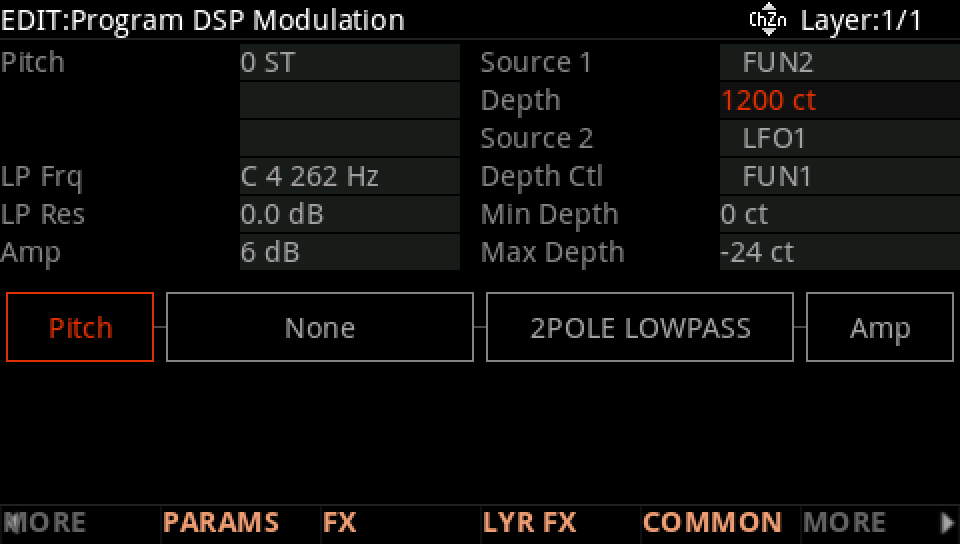
Press EDIT, then MORE and DSP MOD. On the Pitch row set Source 1 to FUN2 and its Depth to 1200 ct: FUN2's result, −1 to +1, now bends the pitch up to an octave either way.
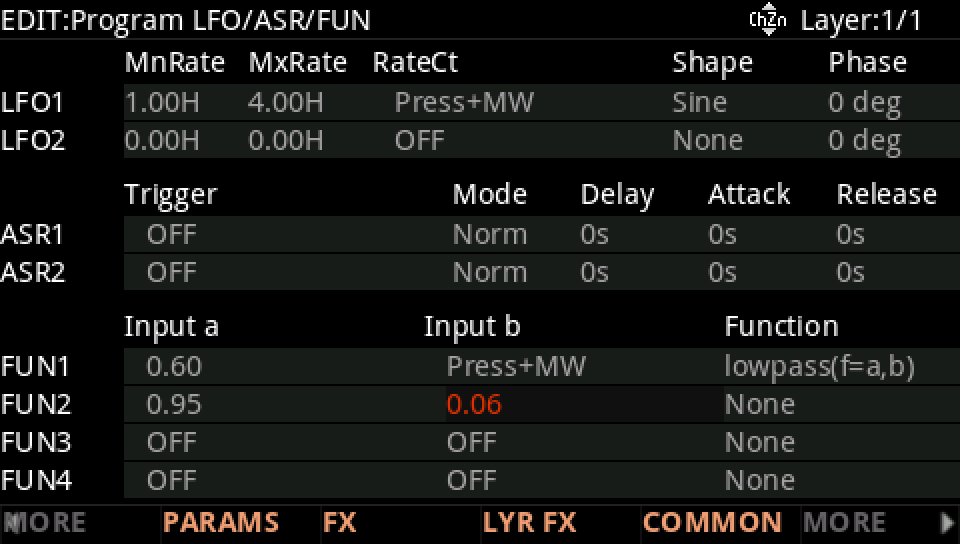
MORE, then LFO+. On the FUN2 row set Input a to 0.95 and Input b to 0.06.
Move to Function and turn the Alpha Wheel to a(y+b).
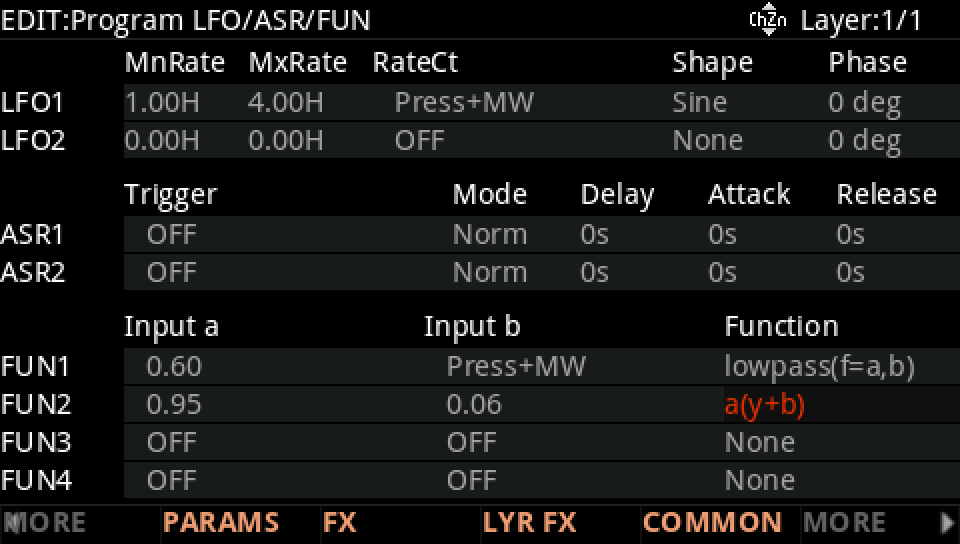
Hold a note: each 20 ms step adds a little less as y grows, a ramp that bends over near the top, then wraps round to the bottom and climbs again.
Press EXIT and answer NO to leave the factory program as it was, or SAVE to keep your version on a USER ID.