A bass
BassALG · LAYER · ENV2 · DSP MOD · COMMON · FXA synth bass wants weight, a fast filter snap and one note at a time. Two saws an octave down give the weight. The 4POLE MOGUE LP takes four blocks, more than the ALG has left after the oscillators, so a second layer reads the first through Alt Input (ALG 105, a cascade) and filters it: the first layer makes the saws, unheard, the second shapes them. Then ENV2 snaps the filter open at each note, velocity sets how far, and Mono with portamento slides between overlapping notes.
SEE IT MOVE
Computed in your browser with KINSPIRATION's engine, sample by sample, from each step's whole program: its oscillators, filters, envelopes, LFOs and effects. It is close to the K2700, not the K2700 itself.
WHAT TO KNOW
A CASCADE
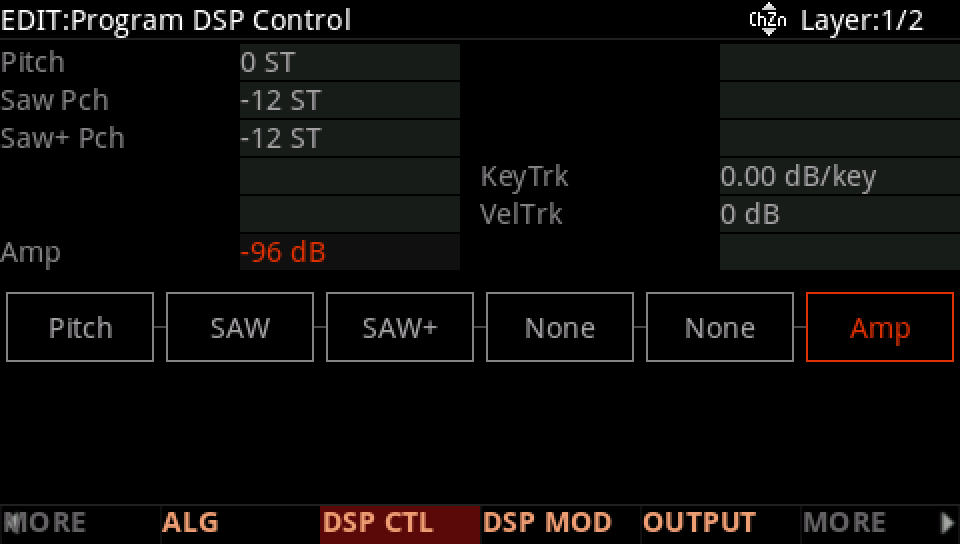
Alt Input takes another layer's sound before its AMP: that layer's own level can sit at -96 dB and still feed the cascade.
ENV2 BY VELOCITY
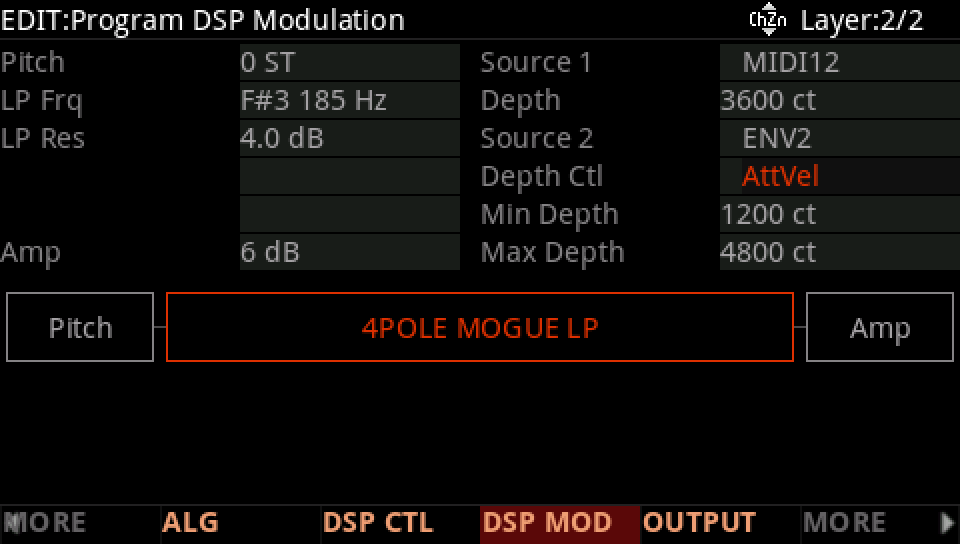
On Source 2, Depth Ctl AttVel makes the depth go from Min at the softest note to Max at the hardest: velocity opens the filter further.
IN THE FACTORY PROGRAMS
939 factory layers take another layer's sound through Alt Input, most on ALG 105; of the 125 programs named Bass, 70 play one note at a time.
THE CASCADES' ALGS
PROGRAMS NAMED BASS · PLAYING
FIND THEM ON YOUR K2700
HOW TO ON YOUR K2700 · your start
Build the bass on your start: two saws an octave down, a ladder filter on a second layer, a snap, velocity and one note at a time.
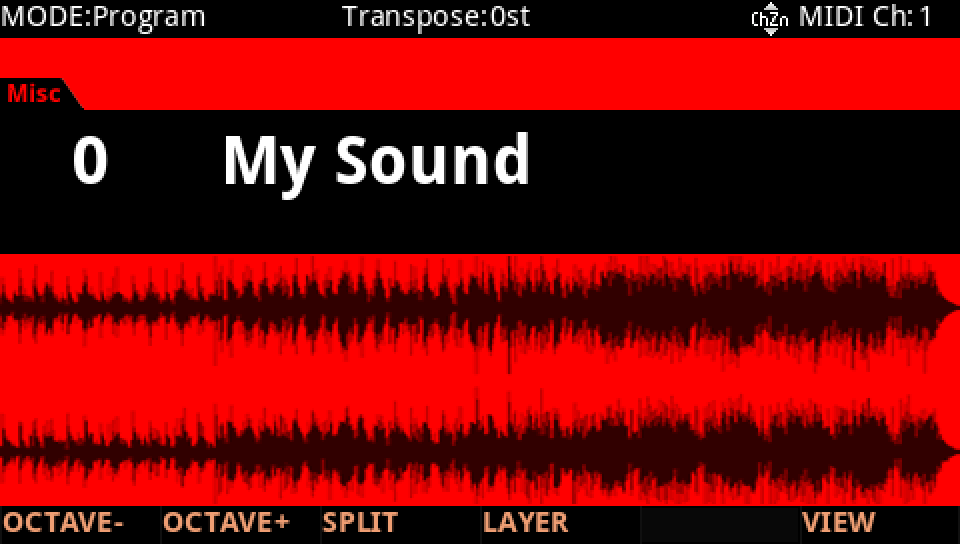
In Program mode choose your start, saved at the end of lesson 1 (My Sound, on its USER ID).
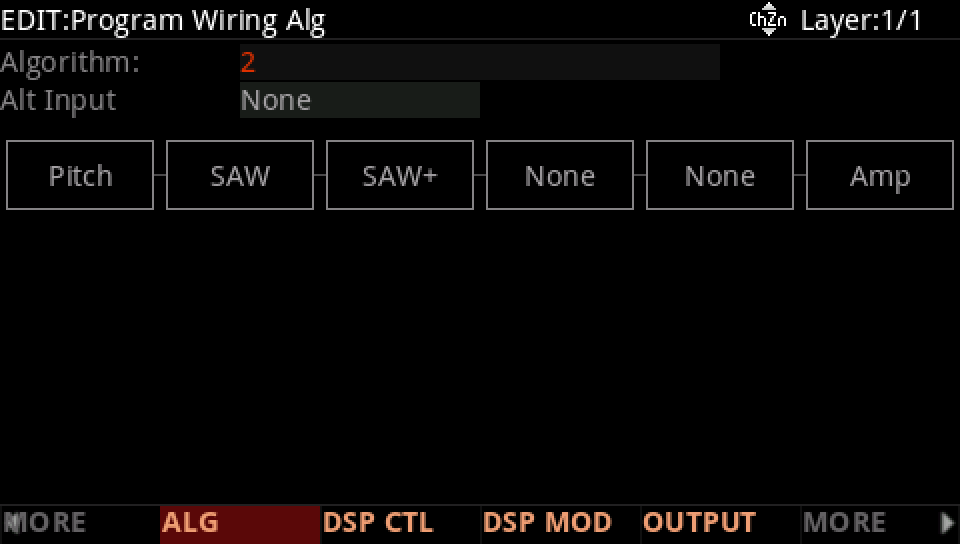
Press EDIT, MORE and ALG, and set the ALG to 2: four places of one block. F1 SAW, F2 SAW+.
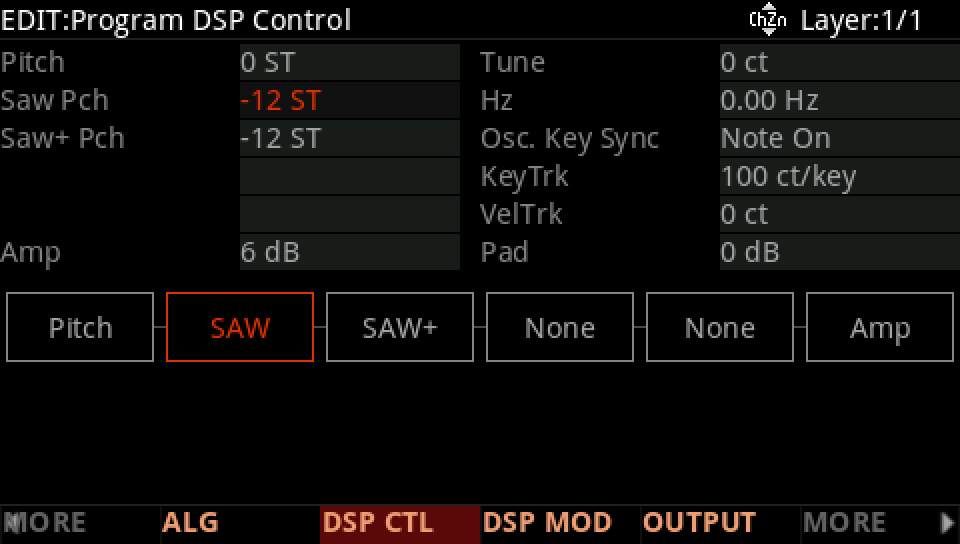
Press DSP CTL: the Saw Pch row at -12 ST.
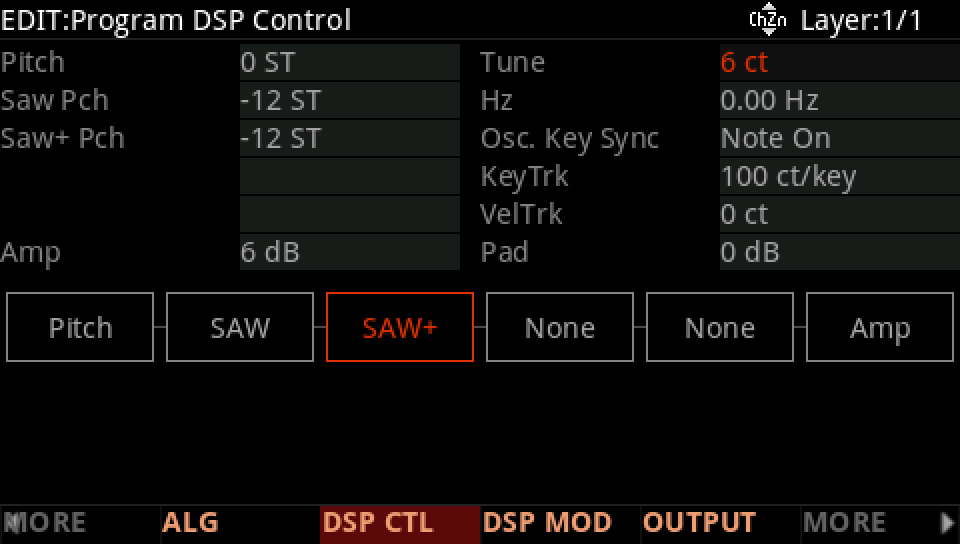
The Saw+ Pch row at -12 ST, Fine 6 ct: two saws a little apart.
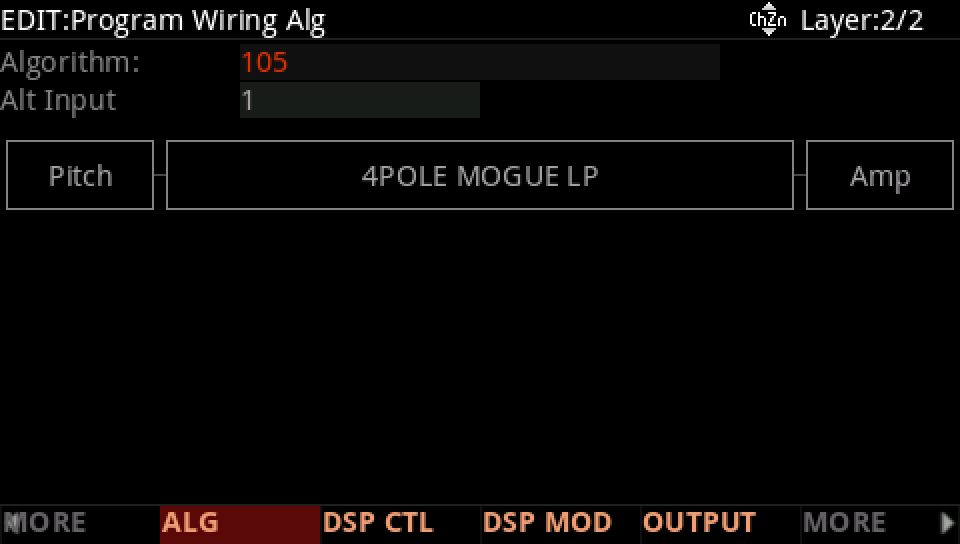
DUP LYR, and on layer 2 ALG 105: a cascade whose input is layer 1's sound. Its one place, F1-F4, takes the 4POLE MOGUE LP, and Alt Input is layer 1.
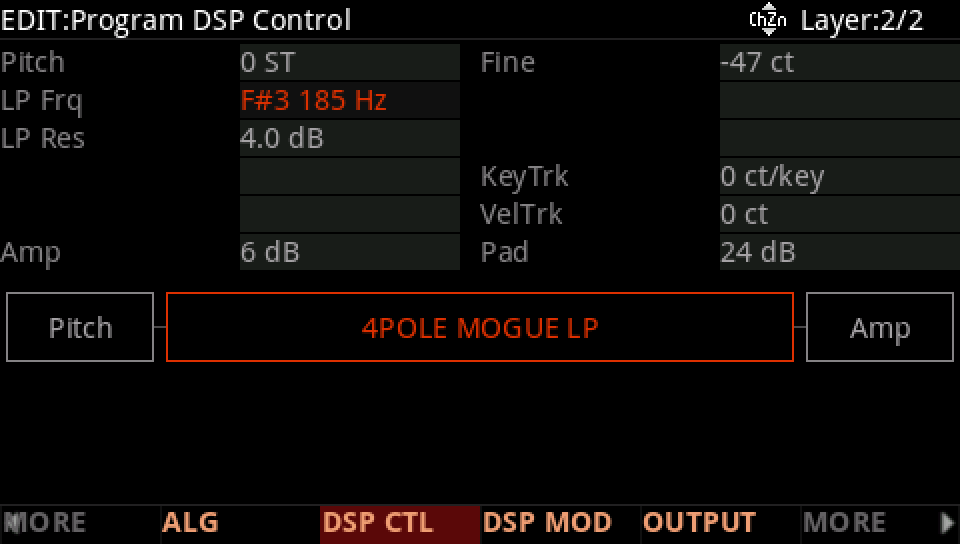
Layer 2, DSP CTL: LP Frq F#3 185 Hz.
Layer 1, DSP CTL: the Amp row to -96 dB. Unheard, it still feeds layer 2.
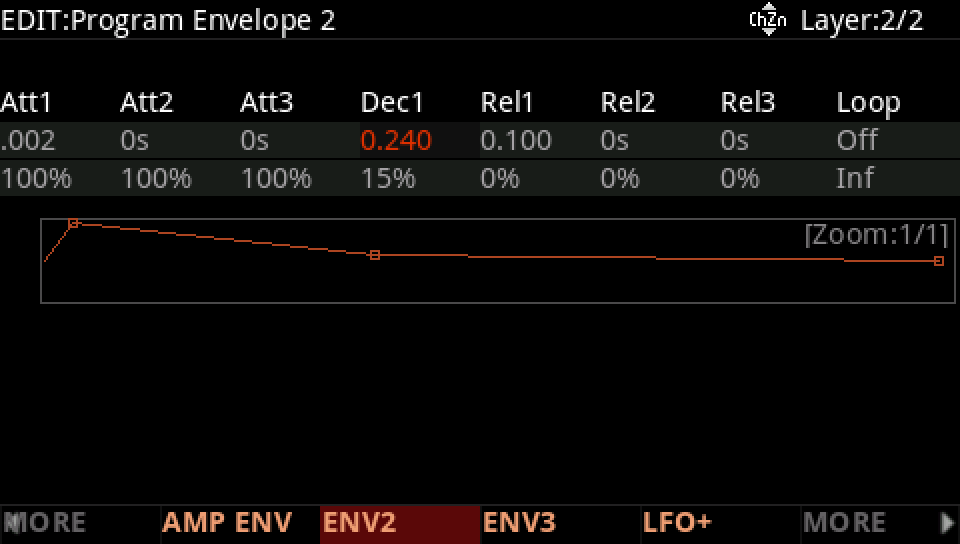
Layer 2, ENV2: Att1 2 ms, Dec1 0.24 s to 15 %.
Layer 2, DSP MOD: the LP Frq row's Source 2 ENV2, Depth Ctl ON, Max Depth 3600 ct.
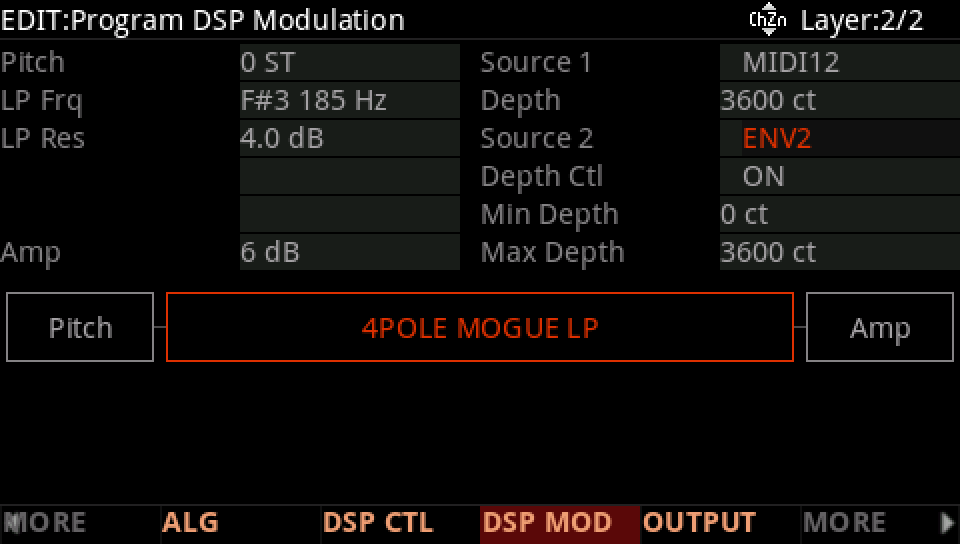
Depth Ctl to AttVel, Min Depth 1200 ct, Max Depth 4800 ct: velocity sets how far ENV2 opens.
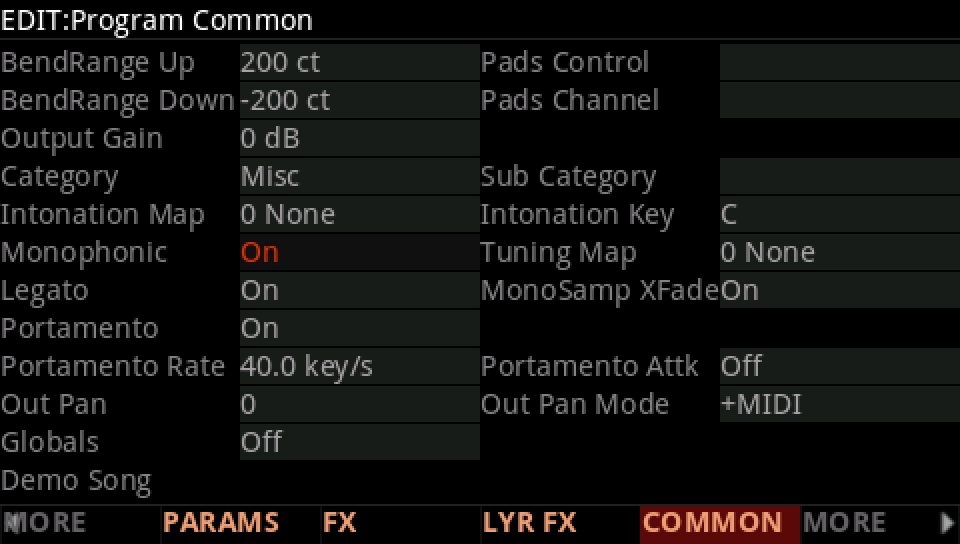
Press COMMON: Mono On, Portamento On at 40.0 key/s.
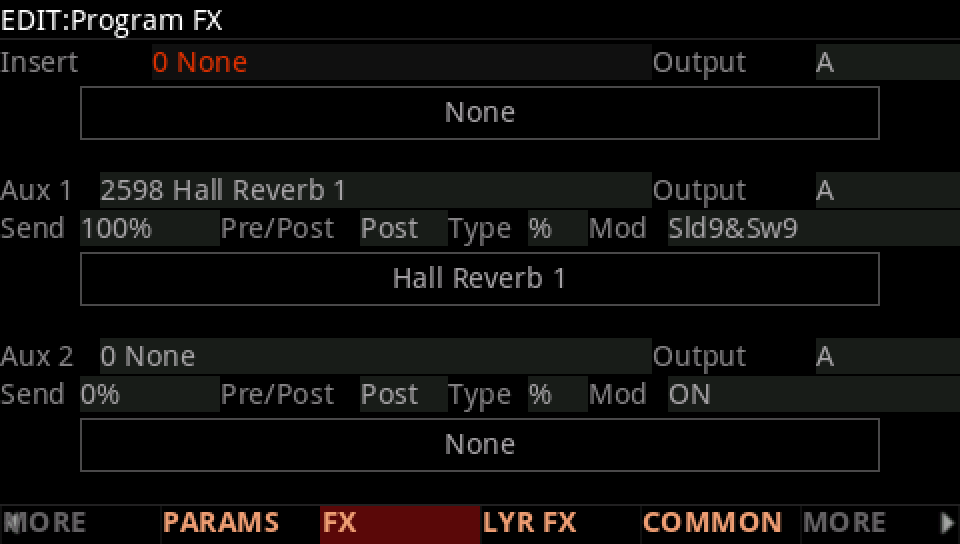
Press FX: the insert chain to 0, None.
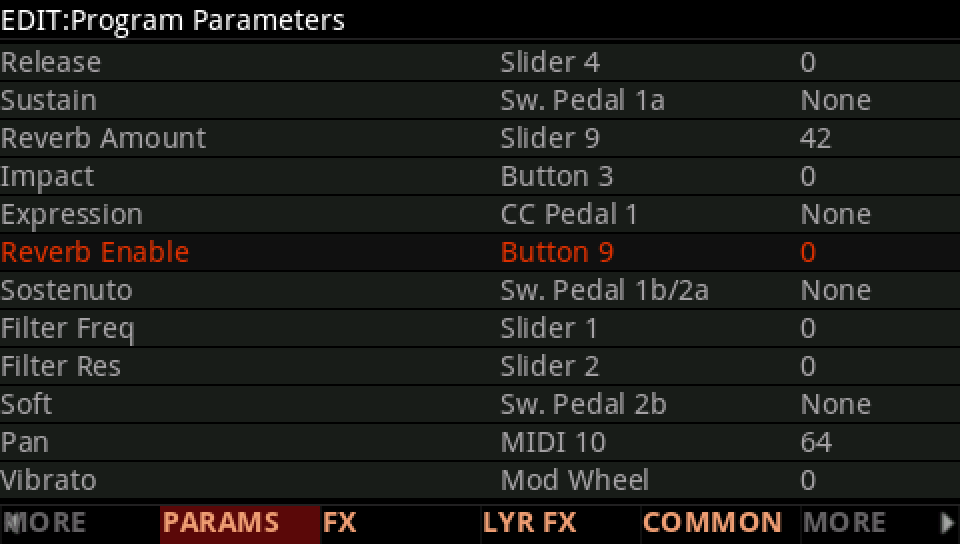
Press PARAMS: Reverb Enable to 0.
Press SAVE, RENAME it, and SAVE it on a USER ID of its own.