Ensemble strings
StringsDSP MOD · ALG · DSP CTL · AMP ENV · FXSynth strings are many players made of few: a pulse whose width keeps moving, a second layer a few cents away, a soft attack and release, and a chorus that spreads them into an ensemble.
SEE IT MOVE
Computed in your browser with KINSPIRATION's engine, sample by sample, from each step's whole program: its oscillators, filters, envelopes, LFOs and effects. It is close to the K2700, not the K2700 itself.
WHAT TO KNOW
PULSE WIDTH MODULATION
An LFO on PWM Wid makes the pulse's tone sway: two layers at two LFO rates never sway together.
THE CHORUS IN THE INSERT
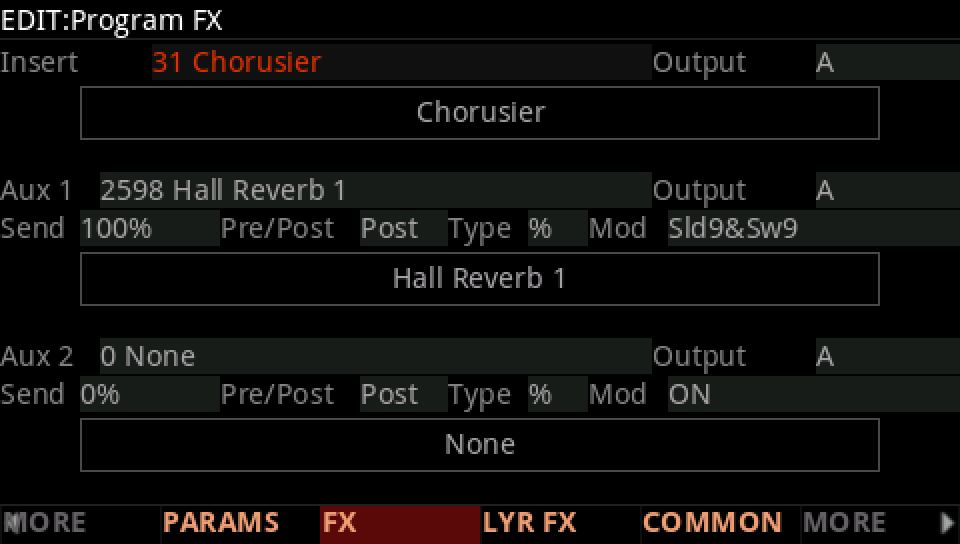
Chorusier is a dual chorus in the insert: all the sound goes through it, half wet.
IN THE FACTORY PROGRAMS
141 factory layers play a PWM; what moves their width:
PWM WID · ITS SOURCES
STRINGS PROGRAMS · THEIR INSERT CHAIN
FIND THEM ON YOUR K2700
HOW TO ON YOUR K2700 · your start
Build the strings on your start: a moving pulse, a second player, a softer tone, a bowed envelope and a chorus.
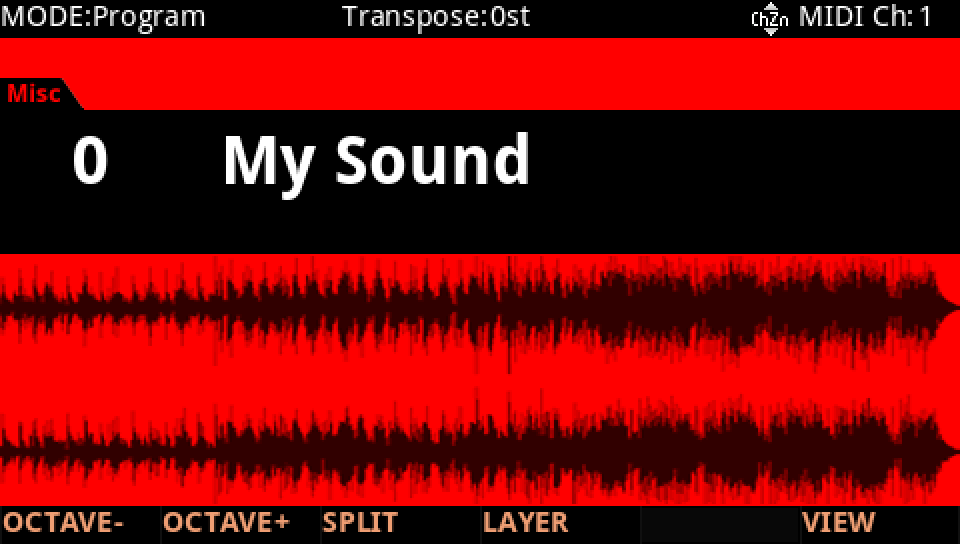
In Program mode choose your start, saved at the end of lesson 1 (My Sound, on its USER ID).
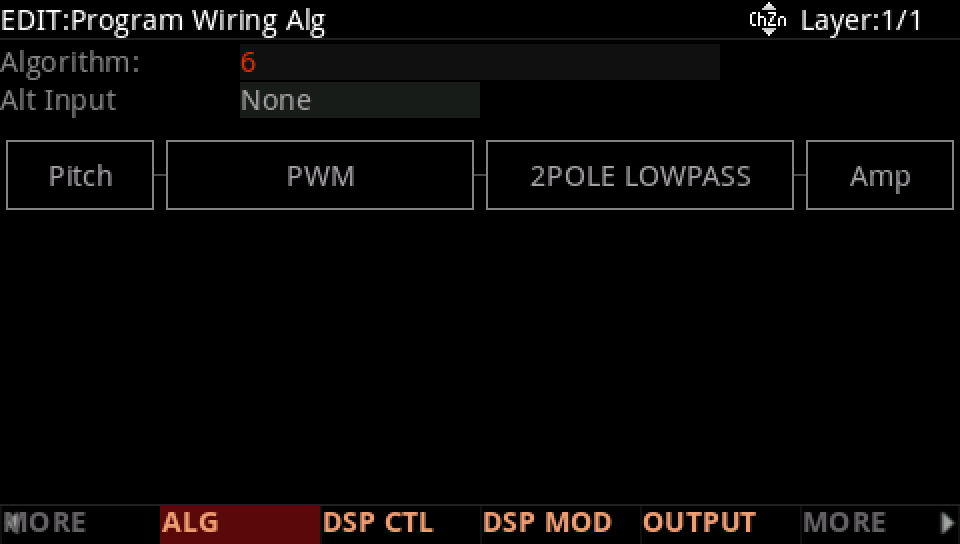
Press EDIT, then ALG (Algorithm 6): the cursor on F1-F2, and the Alpha Wheel from SAW to PWM; on DSP CTL its Pad to 0 dB.
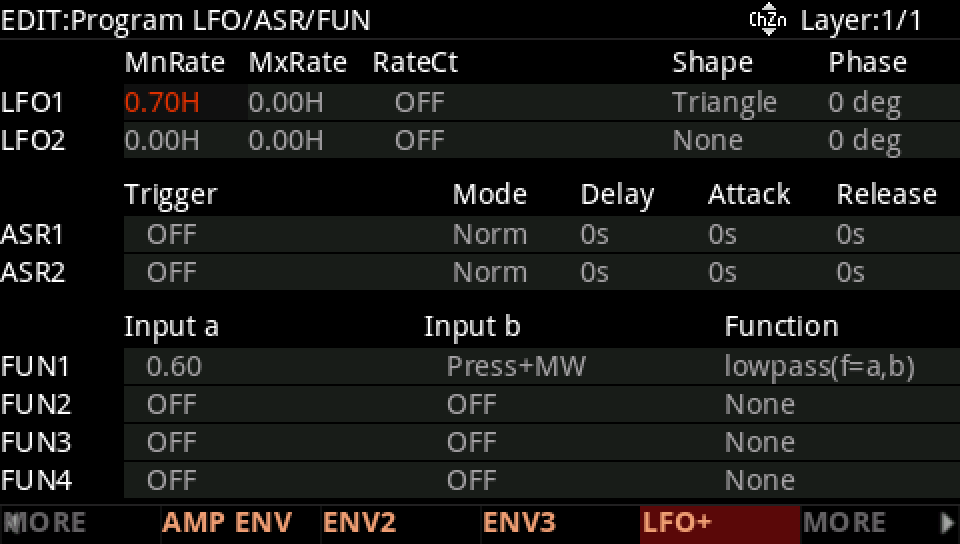
Press LFO+: LFO1 a Triangle at 0.70 Hz.
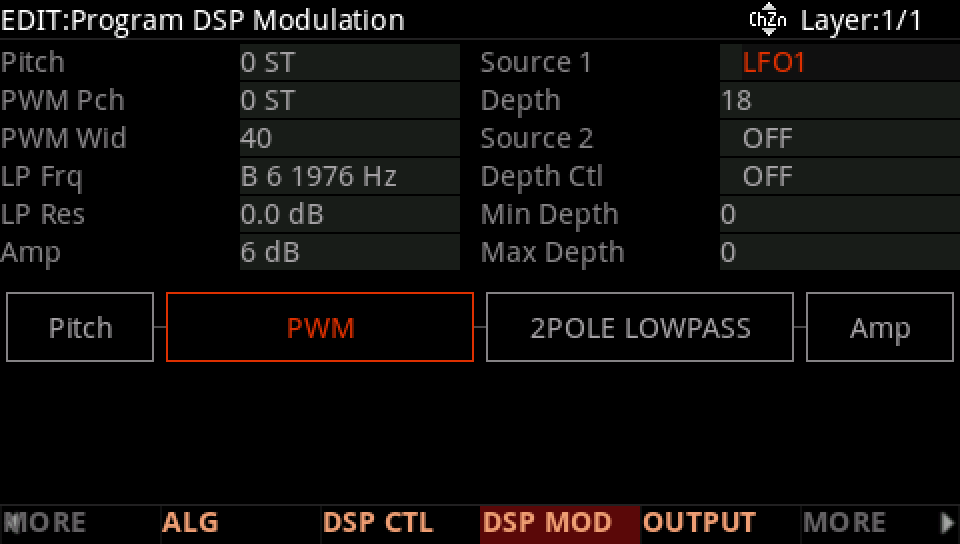
DSP MOD: on the PWM Wid row Source 1 LFO1, Depth 18.
DUP LYR; on layer 2's DSP CTL the PWM Pch row's Fine to 7 ct.
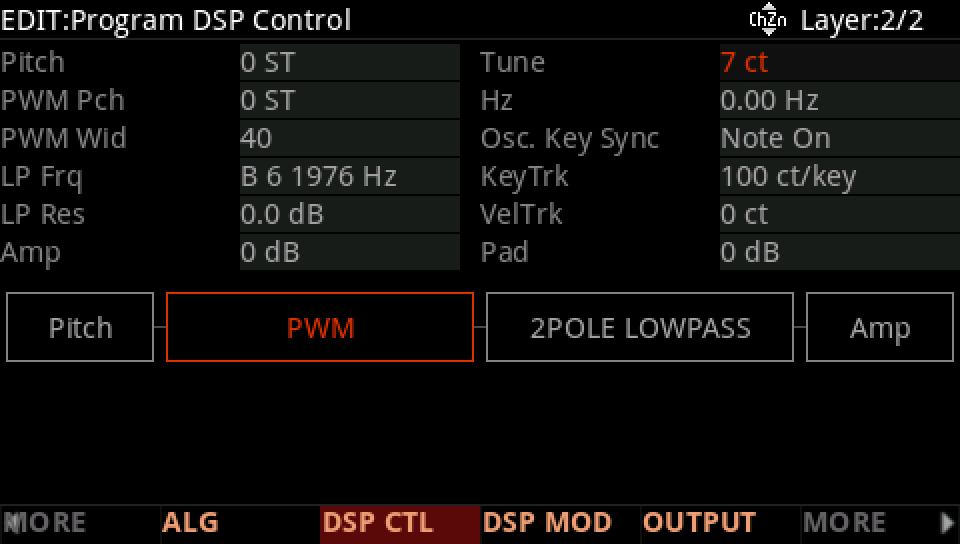
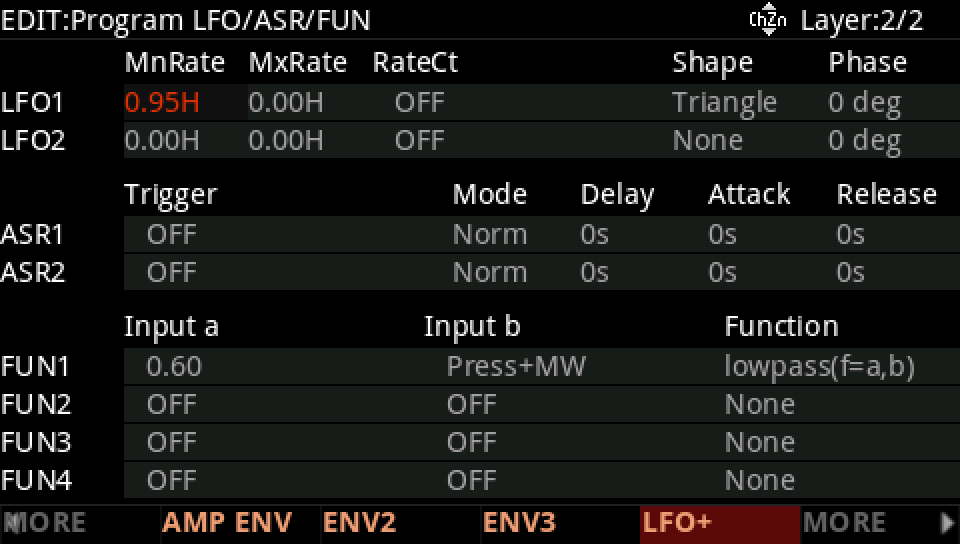
Layer 2's LFO+: LFO1 at 0.95 Hz.
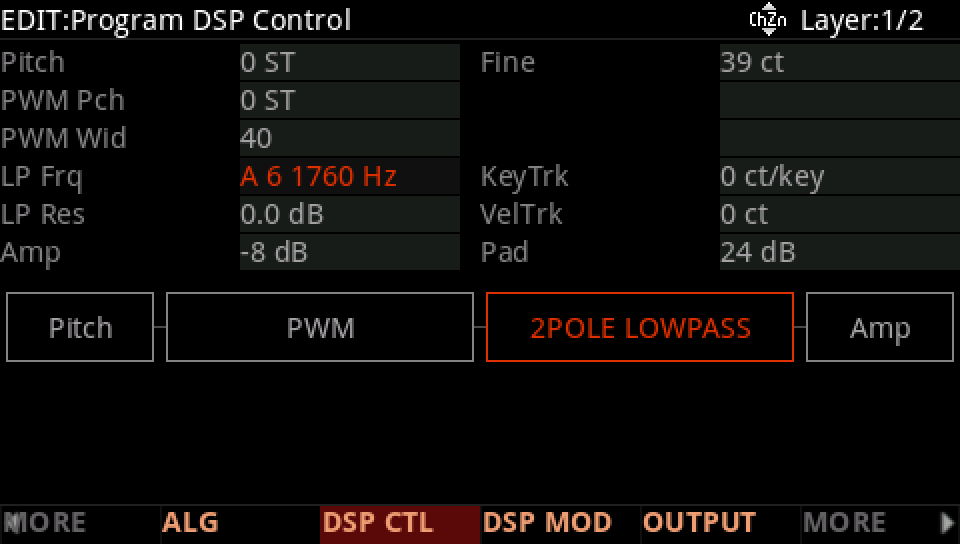
DSP CTL on both layers: LP Frq A 6 1760 Hz.
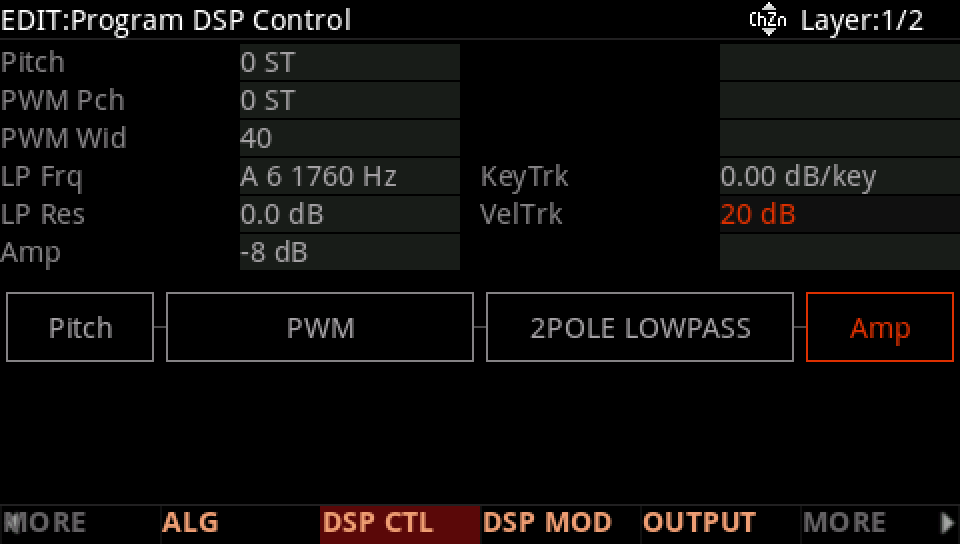
The Amp row: -8 dB, VelTrk 20 dB.
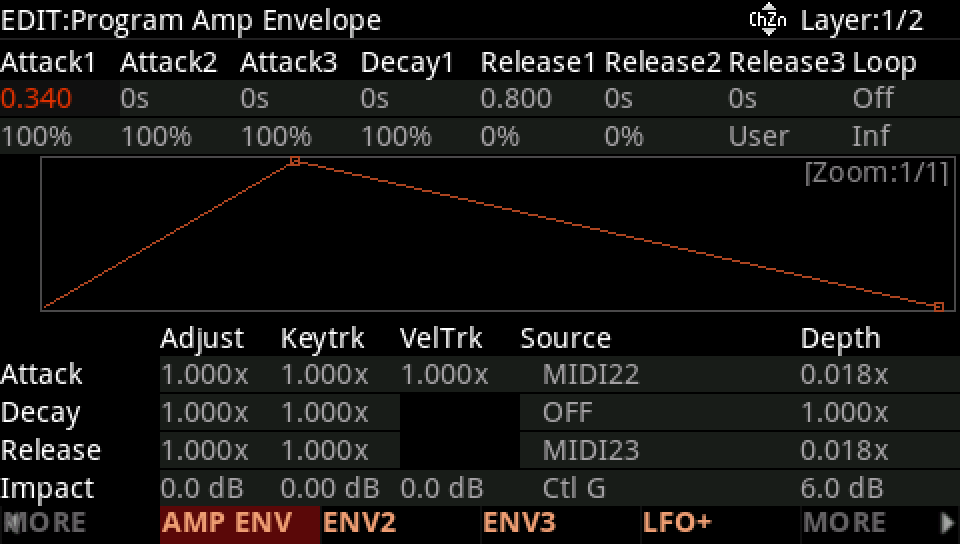
Press AMP ENV: on both layers Att1 0.34 s, Rel1 0.8 s.
Press FX: the insert chain to 31, Chorusier.
Press SAVE, RENAME it, and SAVE it on a USER ID of its own.