A warm pad
PadDSP CTL · DSP MOD · AMP ENV · LFO+ · OUTPUTA pad is a held chord that breathes. Two saws a few cents apart beat against each other, the filter takes their edge off, a slow envelope lets each chord swell and fade, and a slow LFO keeps the filter moving. Each saw is a layer of its own: DUP LYR makes the second, and a layer's change is made on both.
SEE IT MOVE
Computed in your browser with KINSPIRATION's engine, sample by sample, from each step's whole program: its oscillators, filters, envelopes, LFOs and effects. It is close to the K2700, not the K2700 itself.
WHAT TO KNOW
DETUNE
A few cents apart, two saws beat slowly: +8 ct is a gentle chorus, 20 ct and more a sour one.
ONE CHANGE, TWO LAYERS
After DUP LYR every page shows one layer at a time: CHANNEL/LAYER goes to the other, to make the same change there.
IN THE FACTORY PROGRAMS
The 114 Pad programs: their layers' User AMPENV attacks (Att1) have a median of 0.04 s; 142 take half a second or more.
THE PADS' ATT1
LAYERS PER PAD
FIND THEM ON YOUR K2700
HOW TO ON YOUR K2700 · your start
Build the pad on your start: a second saw, a darker filter, a slow envelope, a moving filter and two sides.
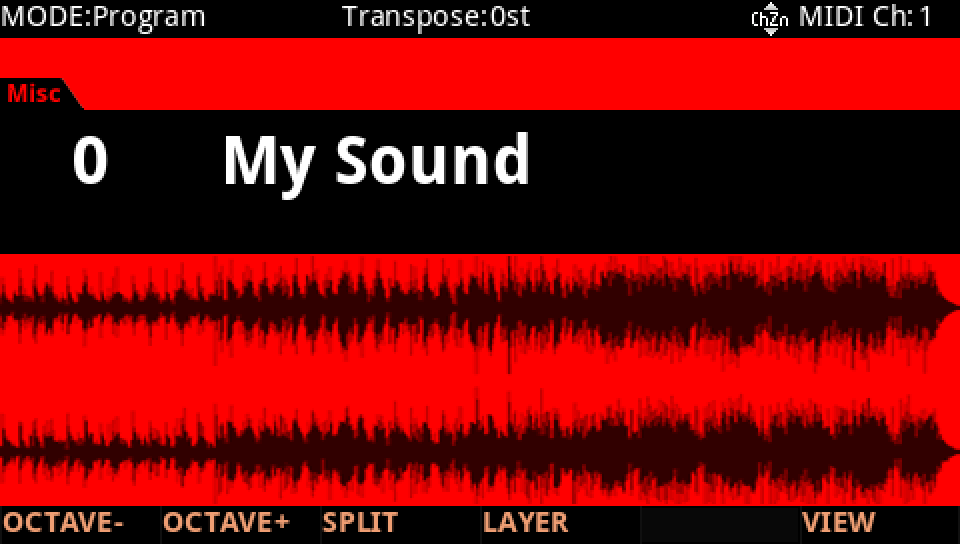
In Program mode choose your start, saved at the end of lesson 1 (My Sound, on its USER ID).
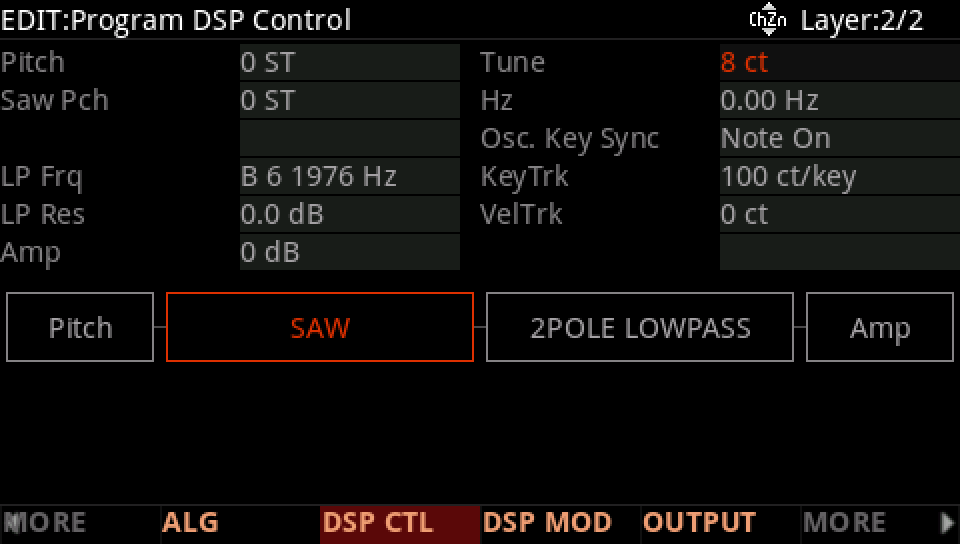
Press EDIT, then MORE until DUP LYR shows, and press it: layer 2 copies layer 1. Go to layer 2 (CHANNEL/LAYER ▲), press DSP CTL, and on the Saw Pch row set Fine to 8 ct.
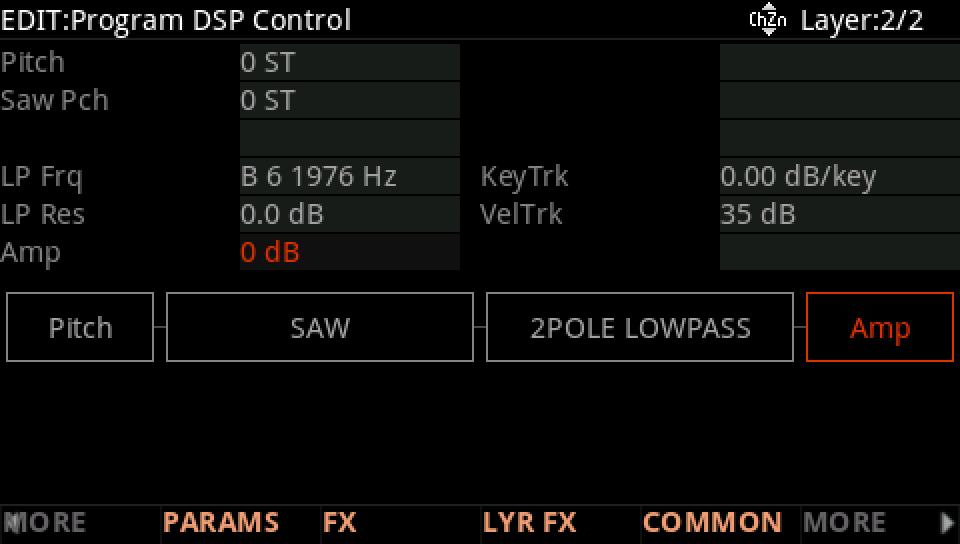
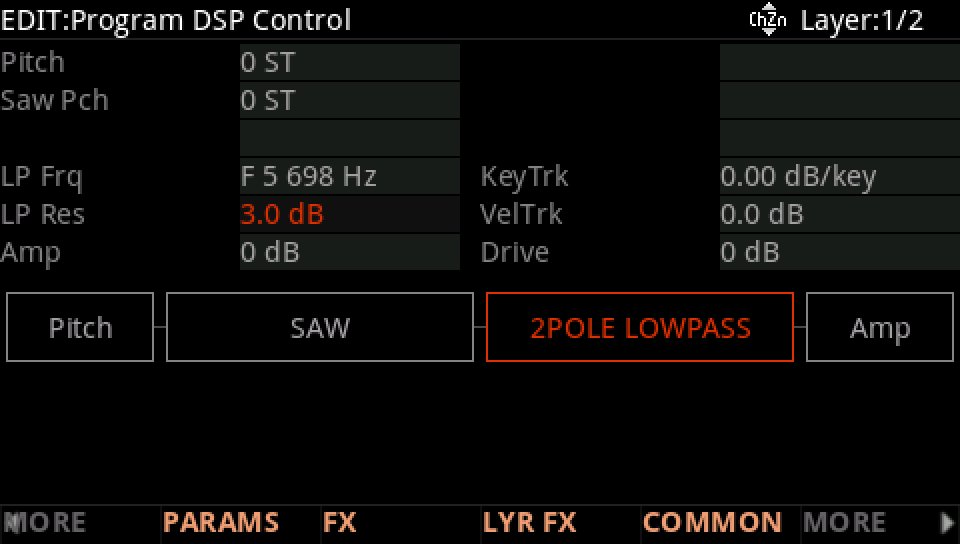
On the Amp row of each layer set the value to 0 dB: two layers together are 6 dB louder.
On both layers, LP Frq to F 5 698 Hz.
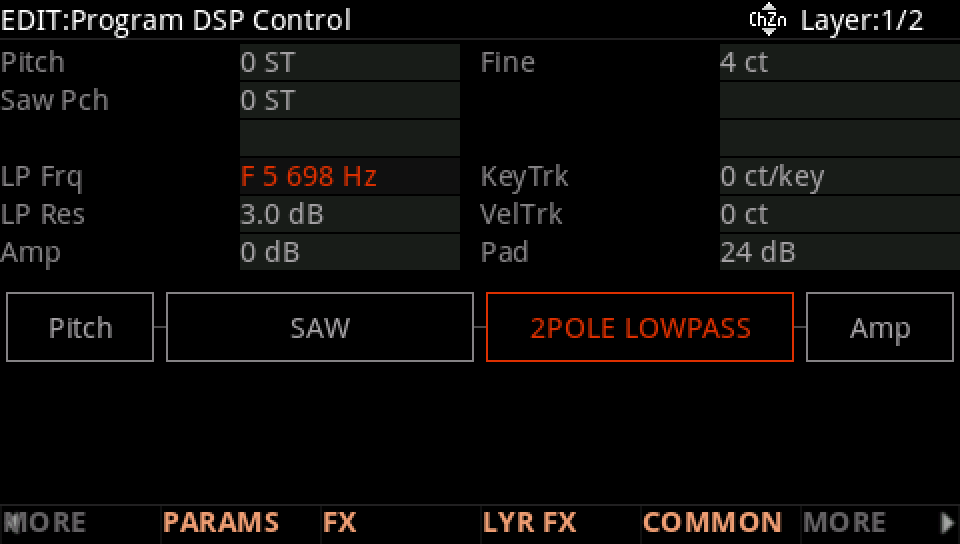
And LP Res to 3.0 dB.
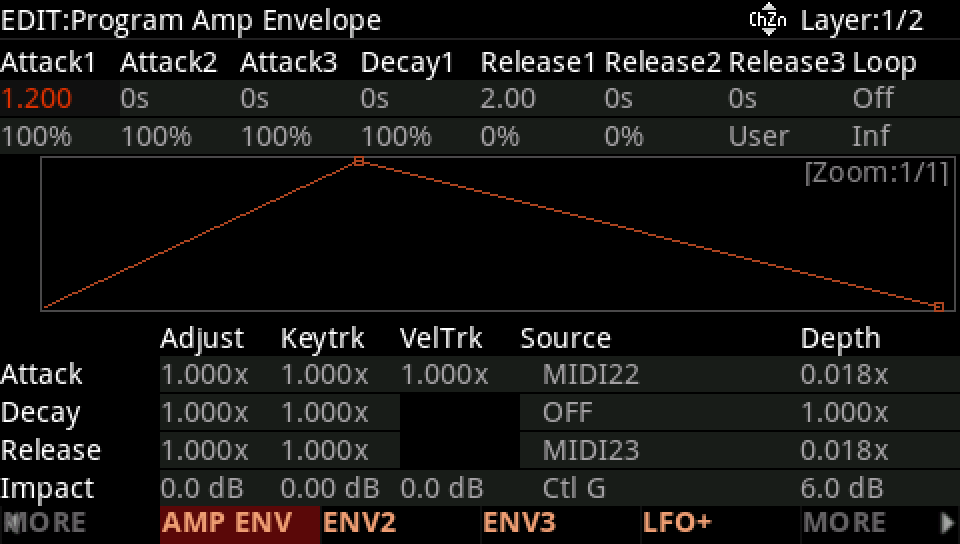
Press AMP ENV: on both layers Att1 1.2 s and Rel1 2 s.
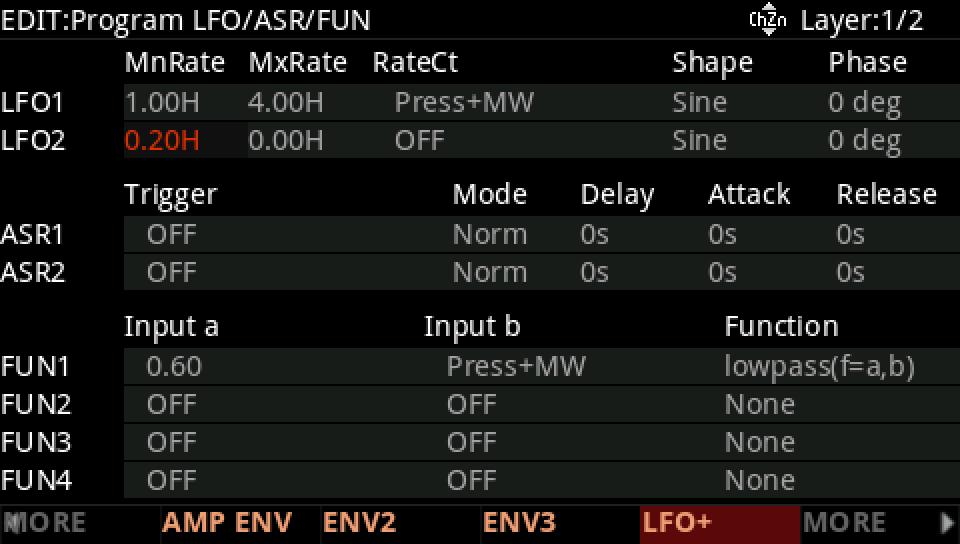
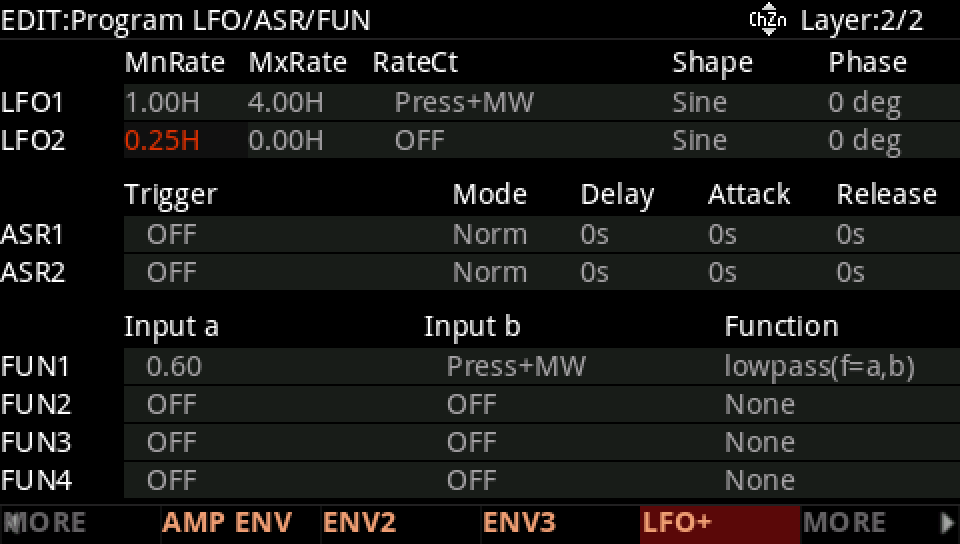
Press LFO+: on layer 1 LFO2 a Sine at 0.20 Hz.
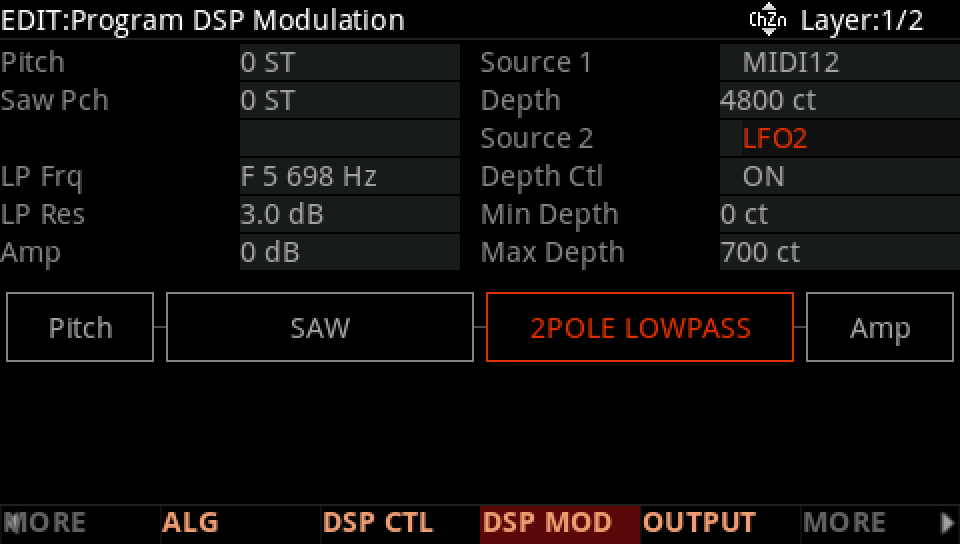
Press DSP MOD: on the LP Frq row Source 2 LFO2, Depth Ctl ON, Max Depth 700 ct. The same on layer 2.
On layer 2, LFO2 at 0.25 Hz: the two filters drift apart.
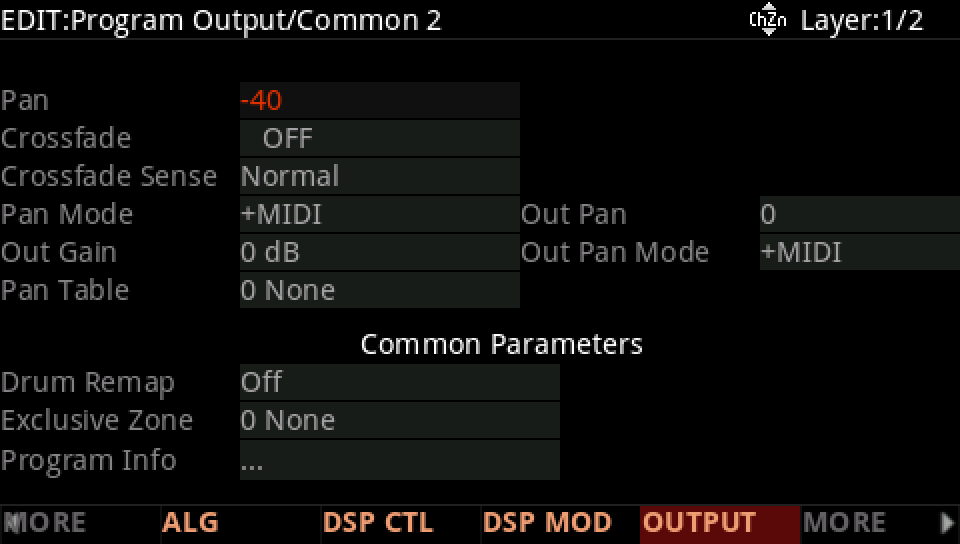
Press OUTPUT: layer 1's Pan -40, layer 2's 40.
Press SAVE, RENAME it, and SAVE it on a USER ID of its own.