The starting point
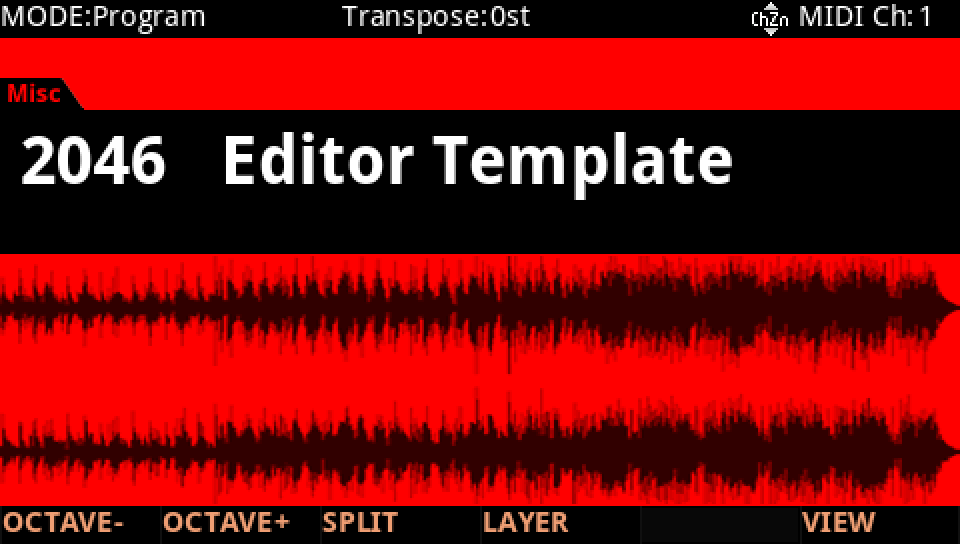
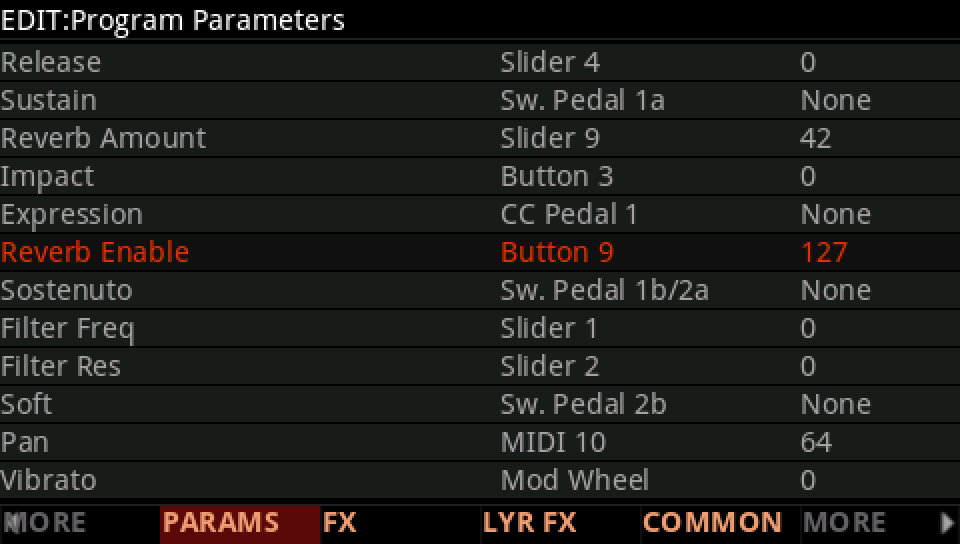
TemplateALG · KEYMAP · AMP ENV · DSP MOD · PARAMSEvery sound here starts from the same program: 2046 Editor Template. It has one layer, a 2POLE LOWPASS on the ALG, and the panel already wired the way the factory wires it: Slider 1 the filter, Slider 2 its resonance, Sliders 3 and 4 the attack and release, Slider 9 and Button 9 the reverb. It plays a sample, so the first changes make room for oscillators: the Silence keymap, a saw in the ALG's first place and an envelope of your own. Save it on a USER ID at once, and every sound after starts from your copy.
SEE IT MOVE
Computed in your browser with KINSPIRATION's engine, sample by sample, from each step's whole program: its oscillators, filters, envelopes, LFOs and effects. It is close to the K2700, not the K2700 itself.
WHAT TO KNOW
WHY SILENCE
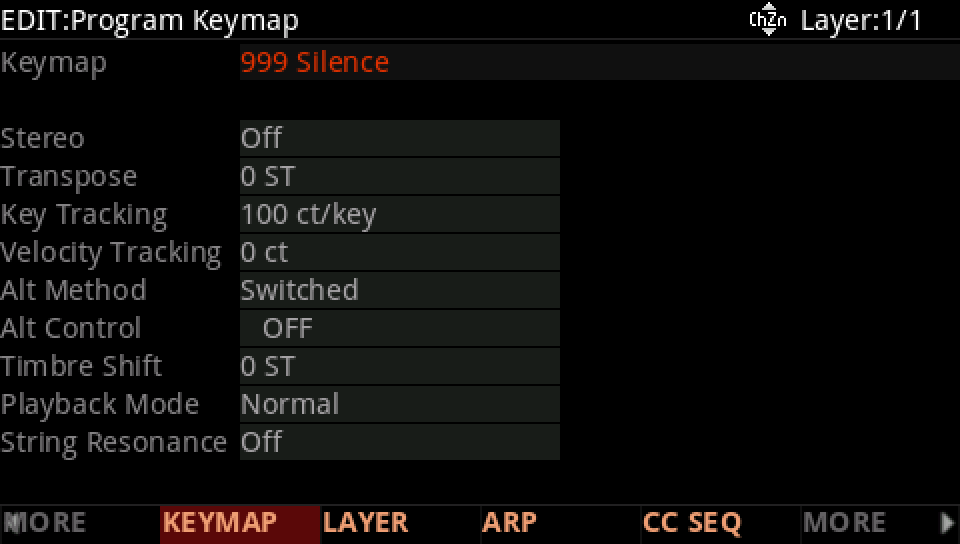
An oscillator makes its own sound; the keymap would play a sample on top. 999 Silence leaves the KEY empty, and the oscillators sound alone.
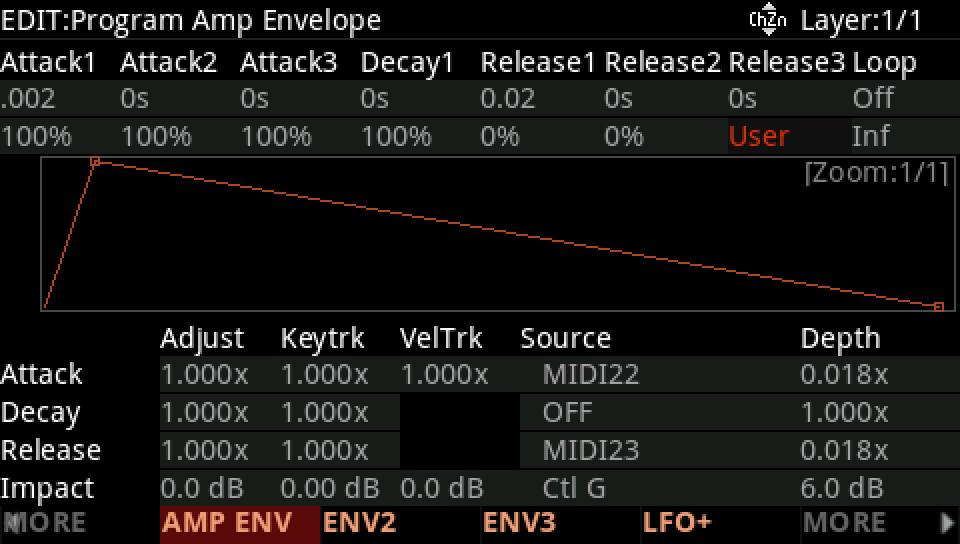
WHY 0.002 AND 0.02 SECONDS
Sliders 3 and 4 multiply the attack and release times. A time of 0 stays 0 whatever it is multiplied by, so the template's shortest times let the sliders work.
OSCILLATORS IGNORE PITCH
An oscillator is tuned on its own page (Saw Pch, PWM Pch). The PITCH row moves the keymap only, so the template's vibrato on PITCH does nothing to a saw.
THE TEMPLATE'S INSERT
Its insert chain, 2219 Orchestral 02, plays a chorus and a short delay, half wet; its EQ, enhancer, phaser and tremolo wait switched out. The sounds here keep it, except the bass.
IN THE FACTORY PROGRAMS
1,388 factory layers make their sound with oscillators; 324 of them play the Silence keymap, the rest an oscillator on top of a keymap's sound.
THE OSCILLATOR LAYERS' KEYMAPS
THEIR AMPENV
FIND THEM ON YOUR K2700
HOW TO ON YOUR K2700 · 2046 My Sound
Make 2046 Editor Template your start: Silence, a saw, an envelope of your own, the filter on Slider 1 and the hall on.
In Program mode choose 2046 Editor Template (KEYPAD, 2046, ENTER). It plays a piano through a 2POLE LOWPASS.
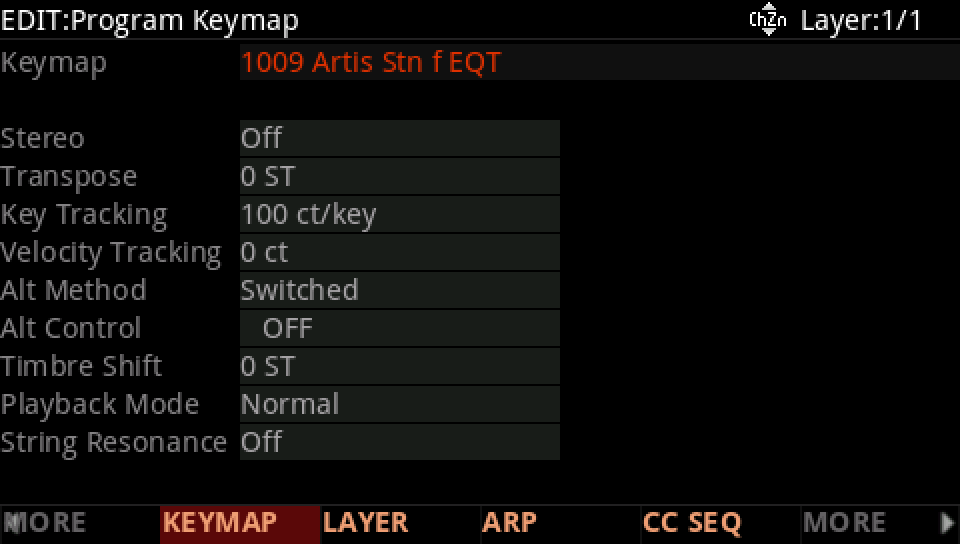
Press EDIT, then MORE and KEYMAP: Keymap 1 is 1009, Artis Stn f EQT.
With the cursor on Keymap 1 type 999 and press ENTER: 999, Silence. Nothing sounds now.
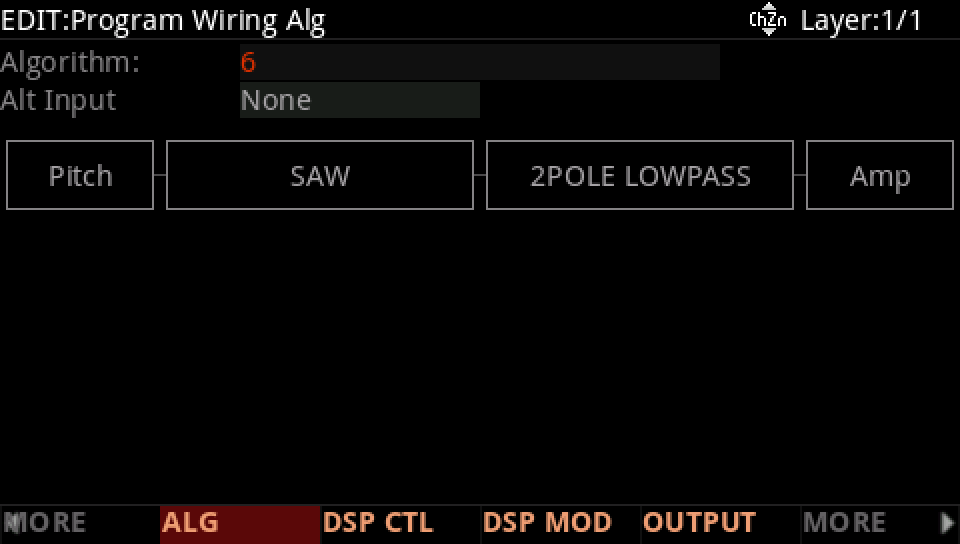
Press ALG: Algorithm 6, two places of two blocks. Move the cursor to the first, F1-F2, empty, and turn the Alpha Wheel to SAW: a saw into the filter.
Press AMP ENV and turn Mode to User. Set Att1 to 2 ms and Rel1 to 20 ms: short, and still long enough for Sliders 3 and 4 to stretch.
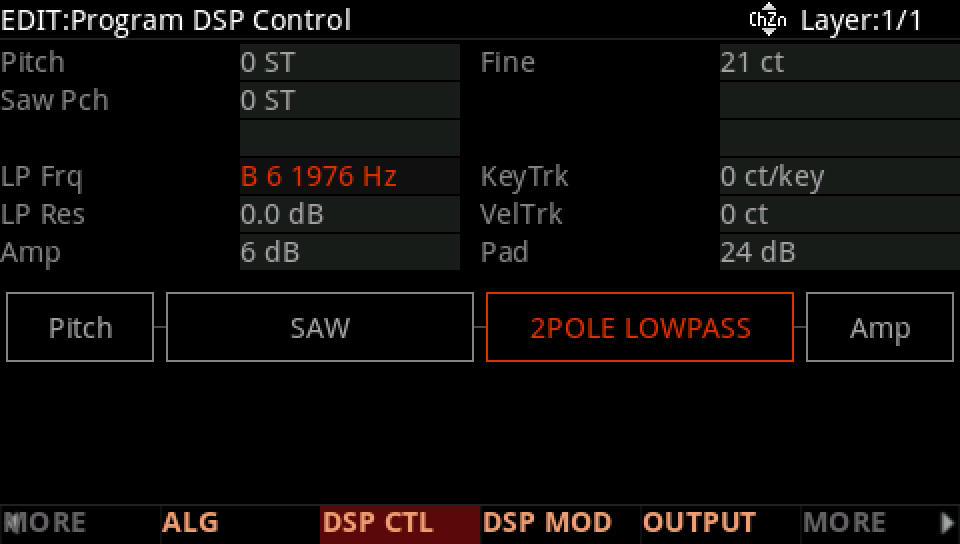
Press DSP CTL. On the LP Frq row set the value to B 6 1976 Hz.
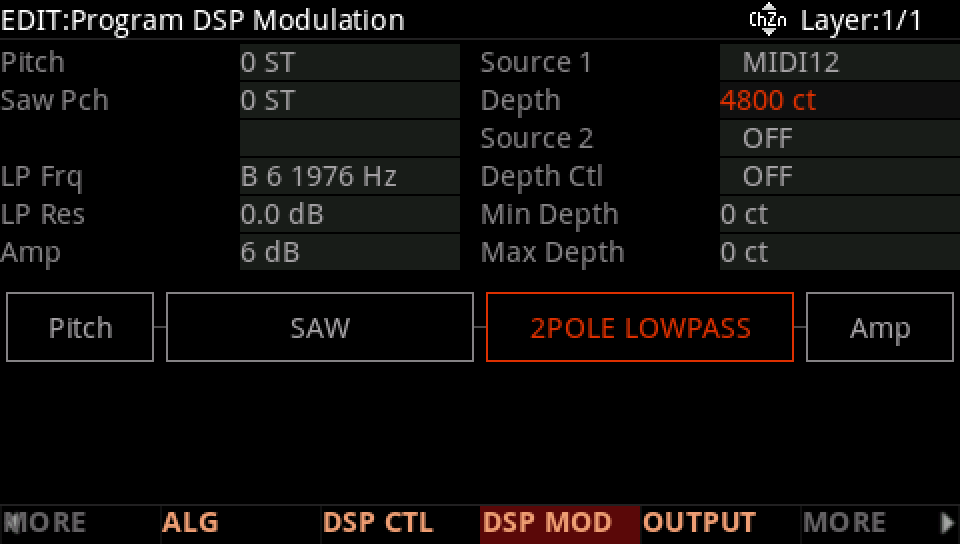
Press DSP MOD. The LP Frq row's Source 1 is MIDI12, Slider 1: set its Depth to 4800 ct.
Press PARAMS: Filter Freq is on Slider 1. Set its value to 0, so the program loads with the slider at the bottom.
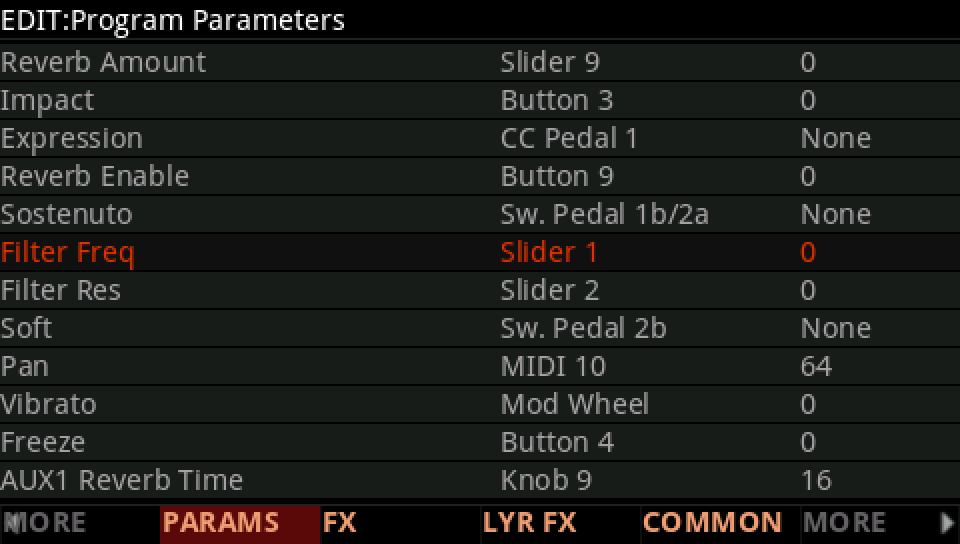
Reverb Enable (Button 9) to 127, and Reverb Amount to 42 the same way: the hall is on.
Press SAVE, RENAME it My Sound, and SAVE it on a USER ID: the start of every sound that follows.