Your own sound
Checklistthe steps, in orderEvery sound above took the same road: a start, a source, a filter, envelopes, movement, the effects and the panel. Here the road is a list to follow for a sound of your own, and a free bench to try its first choices: the oscillator, the filter, the envelope and an effect.
SEE IT MOVE
Computed in your browser with KINSPIRATION's engine, sample by sample, from each step's whole program: its oscillators, filters, envelopes, LFOs and effects. It is close to the K2700, not the K2700 itself.
WHAT TO KNOW
START
2046 Editor Template, SAVE on a USER ID, a name of your own.
SOURCE
KEYMAP 999 Silence; oscillators in the ALG's first places, tuned on their own pitch page.
ENVELOPE
AMP ENV User; 0.002 s and 0.02 s where the time should be short, so Sliders 3 and 4 can lengthen it.
FILTER
After the oscillators; LP Frq where the sound should sit, Slider 1 on Source 1, entering at 0.
FILTER ENVELOPE
ENV2 on LP Frq's Source 2, Depth Ctl AttVel: velocity sets how far it opens.
LAYERS
DUP LYR for a second oscillator a few cents away; a cascade (ALG 105) for a 4-block filter.
MOVEMENT
LFO1 on the oscillator's pitch with Depth Ctl MWheel; ASR1 x LFO1 by a FUN for a vibrato that waits.
PLAYING
COMMON: Mono, Legato, Portamento for lines; poly for chords.
EFFECTS
The insert for chorus or delay on everything; the aux sends for the hall and the echo, about a third.
LEVEL
AMP Level per layer, about -6 dB with two layers; a block that clips sounds harsh, its Pad lowers it.
PANEL
PARAMS: each control labelled; COMPARE against the saved one; SAVE.
SAVE AS YOU GO
SAVE on a USER ID after each step that works: the factory program is always there, your last good step too.
LISTEN AT THE LEVEL
Two layers at the same level are 6 dB louder than one: lower each layer's AMP Level rather than push the volume.
IN THE FACTORY PROGRAMS
What the 1,388 oscillator layers put in their ALGs, the functions most used:
THE OSCILLATOR LAYERS' FUNCTIONS
FIND THEM ON YOUR K2700
HOW TO ON YOUR K2700 · your start
The checklist on your K2700: where each of its steps is, on your start.
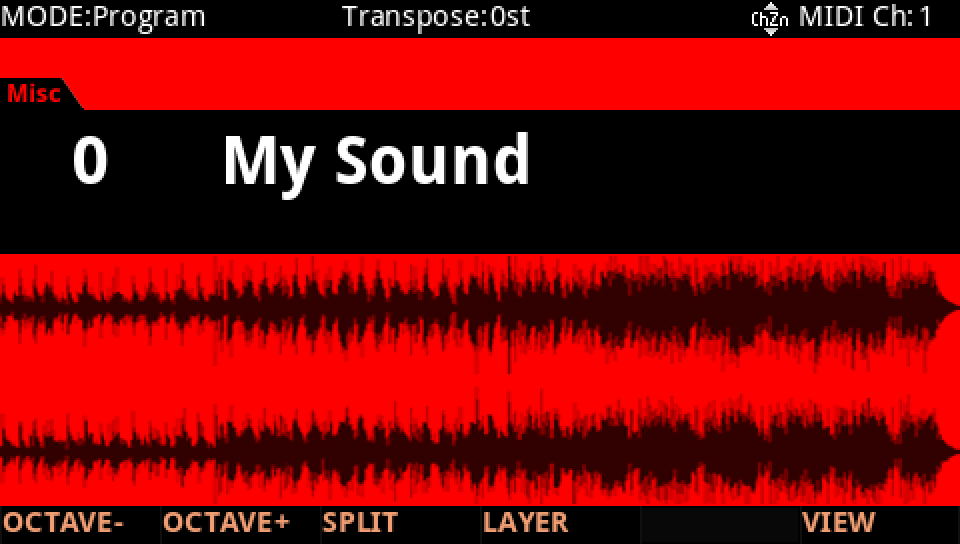
In Program mode choose your start, saved at the end of lesson 1 (My Sound, on its USER ID).
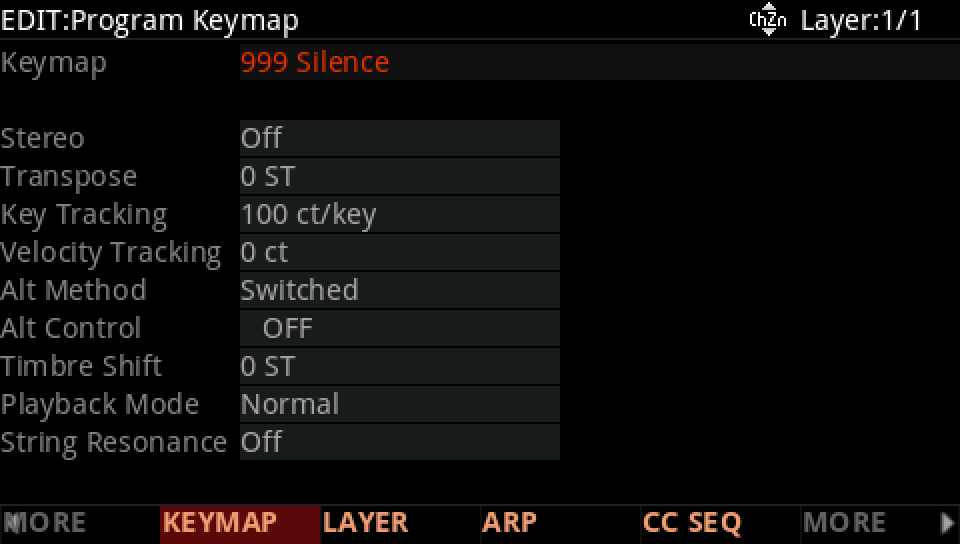
Source: press EDIT, MORE and KEYMAP. Keymap 1 999, Silence.
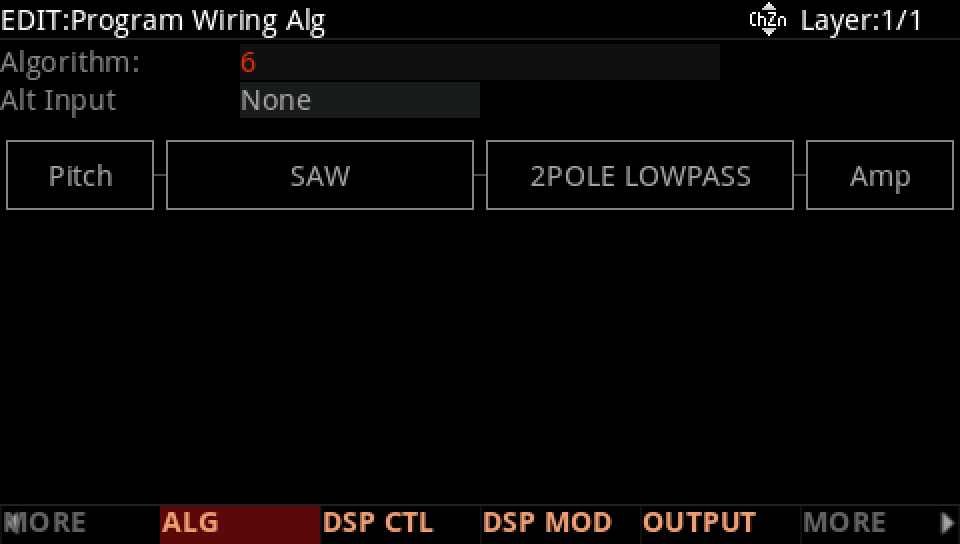
ALG: 6. The first places take the oscillators, the filter comes after.
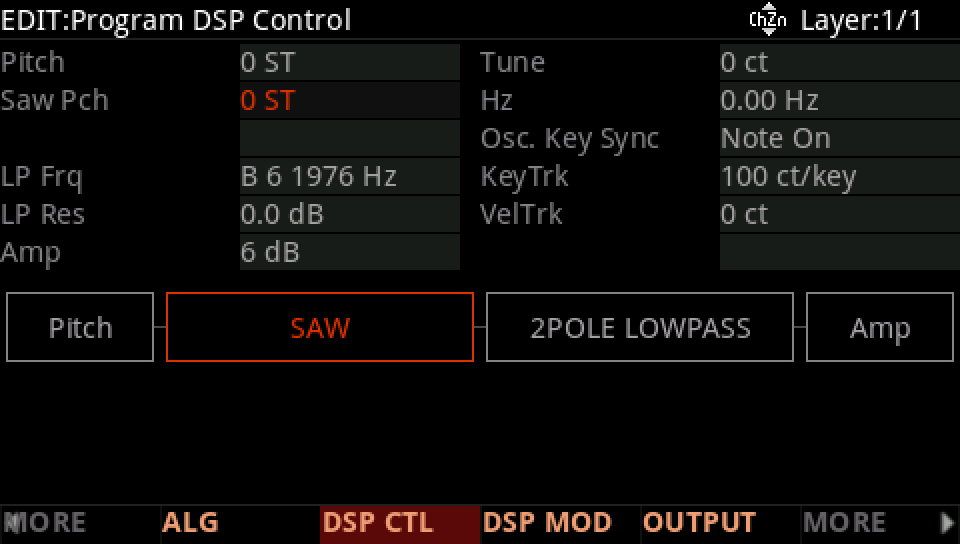
DSP CTL: each oscillator tuned on its own row (Saw Pch 0 ST); the filter's value is where it sits.
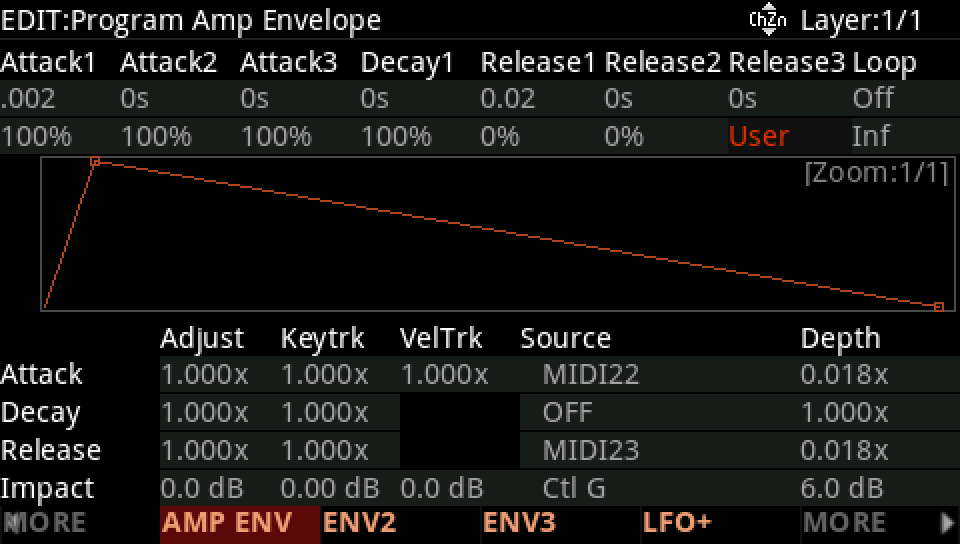
AMP ENV: Mode User, Att1 2 ms, Rel1 20 ms.
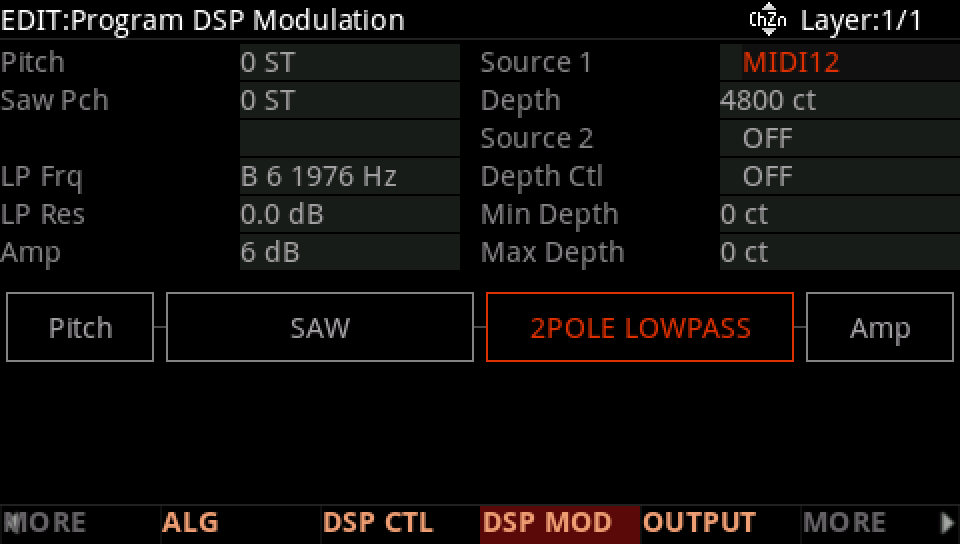
DSP MOD: what moves each row. LP Frq's Source 1 is MIDI12, Slider 1; Source 2 is where ENV2 goes.
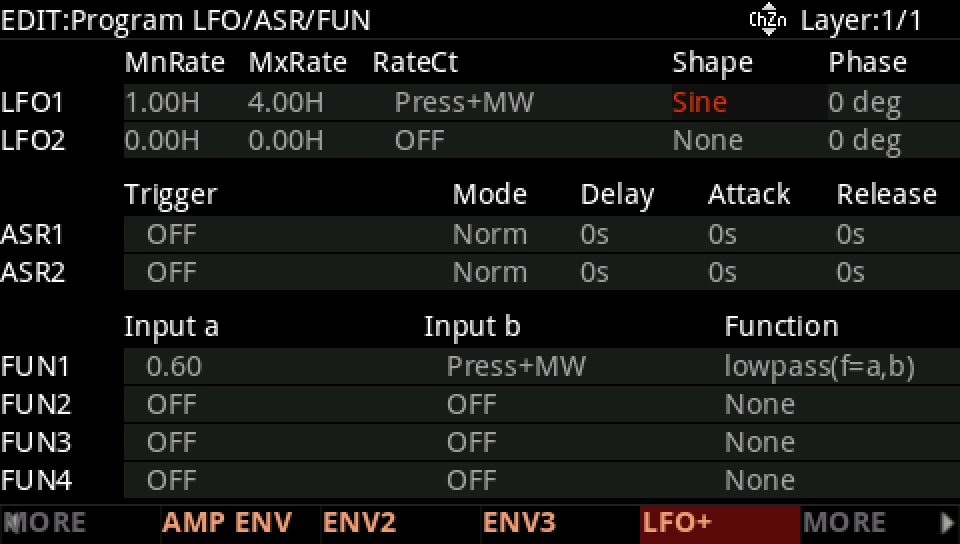
LFO+: the LFOs, ASRs and FUNs. LFO1 Sine at 1.00 Hz.
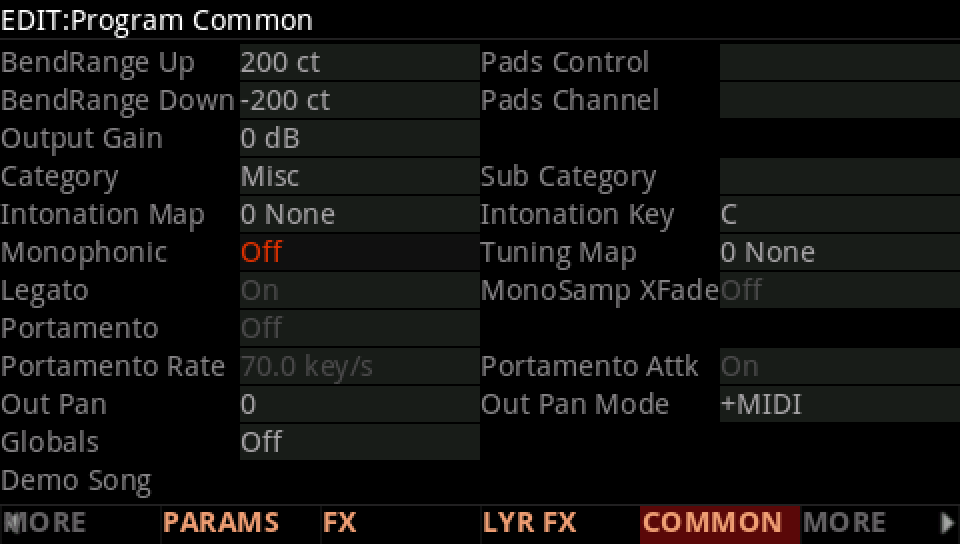
COMMON: Mono Off, Portamento Off.
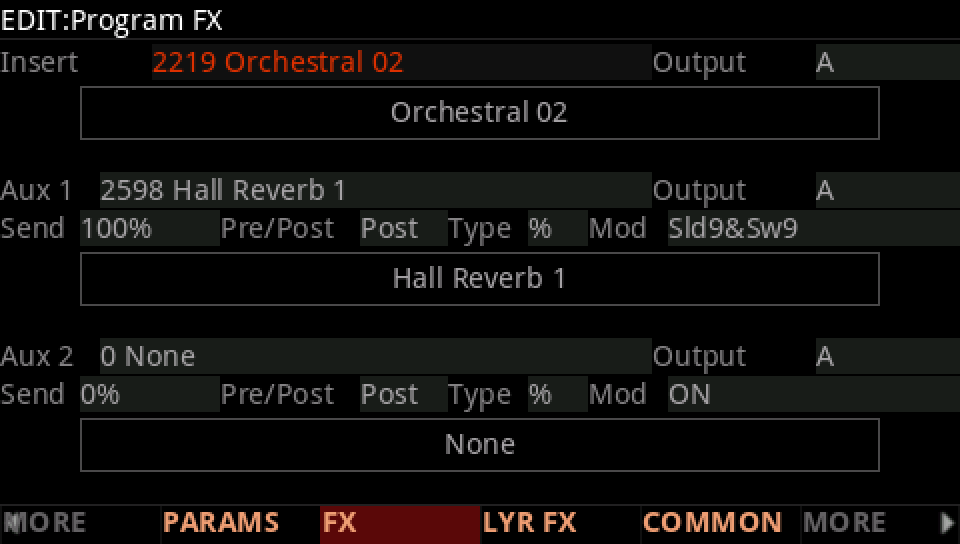
FX: the insert 2219, Orchestral 02, and Aux 1 2598, Hall Reverb 1.
PARAMS: Filter Freq on Slider 1; label every control you use.
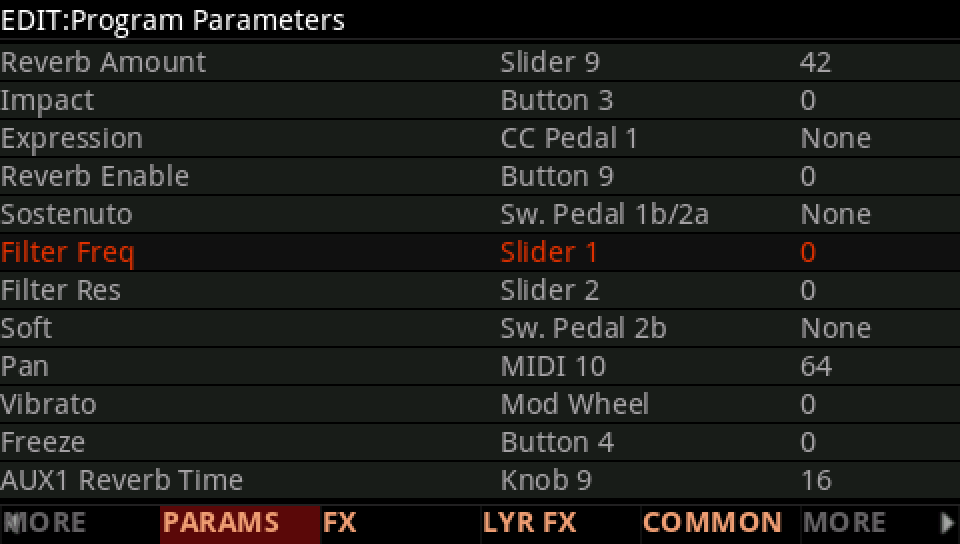
COMPARE against the saved version, then SAVE.