Layers
NEW · DUP · DEL · SOLO · MUTECHANNEL/LAYER · NEW LYR · DUP LYR · IMP LYR · DEL LYRA program is up to 32 layers that play together, each with its own keymap, keys, envelopes and wiring. NEW LYR adds a layer, DUP LYR copies the current one, IMP LYR brings one in from another program, DEL LYR deletes one. SOLO LYR and MUTE LYR let you hear one layer alone, or the others without it.
SEE IT MOVE
The screens are the K2700's pages for the factory program named; the maps are drawn from its layers and its PARAMS rows. Nothing plays here: open the program on your K2700 and listen as you go.
WHAT TO KNOW
WHERE THEY GO
NEW LYR and DUP LYR add the layer after the last one. DEL LYR renumbers the layers after the one it deletes, so a layer that names another by number may need a look.
IMPORT
IMP LYR shows a Source Program and its layers: PROG- and PROG+ choose the program, LAYER- and LAYER+ its layer, heard with yours; IMPORT copies it in.
USE IT FOR
Layers stack sounds (a pad under a piano), split the keyboard (a bass below), switch by velocity (soft and hard samples) or bring in a sound from a control (VARIATION).
WATCH OUT
Every layer is a voice for every note it plays: ten layers on one key take ten voices. SOLO and MUTE are for listening while you edit; they are not saved.
IN THE FACTORY PROGRAMS
184 factory programs play one layer; half play 4 or more; 32 is the most, in 683 Bull Brass. 9,021 layers in all.
LAYERS PER PROGRAM
THE MOST LAYERS
FIND THEM ON YOUR K2700
HOW TO ON YOUR K2700 · 304 Bass & Violins
Bass & Violins plays ten layers. Find the bass, hear it alone, and copy it.
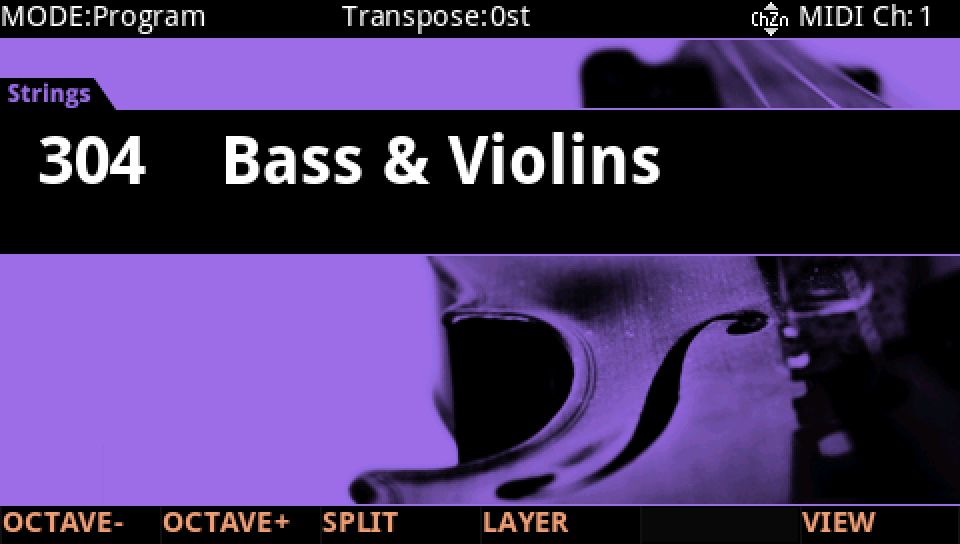
In Program mode choose 304 Bass & Violins (KEYPAD, 304, ENTER).
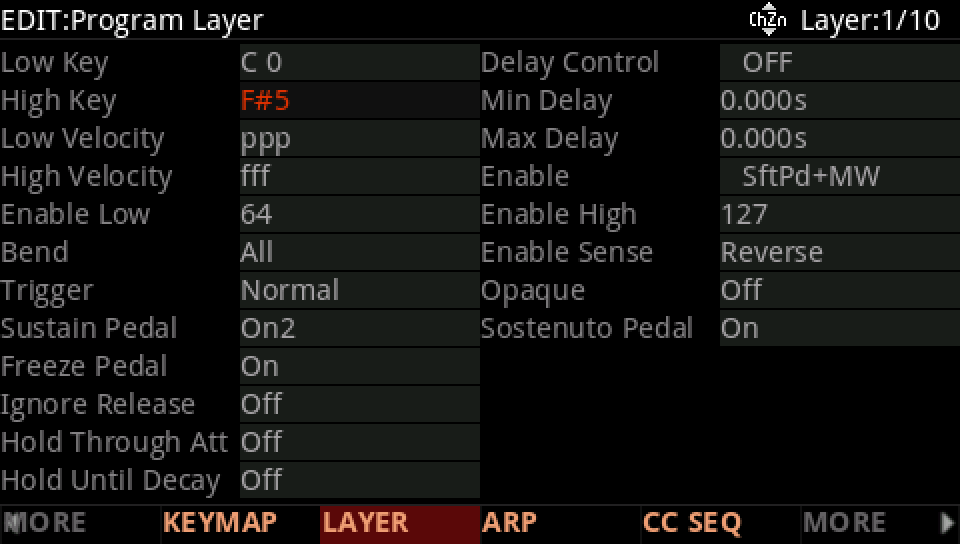
Press EDIT, then MORE until LAYER shows, and LAYER. Layer 1 plays from C 0 to F#5; the top right says which layer of how many.
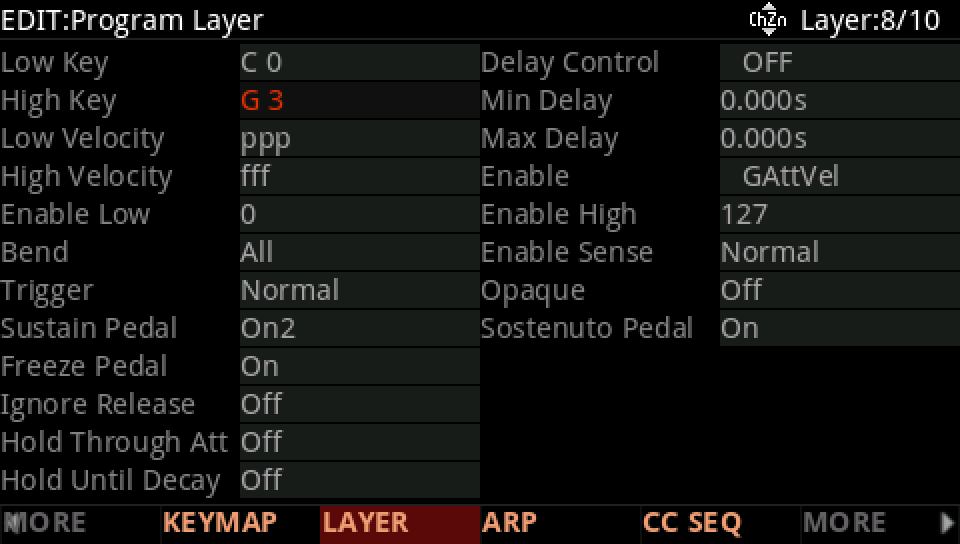
Press CHANNEL/LAYER ▲ seven times, to layer 8, the double bass: from C 0 to G 3.
Press MORE until SOLO LYR shows, and press it: only layer 8 plays, and its soft button lights. Press it again to hear every layer.
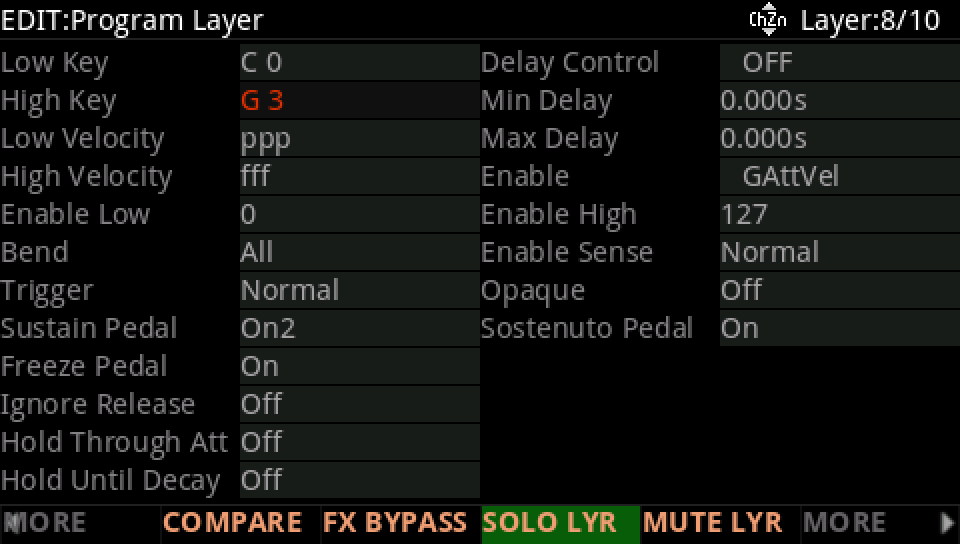
MUTE LYR does the opposite: every layer but this one. Press MORE back to NEW LYR and DUP LYR. DUP LYR copies the current layer and adds the copy after the last one, as layer 11; NEW LYR adds a new layer there.
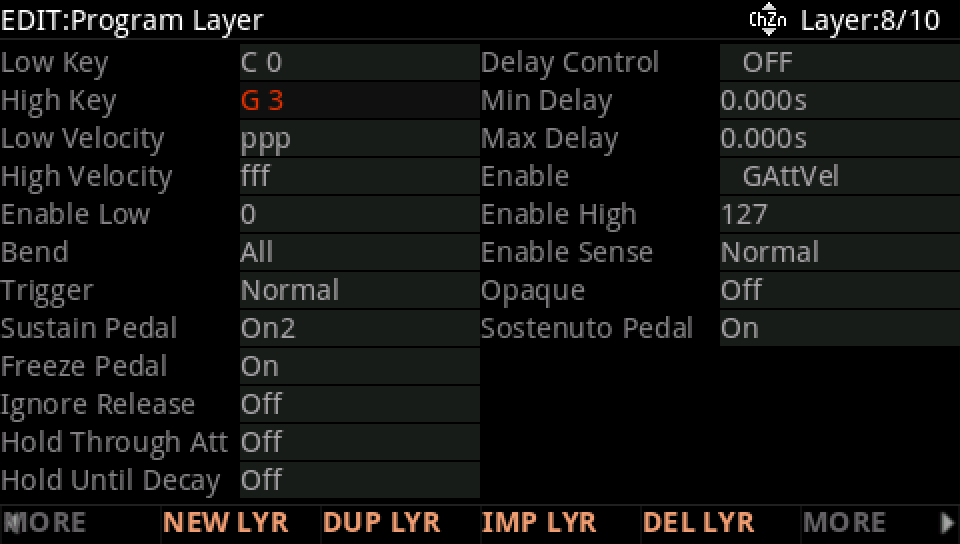
DEL LYR deletes the current layer, here the copy: on its Delete Layer page press DELETE, or BACK to keep it. The layers after a deleted one move down a number.
Press EXIT and answer NO to leave the factory program as it was, or SAVE to keep your version on a USER ID.