The PARAMS page
ControlsParameter · Value · Control · AssignPARAMS is the program's control panel: each row a Parameter, its Value when the program loads, the Control that moves it, and its name. A layer or an effect listens to the parameter; the row decides which knob, slider or button drives it. The factory gives most programs the same panel.
SEE IT MOVE
The screens are the K2700's pages for the factory program named; the maps are drawn from its layers and its PARAMS rows. Nothing plays here: open the program on your K2700 and listen as you go.
WHAT TO KNOW
A ROW
Parameter is the destination, a MIDI controller the layers read; Value its starting point; Control the physical control. Rows appear by themselves when a field reads a controller.
ASSIGN
With the cursor in the Control column, hold ENTER and move a control to give it the row; in the Parameter column, the same jumps to the row that control drives. NEW PMTR adds a row by hand.
THE FACTORY'S PANEL
Slider 1 the filter, Slider 2 its resonance, Sliders 3 and 4 the attack and the release, Slider 9 the reverb and Button 9 its switch, the Mod Wheel the vibrato, VARIATION an extra layer.
WATCH OUT
SAVE in Program mode stores where the controls are as the program's values: move a slider, save, and the program starts there.
IN THE FACTORY PROGRAMS
The factory programs have a median of 18 PARAMS rows. Most share one panel: Slider 1: Filter Freq in 1,004, Slider 2: Filter Res in 1,004, Slider 3: Attack in 1,402, Slider 4: Release in 1,390.
THE FACTORY'S PANEL
ROWS PER PROGRAM
FIND THEM ON YOUR K2700
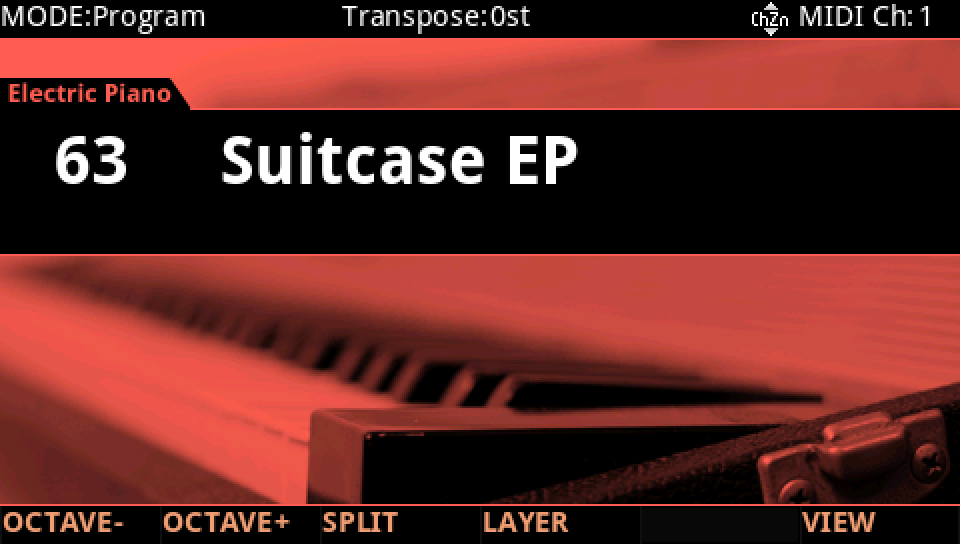
HOW TO ON YOUR K2700 · 63 Suitcase EP
Suitcase EP puts its filter, its envelope and its extra layer on the panel. See where, on PARAMS.
In Program mode choose 63 Suitcase EP (KEYPAD, 63, ENTER).
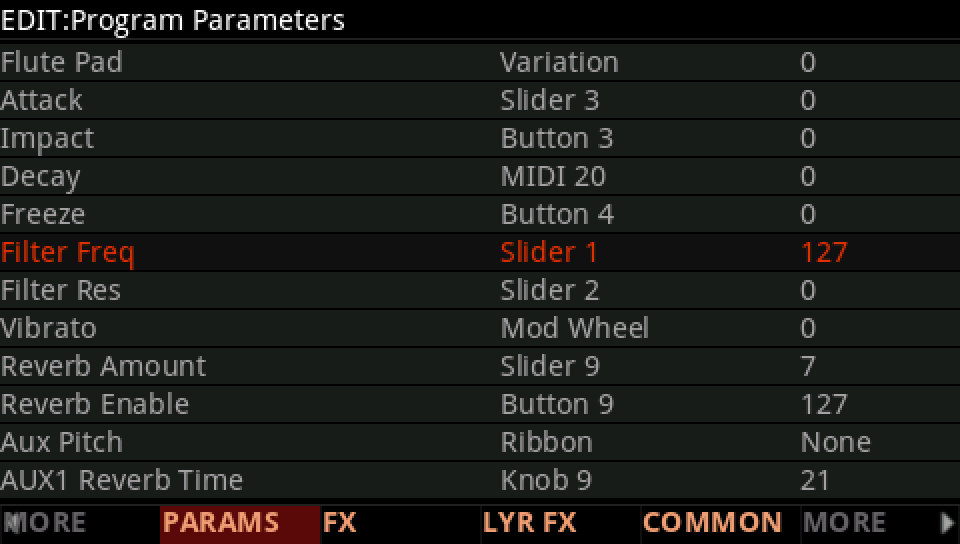
Press EDIT: PARAMS lists the program's parameters, each with its value and its control. Filter Freq is on Slider 1, at 127.
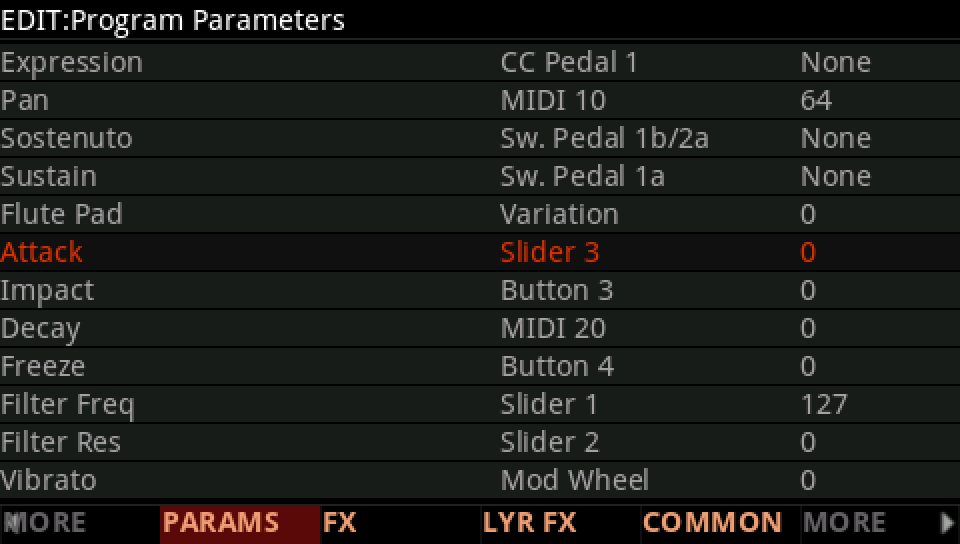
Attack is on Slider 3, at 0.
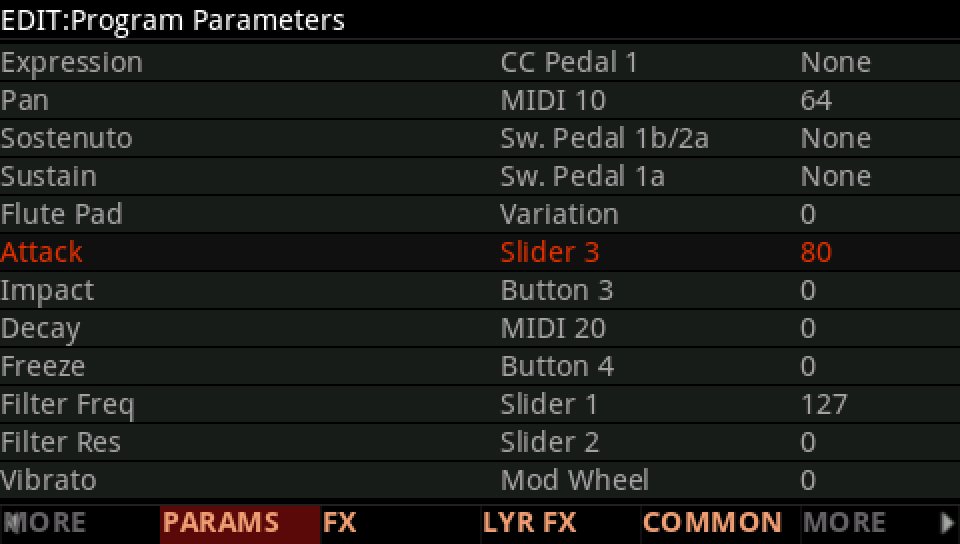
Move Slider 3, here to 80: the value follows the control.
Flute Pad is on Variation, at 0: press VARIATION and the flute layers join.
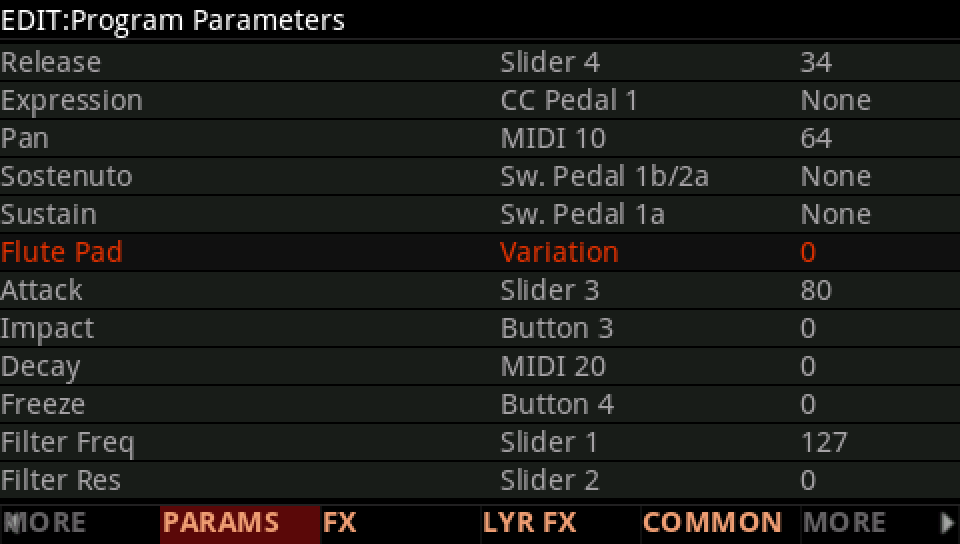
To find what a control drives, put the cursor in the Parameter column, hold ENTER and move the control: the cursor jumps to its row. In Program mode, SAVE keeps the controls where they are as the program's starting values.
Press EXIT and answer NO to leave the factory program as it was, or SAVE to keep your version on a USER ID.