Loops
LoopSeg1..3 Fw · Seg1..3 Bid · repeatsAfter the decay an envelope can go back and run again: forward from Att1, Att2 or Att3, or back and forth, a number of times or for as long as the key is held. It becomes a shaped, slow LFO that starts with each note.
SEE IT MOVE
Computed in your browser with KINSPIRATION's envelope engine, frame by frame; the tone follows each note's envelope.
WHAT TO KNOW
THE FIELDS
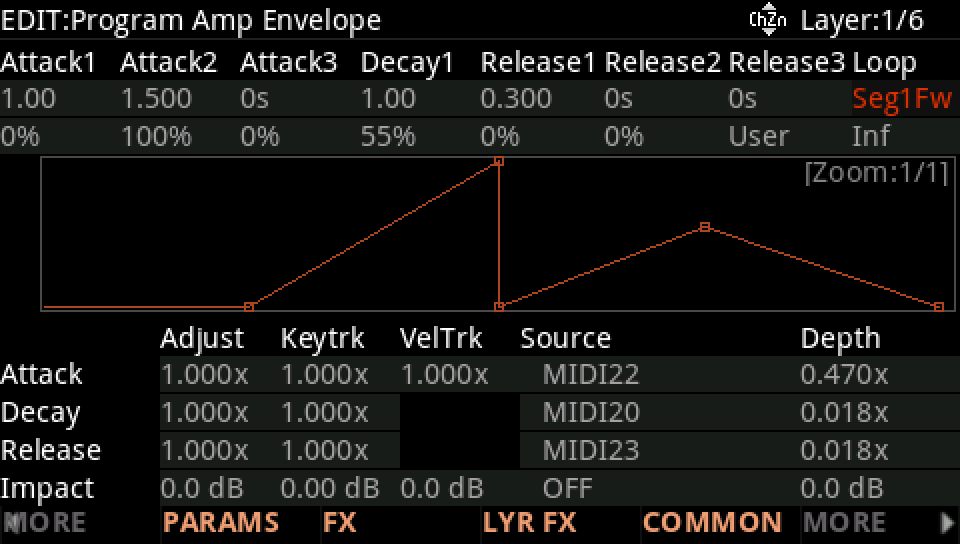
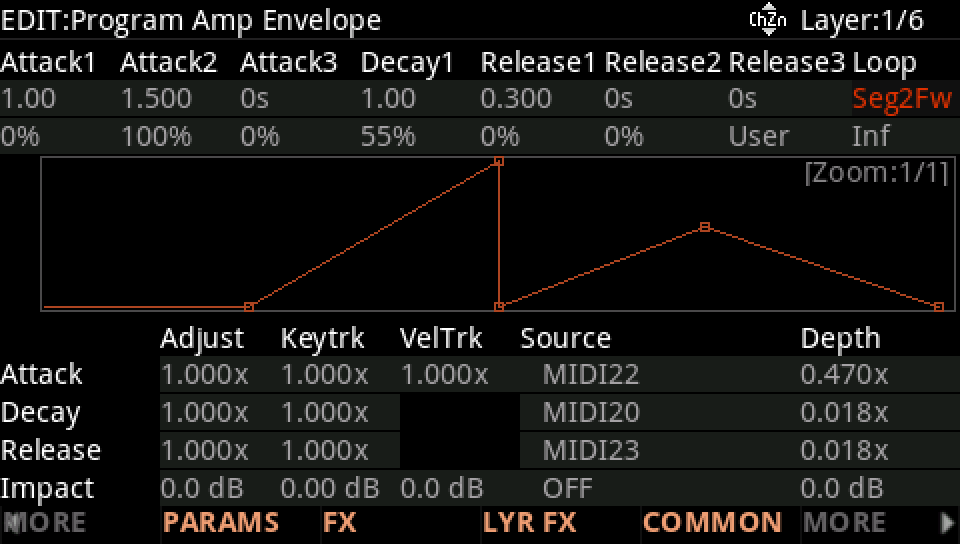
The loop type on the envelope page: Off, Seg1Fw, Seg2Fw and Seg3Fw (forward, from that attack segment), Seg1Bid, Seg2Bid and Seg3Bid (back and forth); and its repeats, 0 for as long as the key is held.
HOW IT RUNS
Forward: after Dec1 the loop's first segment starts again from the level reached. Back and forth: Dec1 runs backwards, then the attacks, then forwards again. Letting the key go ends the loop and starts the release.
USE IT FOR
Gates and pulses on the AMPENV, filter wobbles with a shape no LFO has on ENV2, a rhythm that starts with each note.
WATCH OUT
Short segments loop fast: two segments of 0.25 s make a 2 Hz pulse. After its repeats the envelope holds its sustain until the key is let go.
IN THE FACTORY PROGRAMS
71 AMPENVs, 45 ENV2s and 1 ENV3 loop in the factory; Seg1Fw is by far the most common.
LOOP TYPE
REPEATS
FIND THEM ON YOUR K2700
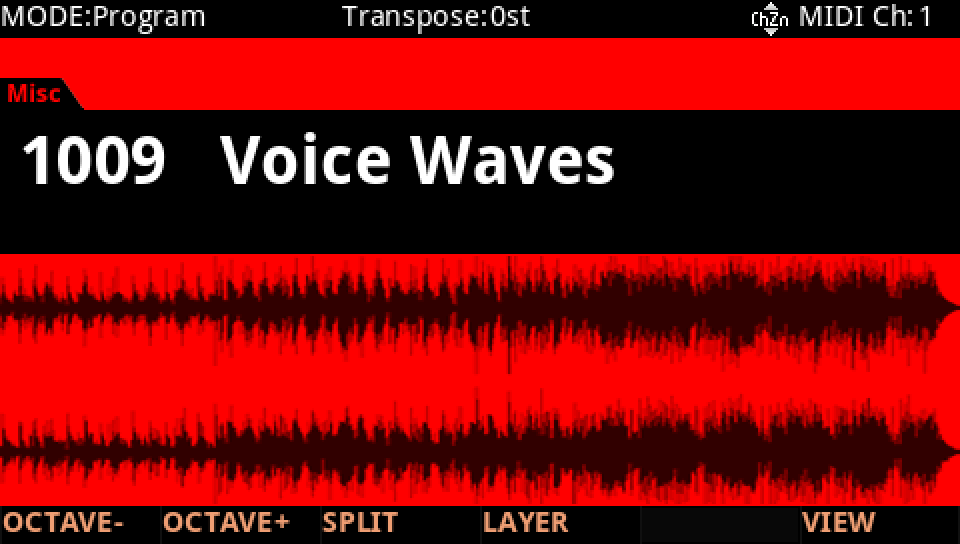
HOW TO ON YOUR K2700 · 1009 Voice Waves
Voice Waves loops its AMPENV: the swell starts again for as long as the key is held.
In Program mode choose 1009 Voice Waves (KEYPAD, 1009, ENTER).
Press EDIT, then MORE and AMP ENV. Loop is Seg1Fw: after Decay1 the envelope goes back to the start of Attack1 and runs again. Hold a note: it breathes.
Turn Loop to Seg2Fw: Attack1 plays once, then Attack2, Attack3 and Decay1 repeat.
Press EXIT and answer NO to leave the factory program as it was, or SAVE to keep your version on a USER ID.