Shapers and distortion
NonlinearSHAPER · DIST · WRAPA shaper bends the wave itself: each input level becomes another output level, the curve on the left. The SHAPER folds it along a sine (at amount 0.25 a full-scale input becomes one cycle), DIST pushes it into saturation, WRAP folds anything past full scale back round. New partials appear, more as the input grows.
SEE IT MOVE
Computed in your browser with KINSPIRATION's DSP functions, sample by sample, their Pads at the factory's defaults.
WHAT TO KNOW
THE SHAPER
out = sin(4π × amount × in): small amounts are gentle, 0.25 one fold, 0.5 two, 1.0 four. Beyond them the curve pins at 0.
DIST
Dist (dB) is the gain into a saturator: the higher it is, the flatter the wave's peaks and the more partials it gains, toward a square.
THE INPUT COUNTS
A nonlinear stage depends on how loud its input is: the same SHAPER is subtle on a quiet note and harsh on a loud one, so velocity changes its colour.
WATCH OUT
Filter after a shaper to take its sharpest partials back out, or before it to feed it a rounder wave.
IN THE FACTORY PROGRAMS
SHAPER in 383 layers (median amount 0.12), DIST in 209 (median 8 dB), WRAP in 154, SW+SHP in 211.
SHAPERS AND DISTORTION
FIND THEM ON YOUR K2700
HOW TO ON YOUR K2700 · 681 High-End Horns
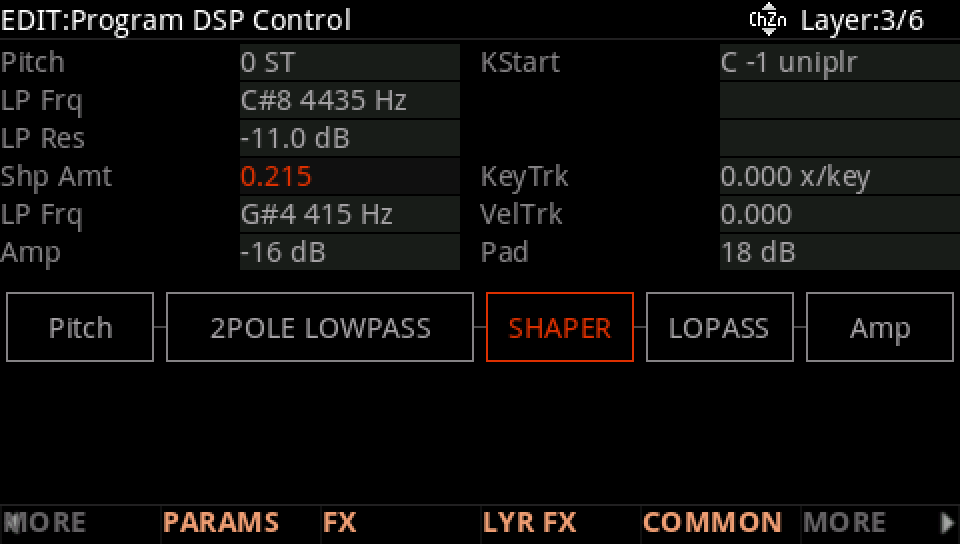
High-End Horns' third layer bends its wave with a SHAPER between two filters.
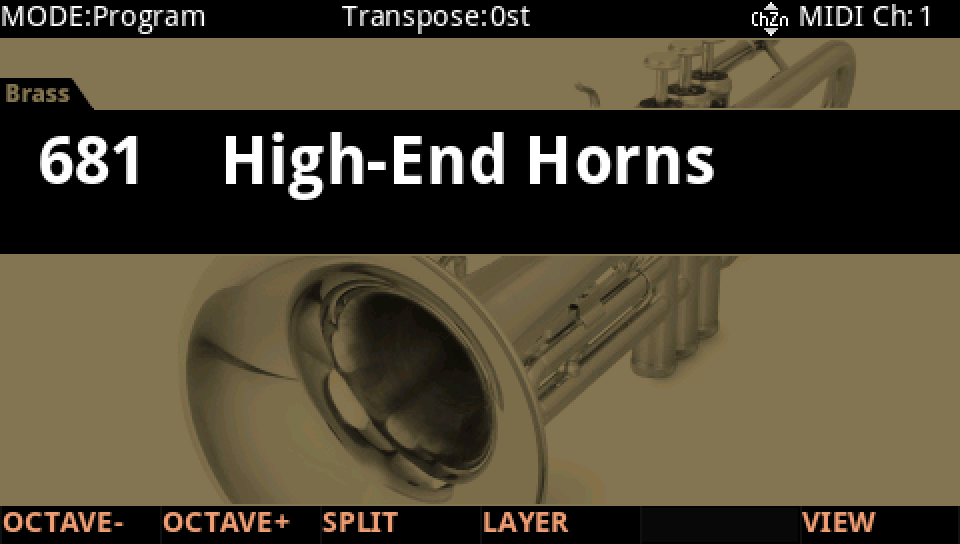
In Program mode choose 681 High-End Horns (KEYPAD, 681, ENTER).
Press EDIT, go to layer 3 with CHANNEL/LAYER ▲, then MORE and DSP CTL. The Shp Amt row is 0.215, the SHAPER's amount.
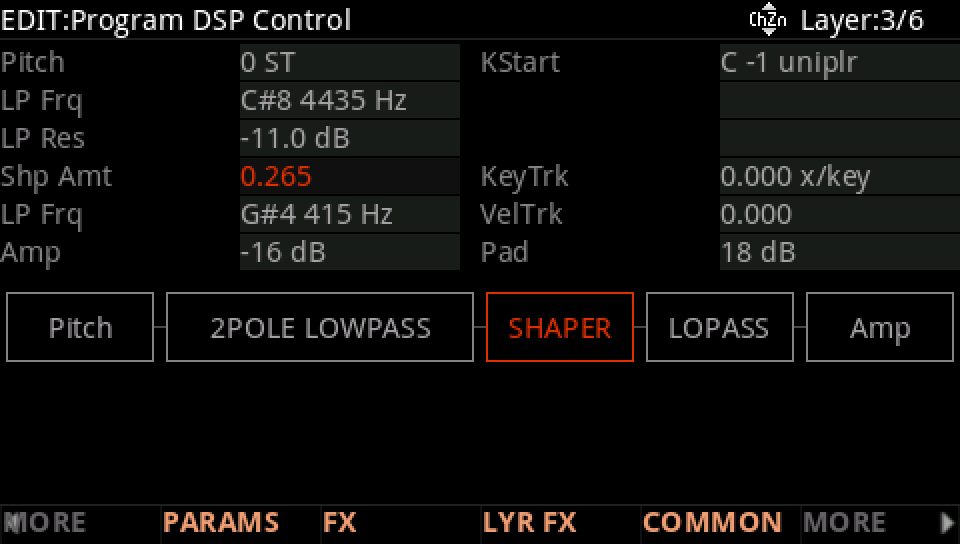
Turn the Alpha Wheel up, here to 0.265: play softly, then hard, and hear the shaper bite more on the loud notes.
Press EXIT and answer NO to leave the factory program as it was, or SAVE to keep your version on a USER ID.