tri(a,b)
shapes and warps= a triangle of a + b on sin's scale: 0 at 0, +1 at +0.5, 0 at +1, -1 at -0.5Maps a + b onto a triangle: like sin(a+b) with straight sides, meant for a sawtooth input.
SEE IT MOVE
Computed in your browser with KINSPIRATION's FUN engine. Drag on the map to try any a and b.
WHAT TO KNOW
INPUTS
a: a ramp or a controller; b: an offset that moves the peak.
OUTPUT RANGE
-1..+1
USE IT FOR
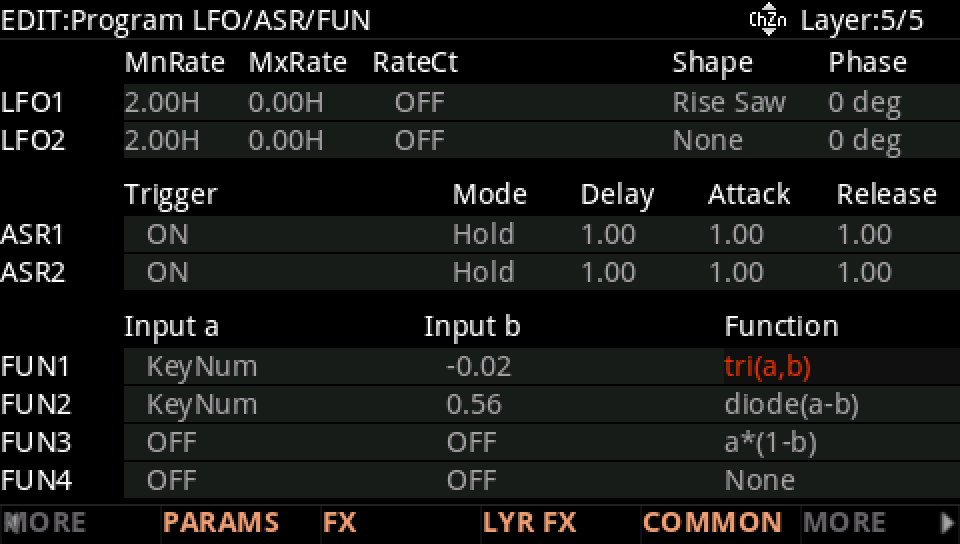
A triangle locked to the beat from GPhas1; folding a controller, which rises to +1 at its middle and falls back to 0 at its top. The factory's 24 slots read KeyNum with a small negative offset: a key curve that peaks near F#4 (b = -0.02) or D5 (b = -0.08) and falls toward both ends.
WATCH OUT
The peak sits where a + b is 0.5, so an offset in b moves it; a unipolar a with b at 0 only climbs to the peak and back down to 0.
IN THE FACTORY PROGRAMS
In 24 FUN slots of the factory programs: FUN1 24. GFUN2 and GFUN4 are the program's global FUNs.
MOST USED INPUTS (a, b)
WHERE THE OUTPUT GOES
FIND THEM ON YOUR K2700
HOW TO ON YOUR K2700 · 703 Woodwind Section
Woodwind Section uses tri(a,b) on its layer 5: see it, then where it goes.
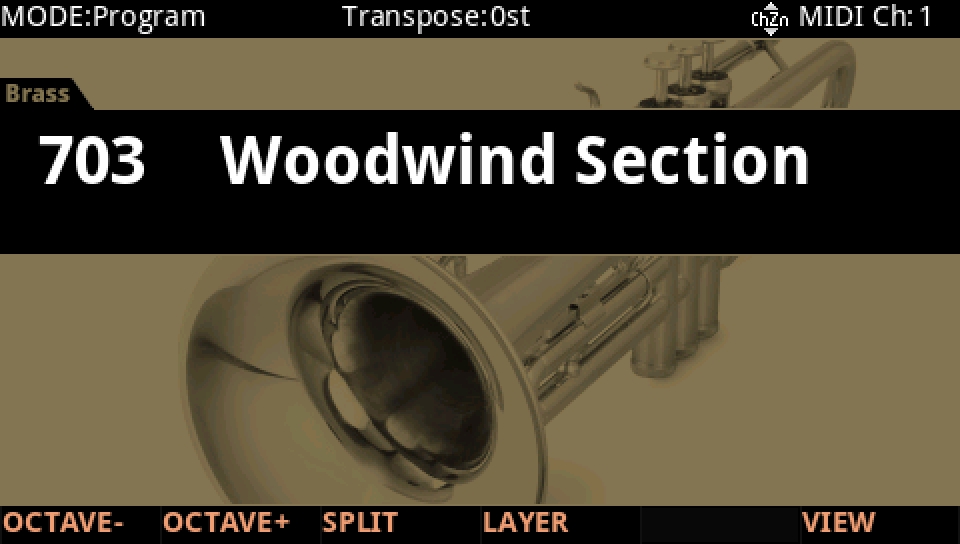
In Program mode choose 703 Woodwind Section (KEYPAD, 703, ENTER).
Press EDIT, go to layer 5 with CHANNEL/LAYER ▲, then MORE and LFO+. The FUN1 row: Input a KeyNum, Input b -0.02, Function tri(a,b).
Where it goes: MORE, DSP MOD. On the Amp row Source 1 is FUN1, with a Depth of -20 dB.
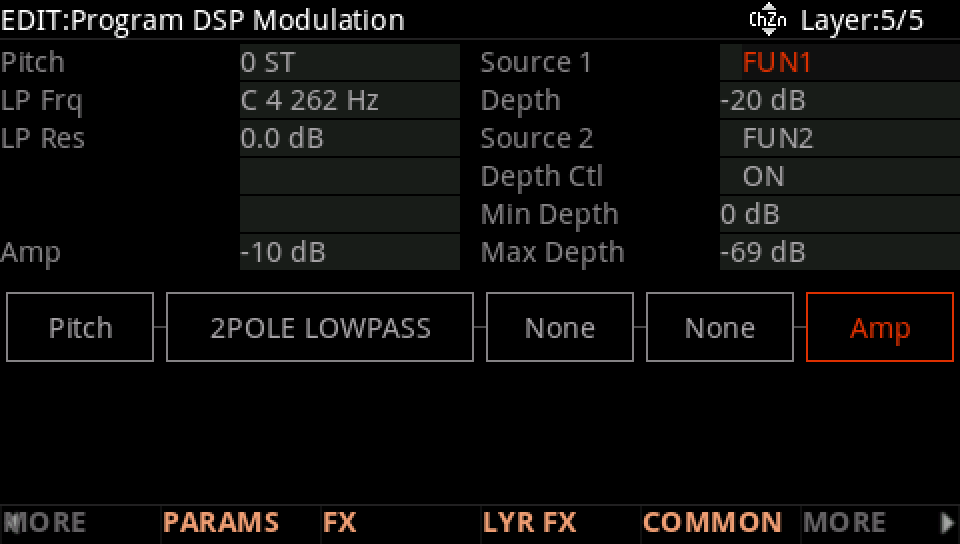
Play low notes, then high ones: the Amp row follows FUN1.
Press EXIT and answer NO to leave the factory program as it was, or SAVE to keep your version on a USER ID.