warp2(a,b)
shapes and warps= two straight slopes meeting at |b| = 1 - a, where the output is a; mirrored for negative bSlant-square: a bends b's straight line into two slopes, turning a sawtooth into variants of a square.
SEE IT MOVE
Computed in your browser with KINSPIRATION's FUN engine. Drag on the map to try any a and b.
WHAT TO KNOW
INPUTS
a: the bend, a constant 0..1 (0.5 leaves b straight); b: the signal.
OUTPUT RANGE
-1..+1
USE IT FOR
Squaring an LFO softly (a near 0.9: steep in the middle, flat at the ends); a dead-zone-like curve (a near 0.1: flat in the middle, steep at the ends); bending a controller's response either way with one setting.
WATCH OUT
At a = 0.5 nothing changes; the further a is from 0.5, the sharper the bend.
IN THE FACTORY PROGRAMS
In 1 FUN slot of the factory programs: FUN1 1. GFUN2 and GFUN4 are the program's global FUNs.
MOST USED INPUTS (a, b)
WHERE THE OUTPUT GOES
FIND THEM ON YOUR K2700
HOW TO ON YOUR K2700 · 2046 Editor Template
The factory does not route warp2(a,b) to a sound on its own: set one up on 2046 Editor Template and hear it on the pitch.
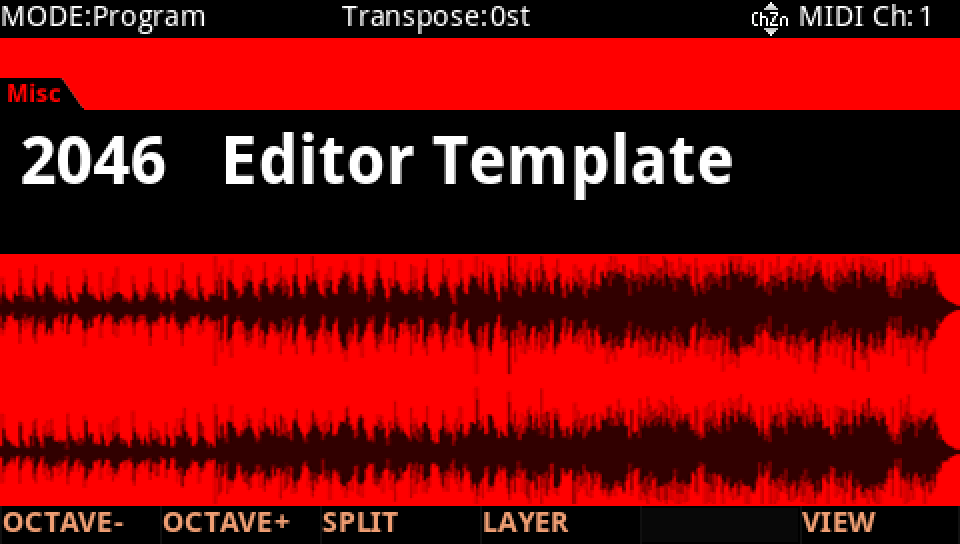
In Program mode choose 2046 Editor Template, a plain one-layer program to build on (KEYPAD, 2046, ENTER).
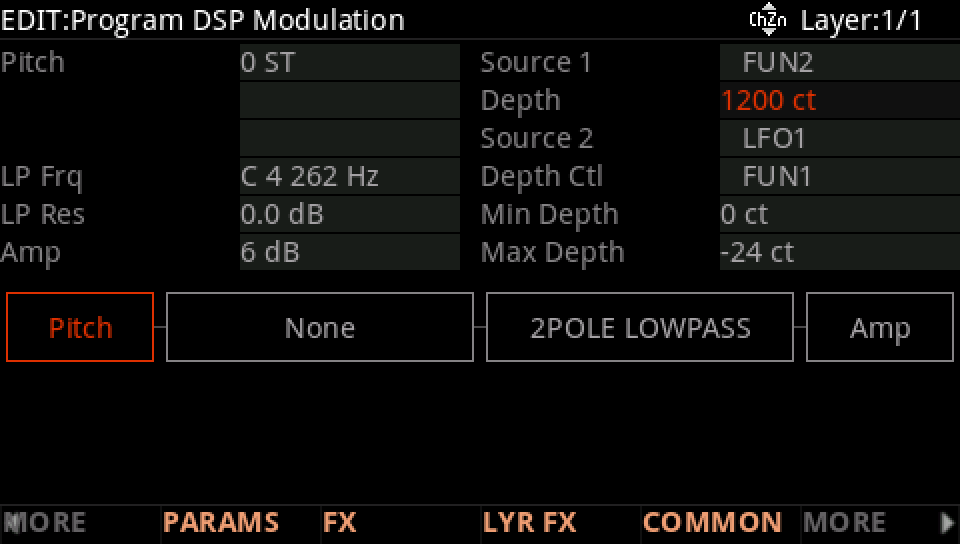
Press EDIT, then MORE and DSP MOD. On the Pitch row set Source 1 to FUN2 and its Depth to 1200 ct: FUN2's result, −1 to +1, now bends the pitch up to an octave either way.
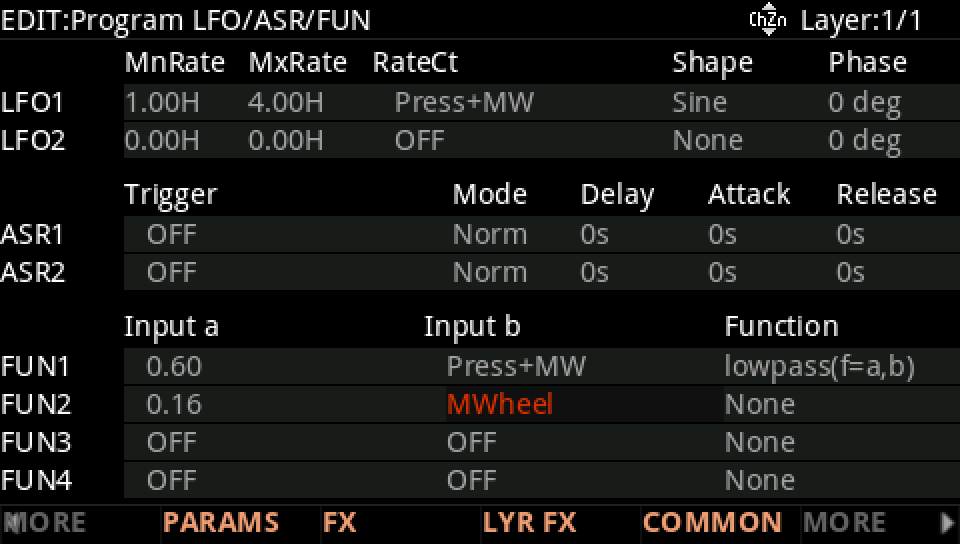
MORE, then LFO+. On the FUN2 row set Input a to 0.16 and Input b to MWheel.
Move to Function and turn the Alpha Wheel to warp2(a,b).
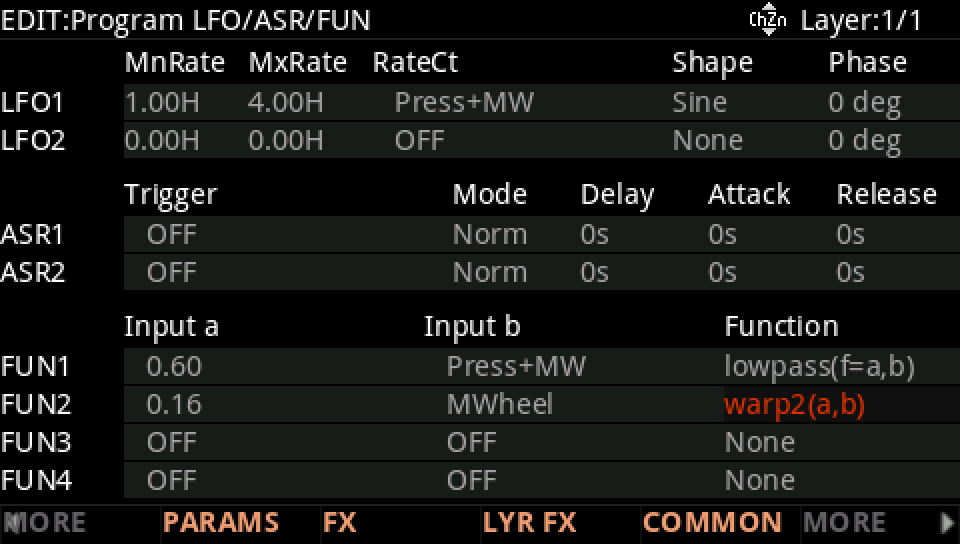
Move the mod wheel: most of its travel moves the pitch only a little, 192 ct at 84 % of the way; the last stretch sweeps it the rest of the way, to an octave. A dead zone for the wheel.
Press EXIT and answer NO to leave the factory program as it was, or SAVE to keep your version on a USER ID.