Delayed vibrato
With an ASRLFO × ASRThe vibrato a player adds after the note has settled: an ASR waits, then rises, and scales the LFO. The note starts straight; the vibrato fades in after the delay, over the attack time.
SEE IT MOVE
Computed in your browser with KINSPIRATION's LFO and ASR engine, frame by frame.
WHAT TO KNOW
THE FIELDS
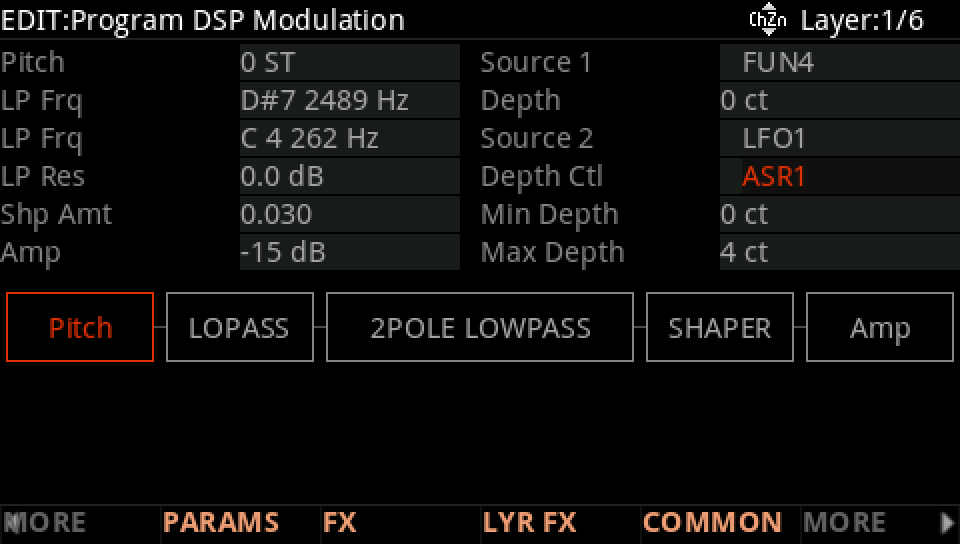
LFO1 on PITCH Src2, and ASR1 as Src2's depth control (DptCtl), with MaxDepth the vibrato's full depth. ASR1's Trigger ON starts it with every note.
THE ASR
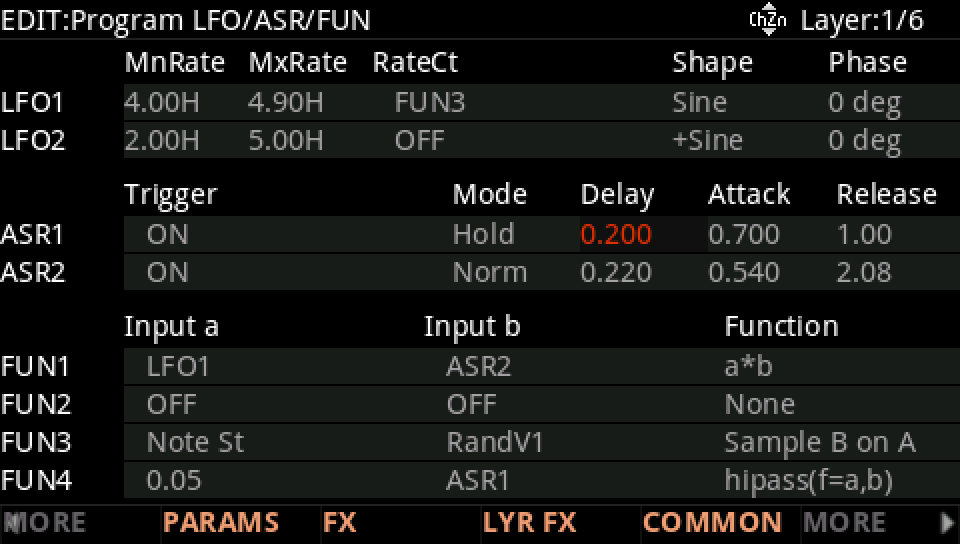
Delay: the wait after the key. Attack: the time to rise from 0 to 1. Release: the time back to 0. Hold mode keeps 1 while the key is down; Norm releases at once.
USE IT FOR
Strings, winds, voices and leads that start pure and grow a vibrato, the way players do. ASR1 can also be the LFO's RateCt, so the vibrato quickens as it fades in.
WATCH OUT
The FUN a*b (LFO1 × ASR1) gives the same product when the LFO has to go somewhere without a depth control. Short notes never reach the vibrato: keep the delay under half a second.
IN THE FACTORY PROGRAMS
142 factory layers fade their vibrato in with an ASR as PITCH Src2's depth control; in 27 of them the same ASR also speeds the LFO up.
THE ASR'S DELAY
THE ASR'S ATTACK
FIND THEM ON YOUR K2700
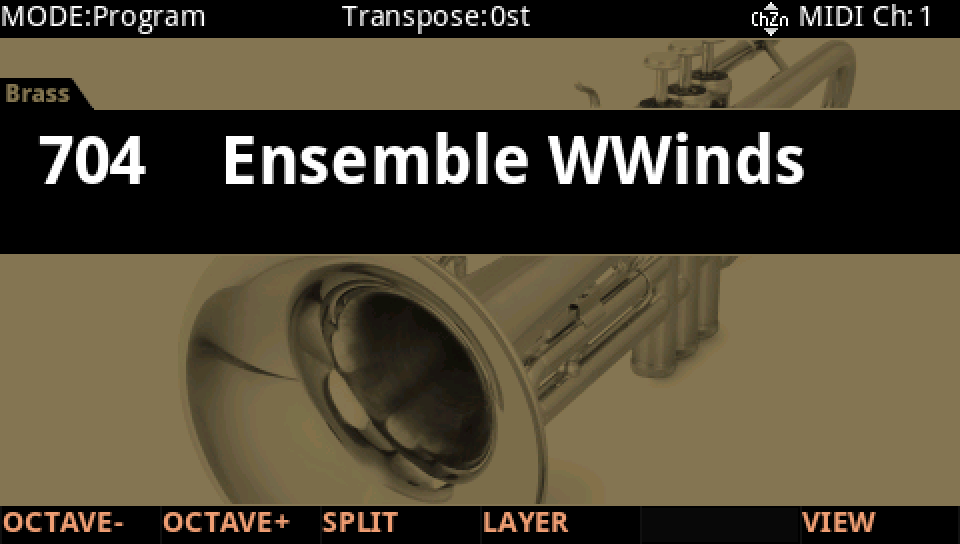
HOW TO ON YOUR K2700 · 704 Ensemble WWinds
Ensemble WWinds brings its vibrato in late: ASR1 is the vibrato's Depth Ctl.
In Program mode choose 704 Ensemble WWinds (KEYPAD, 704, ENTER).
Press EDIT, then MORE and LFO+. ASR1, triggered by ON (every note) in Hold mode, waits 0.2 s (Delay), rises in 0.7 s (Attack) and falls in 1 s (Release).
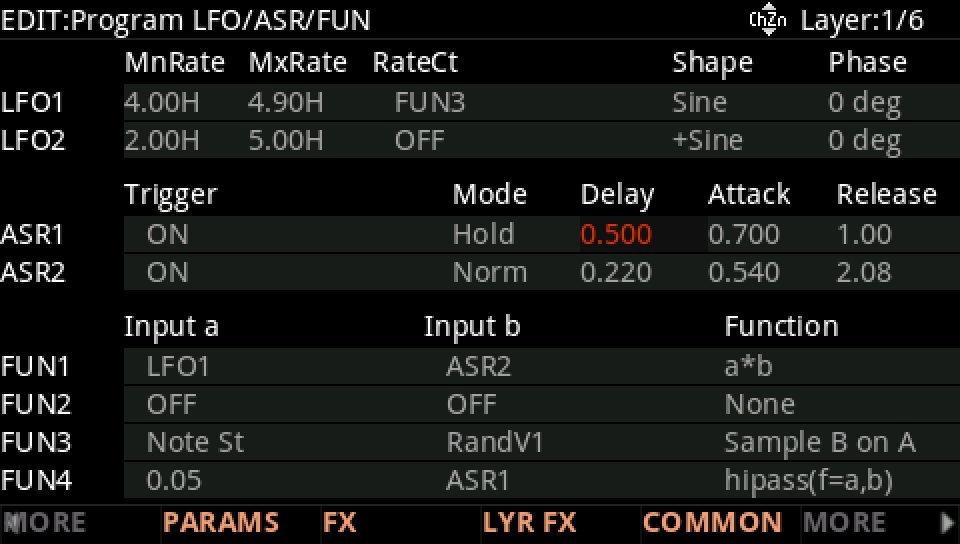
Raise the Delay with the Alpha Wheel, here to 0.5 s: hold a note and the vibrato comes later.
On DSP MOD, the Pitch row: Source 2 is LFO1, its Depth Ctl ASR1, up to 4 ct.
Press EXIT and answer NO to leave the factory program as it was, or SAVE to keep your version on a USER ID.