The shapes
ShapeShape · 46 wavesAn LFO repeats one shape over and over. The K2700 offers 46: sines, squares and triangles at four sizes, each bipolar or one-way, rising and falling saws, a random sample and hold, and staircases of 3 to 12 steps.
SEE IT MOVE
Computed in your browser with KINSPIRATION's LFO and ASR engine, frame by frame.
WHAT TO KNOW
THE FIELD
Shape, on the LFO page, for LFO1 and LFO2 alike. None stops the LFO: its output stays at 0.
RANGE
The bipolar shapes swing from −1 to +1; the '+' shapes from 0 to +1. The 1/4, 1/2 and 3/4 shapes are smaller: in KOACH, the full shape at a quarter, a half or three quarters of its swing.
USE IT FOR
Sine and Triangle for vibrato and slow sweeps; Square for trills and switching between two settings; the saws for repeated rises or falls; Smp+Hold for random steps; the staircases for arpeggios on a pitch depth.
WATCH OUT
A '+' shape moves one way only: with a positive depth it can only raise the destination. A Square jumps at once, which clicks on a level; a Sine or a Triangle does not.
IN THE FACTORY PROGRAMS
4059 LFOs in use in 1230 factory programs: LFO1 in 3041 layers, a per-voice LFO2 in 391 layers and a global LFO2 in 627 programs. Sine alone is 1664 of them.
MOST USED SHAPES
BY FAMILY
FIND THEM ON YOUR K2700
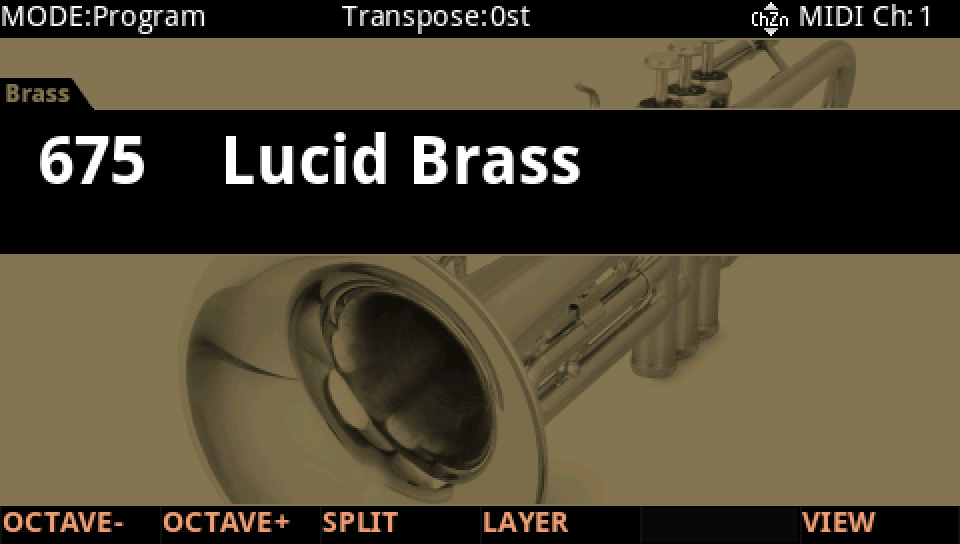
HOW TO ON YOUR K2700 · 675 Lucid Brass
Hear the shapes on a factory program: Lucid Brass's vibrato is LFO1, a Sine. Change its shape and play.
In Program mode choose 675 Lucid Brass: press KEYPAD, type 675 and press ENTER.
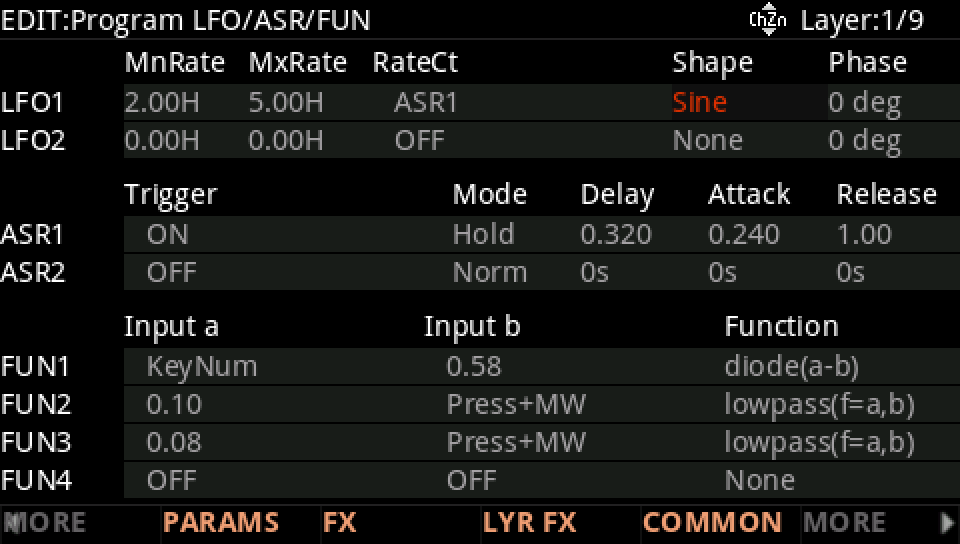
Press EDIT, then MORE until the LFO+ soft button shows, and press it. Layer 1's LFO1 is a Sine, from 2.00 Hz (MnRate) to 5.00 Hz (MxRate) as ASR1, its RateCt, rises.
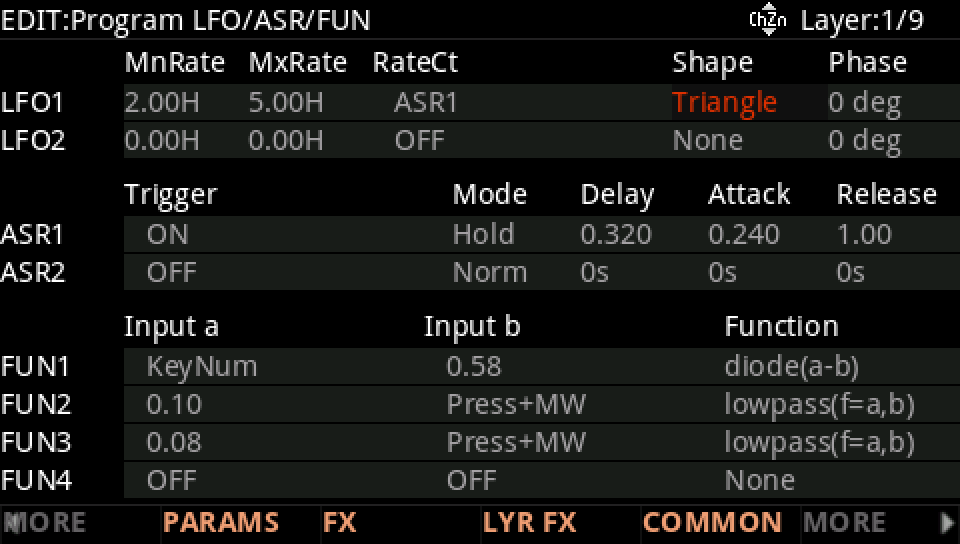
With the cursor on Shape turn the Alpha Wheel, here to Triangle, and play a note after each change: the vibrato takes the new shape.
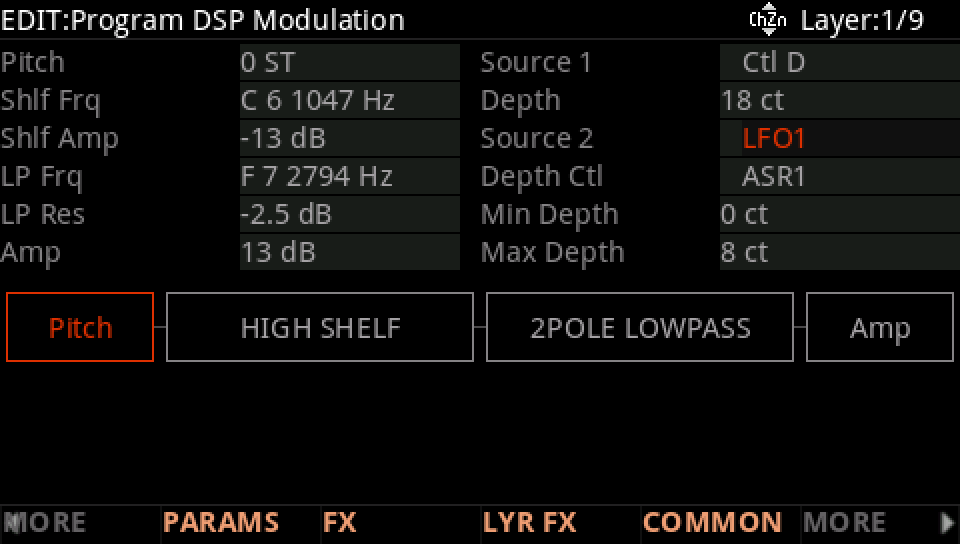
Where it goes: press MORE, then DSP MOD. On the Pitch row Source 2 is LFO1, with ASR1 as its Depth Ctl and a Max Depth of 8 ct: the vibrato fades in after each key.
Press EXIT and answer NO to leave the factory program as it was, or SAVE to keep your version on a USER ID.