Phase
StartPhase · 0, 90, 180, 270°Where the cycle starts when a note begins. A per-voice LFO starts again with every note, always at the same point: in the middle going up, at the top, in the middle going down or at the bottom.
SEE IT MOVE
Computed in your browser with KINSPIRATION's LFO and ASR engine, frame by frame.
WHAT TO KNOW
THE FIELD
Phase, on the LFO page: 0, 90, 180 or 270 degrees, a quarter cycle per step.
RANGE
A Sine at 0° starts at 0 going up, at 90° at its top, at 180° at 0 going down, at 270° at its bottom. In KOACH a '+' shape starts from its middle, 0.5, at 0°.
USE IT FOR
A vibrato that begins below the pitch and swings up into it (270°); two layers whose LFOs are 180° apart, so that one pans left while the other pans right.
WATCH OUT
A global LFO2 starts once, when the program is chosen: its phase is applied then and is seldom heard. A tempo LFO moves its start by a quarter cycle per 90°, except at 1/16 nt.
IN THE FACTORY PROGRAMS
333 of the 4059 LFOs in use start somewhere other than 0°; all the others start at 0°.
PHASE
SHAPES STARTED ELSEWHERE
FIND THEM ON YOUR K2700
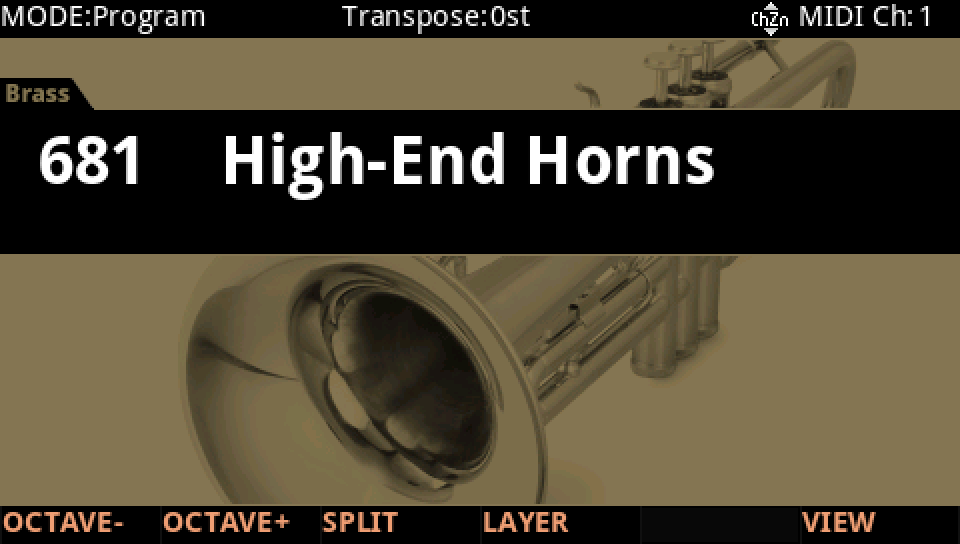
HOW TO ON YOUR K2700 · 681 High-End Horns
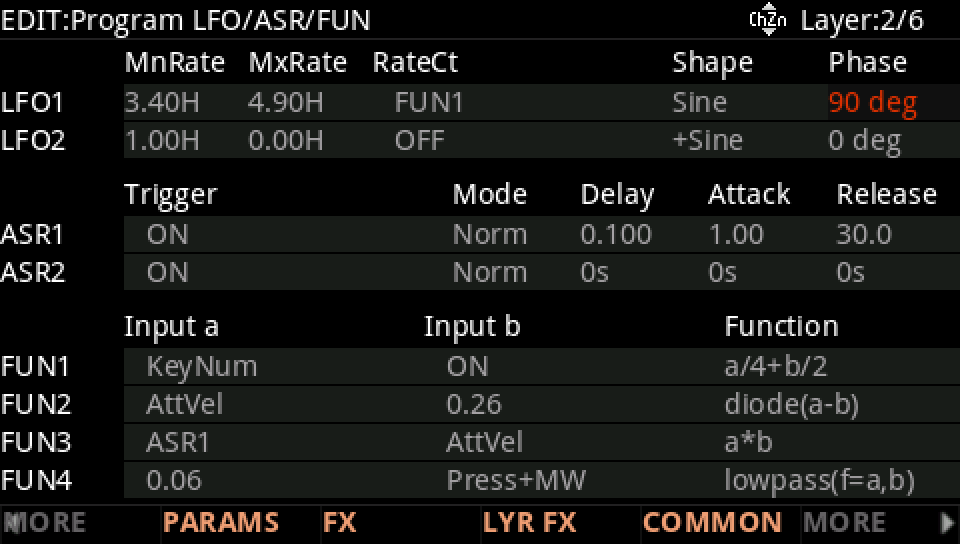
High-End Horns starts its vibrato a quarter cycle in: Phase 90°. Change where every note starts.
In Program mode choose 681 High-End Horns (KEYPAD, 681, ENTER).
Press EDIT, go to layer 2 with CHANNEL/LAYER ▲, then MORE and LFO+. LFO1 is a Sine with a Phase of 90°: each note's vibrato starts at the top of its swing.
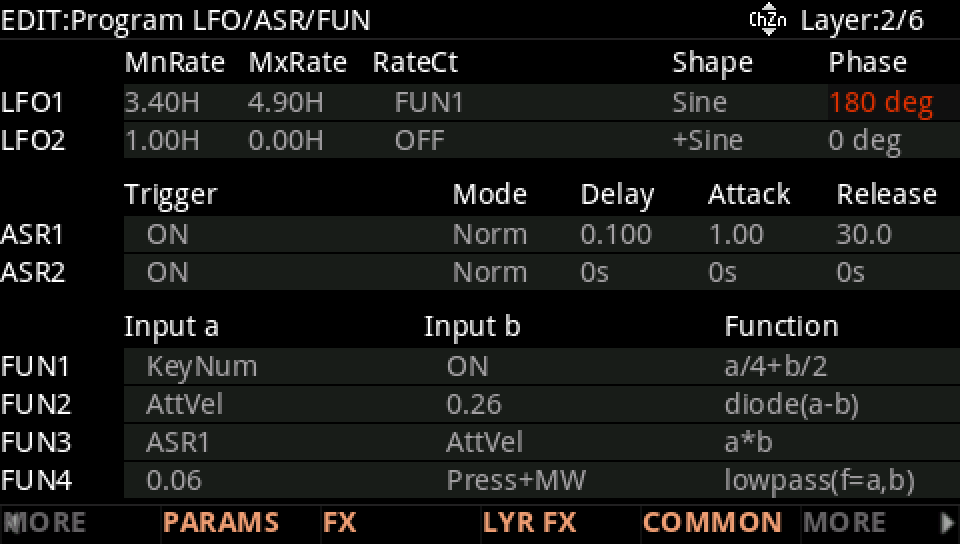
With the cursor on Phase turn the Alpha Wheel one step: 180°. Play short notes and listen to where each one starts.
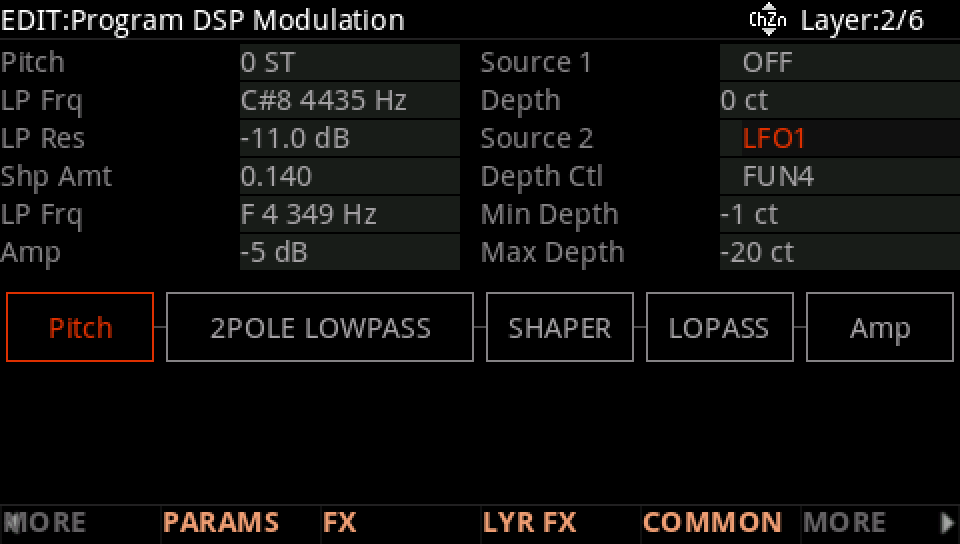
On DSP MOD, the Pitch row: Source 2 is LFO1, its depth from -1 ct to -20 ct as FUN4 rises.
Press EXIT and answer NO to leave the factory program as it was, or SAVE to keep your version on a USER ID.