Rate
RateMnRate · 0 to 24 Hz or a note valueHow many cycles a second: from 0 to 24 Hz, or a note value locked to the tempo. Below 1 Hz an LFO is a sweep you follow; around 5 to 6 Hz a vibrato; above 10 Hz a flutter, too fast to count.
SEE IT MOVE
Computed in your browser with KINSPIRATION's LFO and ASR engine, frame by frame.
WHAT TO KNOW
THE FIELD
MnRate: the rate while nothing controls it. 0 to 0.2 Hz in steps of 0.01, then 0.05 to 1 Hz, 0.1 to 10 Hz, 0.2 to 20 Hz and 0.5 to 24 Hz.
NOTE VALUES
1/4 nt, 1/8 nt, 1/8 tr and 1/16 nt give 1, 2, 3 and 4 cycles a beat of the tempo. A tempo LFO follows the tempo clock, 24 steps a beat, so every voice moves together; MxRate and RateCt are hidden.
USE IT FOR
0.1 to 1 Hz for slow filter or pan sweeps, 4.5 to 6 Hz for vibrato, 5 to 8 Hz for tremolo, a note value for motion that has to stay in time with the music.
WATCH OUT
Fast rates on a large depth stop sounding like motion and start to sound like a rough, buzzing tone. At 1/16 nt the tempo clock gives only six steps a cycle.
IN THE FACTORY PROGRAMS
Median rates: LFO1 3.2 Hz, a per-voice LFO2 2 Hz, a global LFO2 1 Hz. 123 LFOs follow the tempo instead.
THE RATE (MnRate)
LOCKED TO THE TEMPO
FIND THEM ON YOUR K2700
HOW TO ON YOUR K2700 · 1209 Virtual Cellos
Virtual Cellos plays a 5 Hz vibrato on its second layer. Slow it down and speed it up.
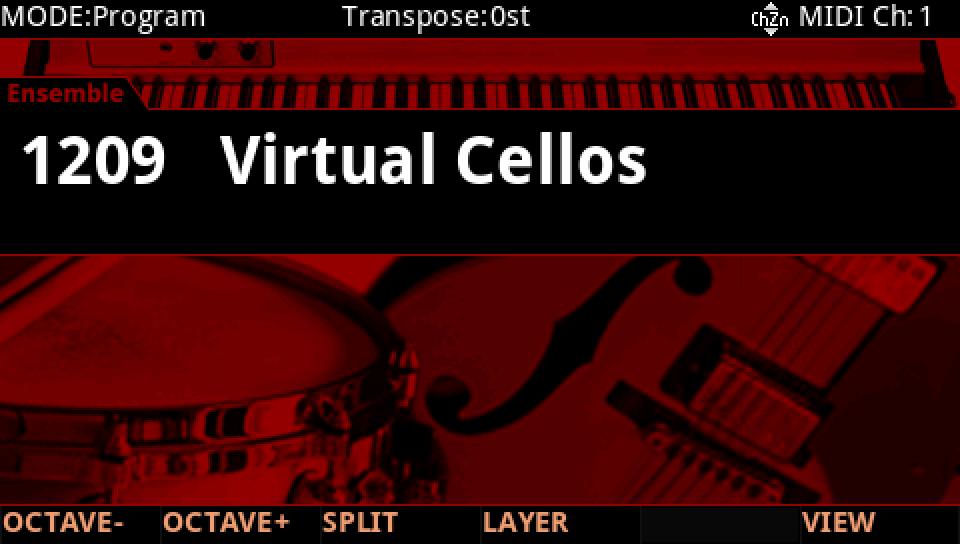
In Program mode choose 1209 Virtual Cellos (KEYPAD, 1209, ENTER).
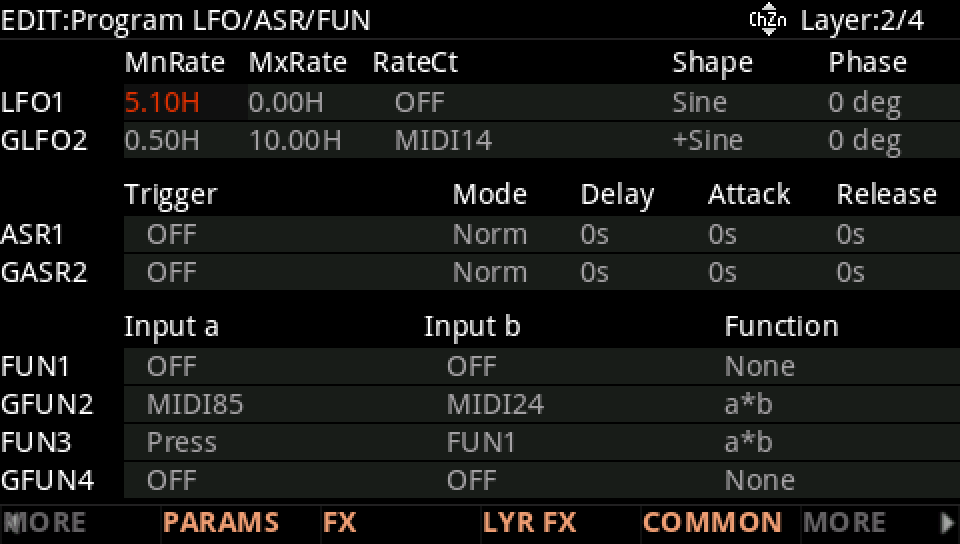
Press EDIT, press CHANNEL/LAYER ▲ to go to layer 2, then MORE and LFO+. LFO1 is a Sine at 5.10 Hz (MnRate), with RateCt OFF: it runs at MnRate.
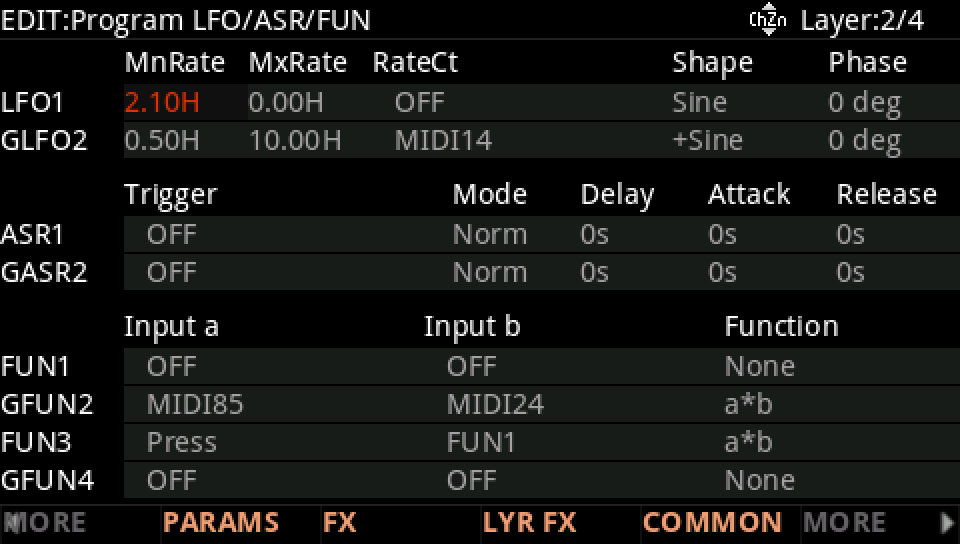
With the cursor on MnRate turn the Alpha Wheel down: 2.10 Hz is a slow wave, not a vibrato any more. Turn it back up past the factory's 5.1 Hz and the vibrato grows nervous.
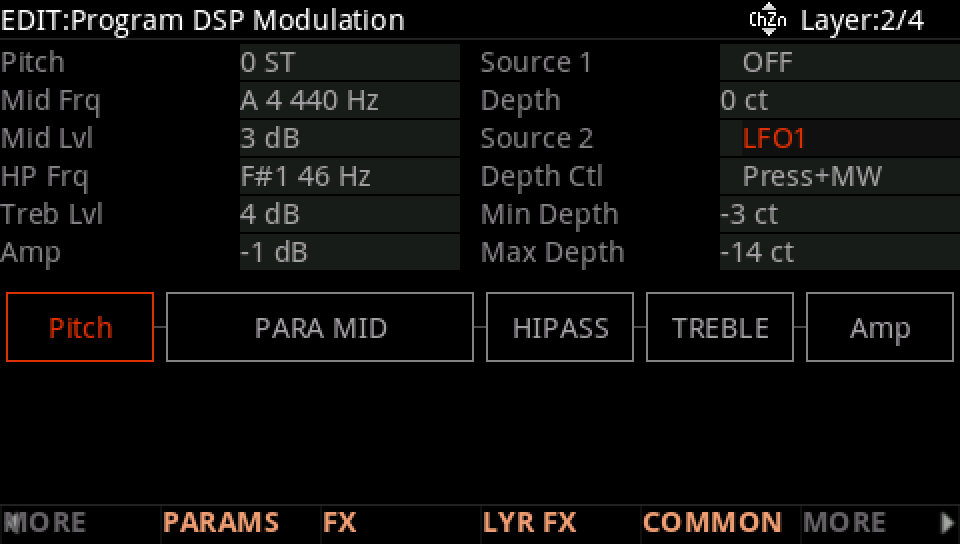
The LFO goes to the pitch: on DSP MOD the Pitch row's Source 2 is LFO1, its depth from -3 ct to -14 ct as Press+MW rises.
Press EXIT and answer NO to leave the factory program as it was, or SAVE to keep your version on a USER ID.