Beyond the rows
DestinationsLFO rate · ASR trigger · Enable · envelope control · ImpactA source can move more than a row: an LFO's rate, an ASR's trigger, whether a layer plays at all, how fast the AMPENV runs, Impact, an effect's send, a FUN's inputs. Each takes the same sources as the rows, with its own way of reading them.
SEE IT MOVE
Computed in your browser with KINSPIRATION's row and modulator engines, frame by frame.
WHAT TO KNOW
RATES AND TRIGGERS
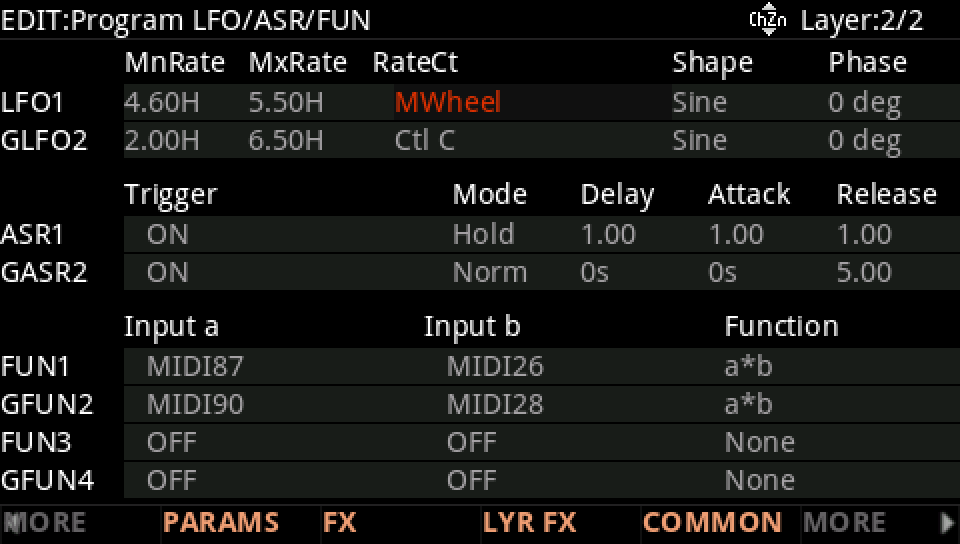
An LFO's RateCt runs it from MnRate at 0 to MxRate at 1; an ASR's Trigger starts it when the source passes halfway.
ENABLE
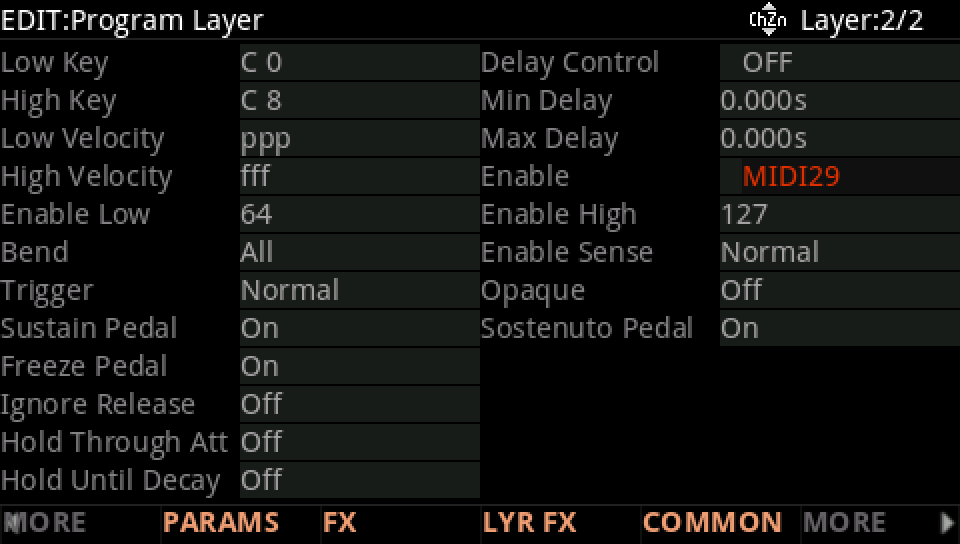
A layer's Enable reads its source at each note: the note plays only when the source × 127 is inside Enable Low..High. A switch between layers, or velocity layers without a keymap.
THE ENVELOPE'S SPEED
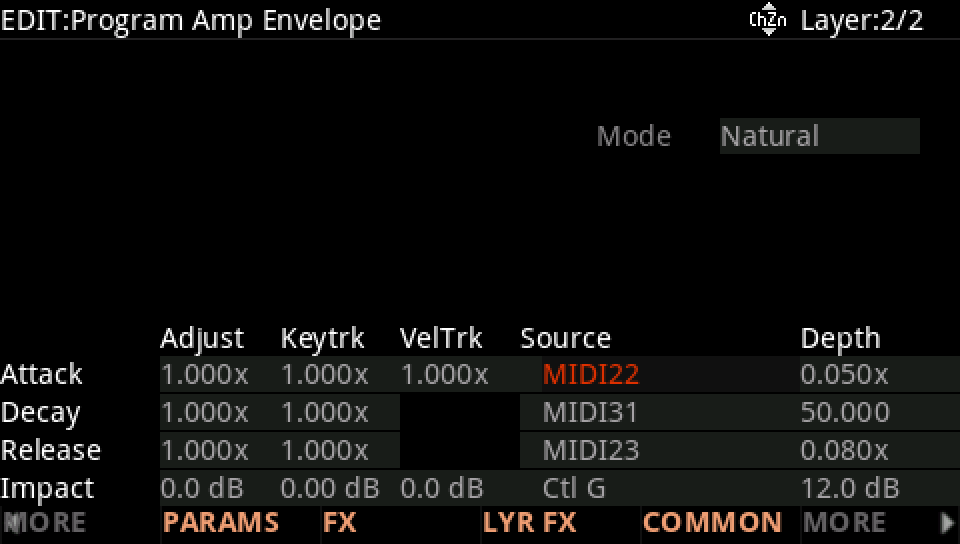
The AMP ENV page's lower rows multiply the attack, decay and release rates by a control: Slider 3 and Slider 4 at the top make them about 55 times longer.
WATCH OUT
Enable decides at the note: moving its source during a note changes nothing until the next one. A trigger fires on the crossing, not on the level.
IN THE FACTORY PROGRAMS
Besides the rows, the factory's sources go to 11 other kinds of destination; the commonest: ENV CTL control (18,119), FUN input a (9,585), FUN input b (9,504), Impact control (5,829).
WHERE ELSE
FIND THEM ON YOUR K2700
HOW TO ON YOUR K2700 · 92 Royal EP
Royal EP's second layer has sources on three things that are not rows: whether it plays, an LFO's rate and the attack.
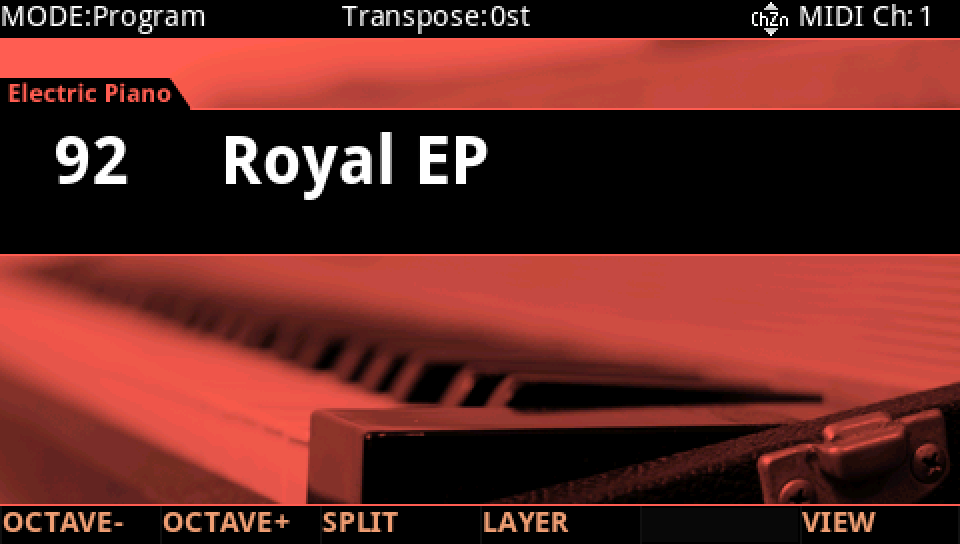
In Program mode choose 92 Royal EP (KEYPAD, 92, ENTER).
Press EDIT, go to layer 2 with CHANNEL/LAYER ▲, then MORE and LAYER: Enable is MIDI29 (the Variation button), Enable Low 64, High 127: the layer plays only notes started with Variation on.
Press MORE until LFO+ shows, and press it: LFO1's RateCt is MWheel, from 4.60 Hz to 5.50 Hz: the wheel speeds the LFO up, it moves no row.
MORE, AMP ENV: the Attack row's Source is MIDI22 (Slider 3), Depth 0.050x: at the top the attack is about 20 times longer.
Press EXIT and answer NO to leave the factory program as it was, or SAVE to keep your version on a USER ID.