Per note, per channel, per program
Scopenote · channel · programA source belongs to each note, to the MIDI channel or to the program. Per-note sources (KeyNum, AttVel, RandV1, the layer's own LFOs, ASRs and envelopes) are different in every voice; channel sources (the wheels, pressure, the sliders) move every sounding note at once; the program's globals (GLFO2, GASR2, GFUN2, GFUN4) are one for all, running from when the program is chosen.
SEE IT MOVE
Computed in your browser with KINSPIRATION's row and modulator engines, frame by frame.
WHAT TO KNOW
PER NOTE
Set when the key goes down (KeyNum, AttVel, a new RandV1 each note) or running in each voice on its own (LFO1, ASR1, ENV2): three notes of a chord, three values.
PER CHANNEL
The wheels, pressure, the panel's knobs, sliders and buttons, the pedals: one value that every note of the channel follows at once.
PER PROGRAM
With Globals On, LFO2, ASR2, FUN2 and FUN4 are the program's: started when the program is chosen, shared by every note, read as GLFO2, GASR2, GFUN2 and GFUN4.
WATCH OUT
Where there is no voice yet (a layer's Enable, its Delay, a global FUN's inputs) per-note sources have nothing to read: use GKeyNum and GAttVel, the last key and velocity played.
IN THE FACTORY PROGRAMS
In the factory's rows, per-note sources are read 19,938 times, channel ones 24,714 and the program's globals 5,976; 832 programs turn Globals On.
WHO THE SOURCE BELONGS TO
THE PER-NOTE ONES
FIND THEM ON YOUR K2700
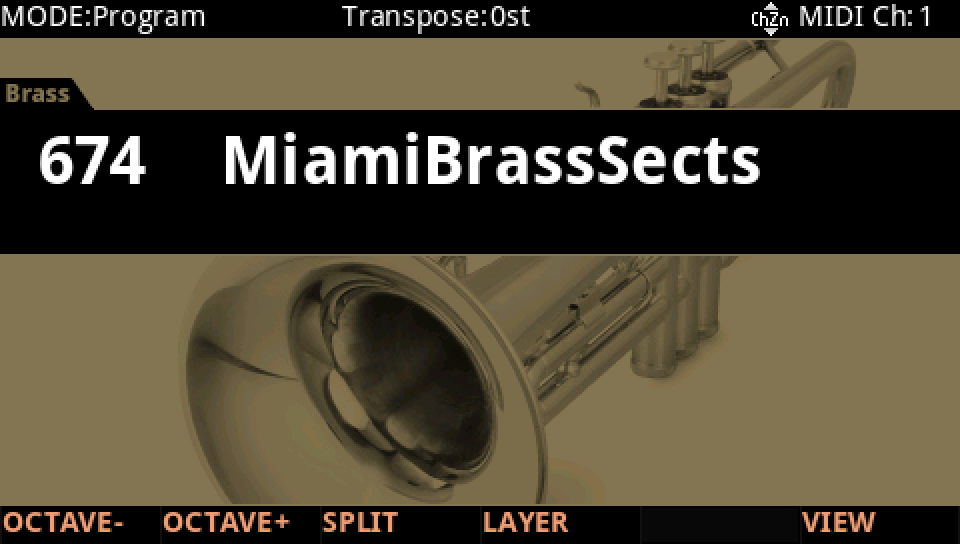
HOW TO ON YOUR K2700 · 674 MiamiBrassSects
MiamiBrassSects' pitch row reads all three kinds of source: one per note, one per channel, one of the program's.
In Program mode choose 674 MiamiBrassSects (KEYPAD, 674, ENTER).
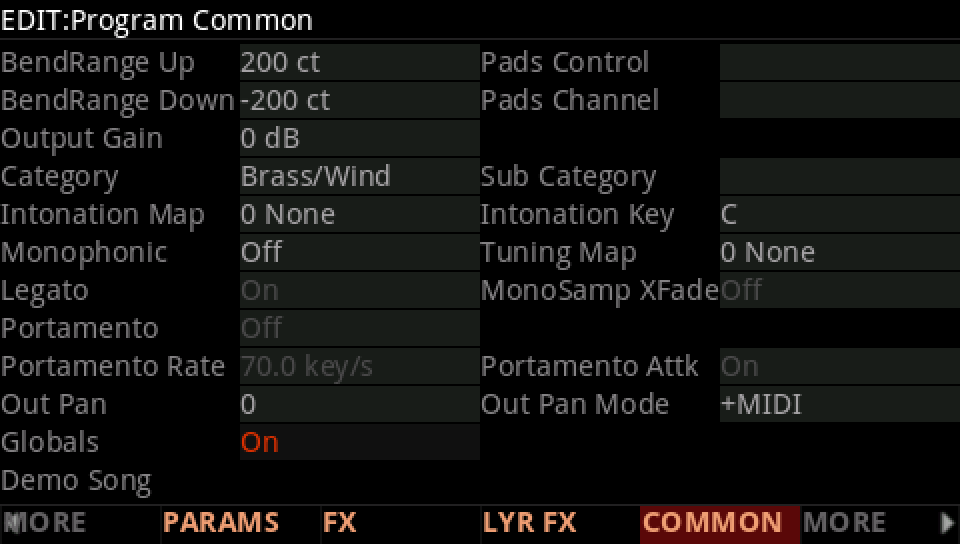
Press EDIT, then COMMON: Globals is On, so LFO2, ASR2, FUN2 and FUN4 are the program's.
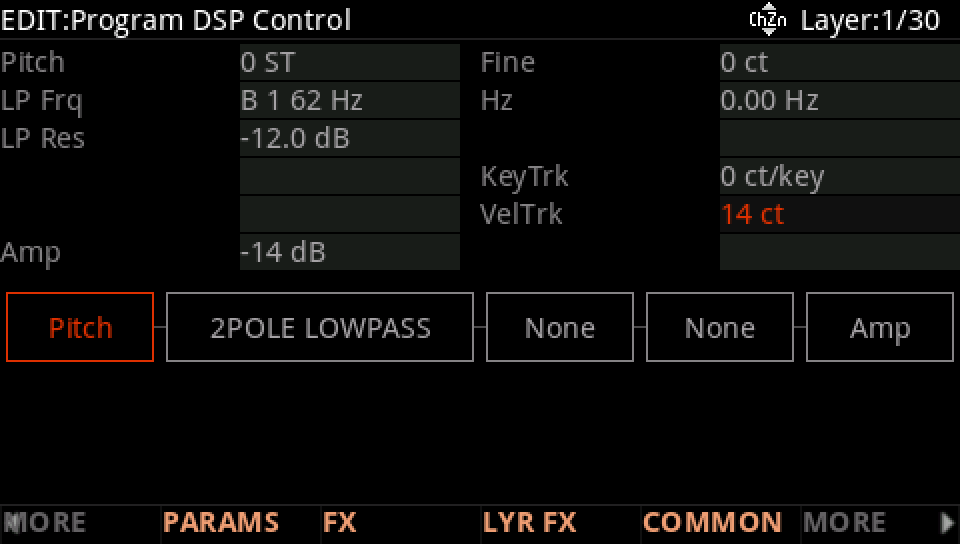
MORE, then DSP CTL, the Pitch row: VelTrk 14 ct, per note: each note's velocity, set as its key goes down.
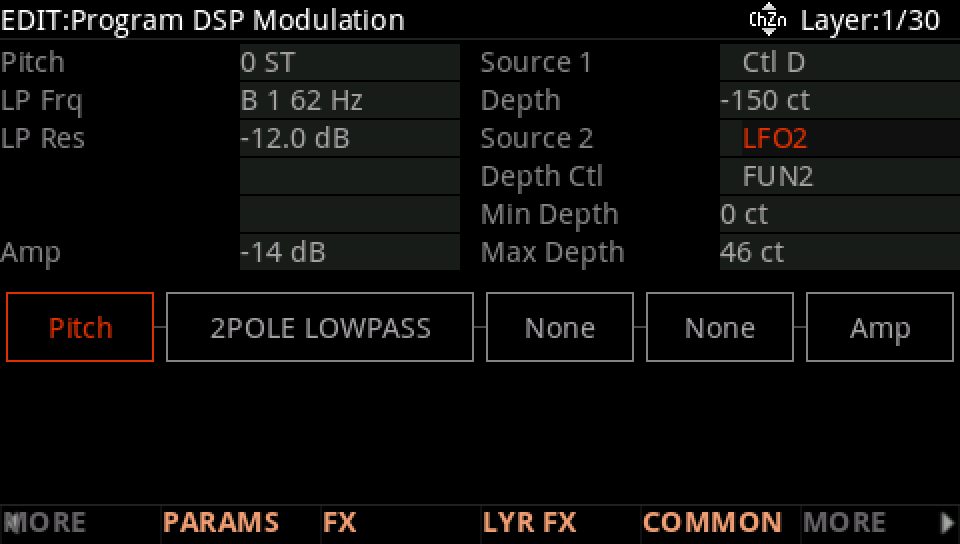
MORE, DSP MOD, the Pitch row: Source 1 is Ctl D, a panel control, per channel: every note moves with it. Source 2 is LFO2, with Globals On the program's: one vibrato, in one phase for every note.
Press EXIT and answer NO to leave the factory program as it was, or SAVE to keep your version on a USER ID.