The factory's routings
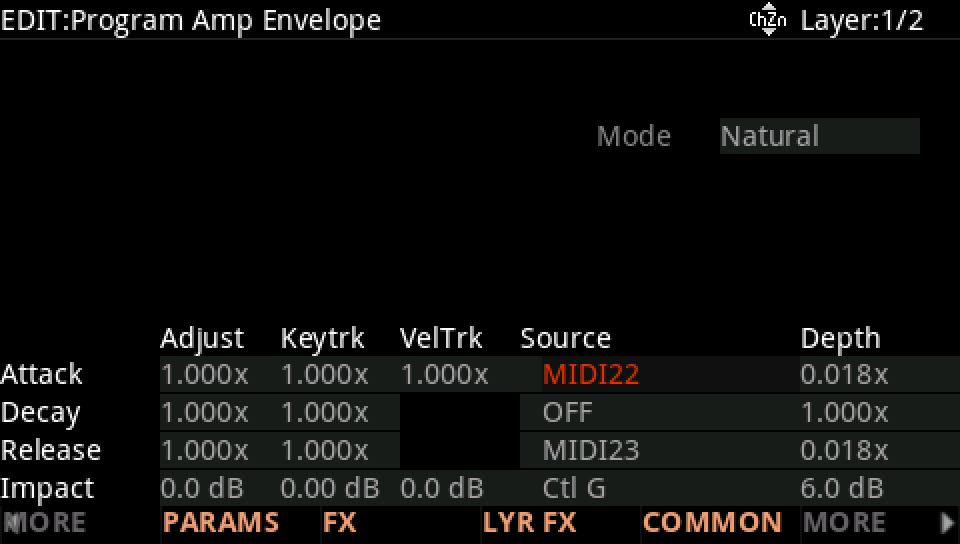
Routingsthe most commonThe factory programs repeat a handful of routings: Slider 3 and Slider 4 on the attack and release, Button 3 on Impact, Slider 1 on the filter, the mod wheel on the vibrato's depth, Slider 9 on the reverb. Start from them and a program answers the panel the way the others do.
SEE IT MOVE
Computed in your browser with KINSPIRATION's row and modulator engines, frame by frame.
WHAT TO KNOW
THE PLAN
Slider 1 filter, Slider 2 resonance, Slider 3 attack, Slider 4 release, Slider 9 reverb amount, Button 3 Impact, Button 4 Freeze, Button 9 reverb on, the mod wheel the vibrato.
WHY IT HELPS
A player who learnt one program finds the same controls doing the same things in the next.
USE IT FOR
A new program: give it the same plan first, then add what is its own on the free controls.
WATCH OUT
The plan is a habit, not a rule: drums, organs and splits put the sliders to other uses (levels of a kit, drawbars, a second sound).
IN THE FACTORY PROGRAMS
The twelve commonest routings in the factory programs, from 6,588 (MIDI22 on ENV CTL Attack) down to 1,257.
THE COMMONEST
AND NEXT
FIND THEM ON YOUR K2700
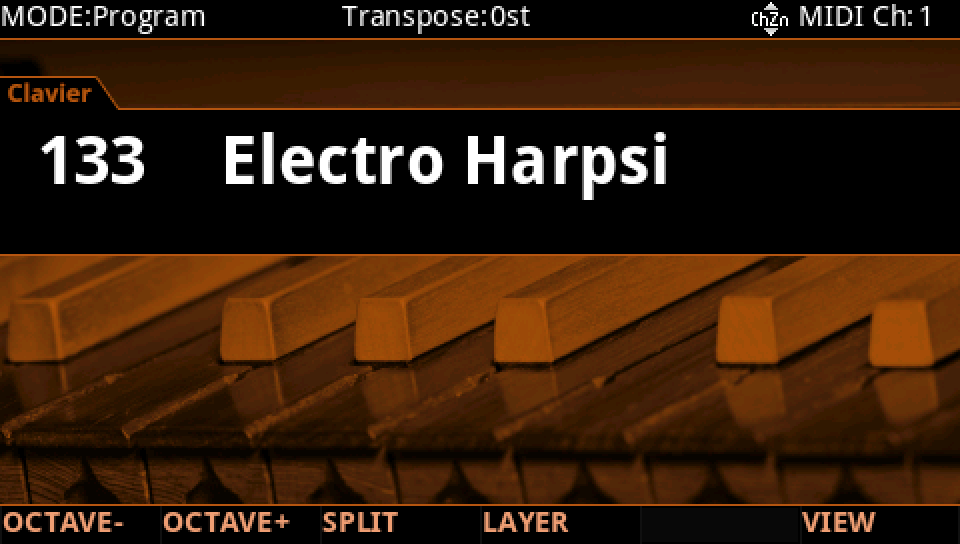
HOW TO ON YOUR K2700 · 133 Electro Harpsi
Electro Harpsi uses the factory's commonest routings. Check a program against the plan the same way.
In Program mode choose 133 Electro Harpsi (KEYPAD, 133, ENTER).
Press EDIT, then MORE and AMP ENV: Attack on MIDI22 (Slider 3), Release on MIDI23 (Slider 4), Impact on Ctl G (Button 3): the three commonest routings.
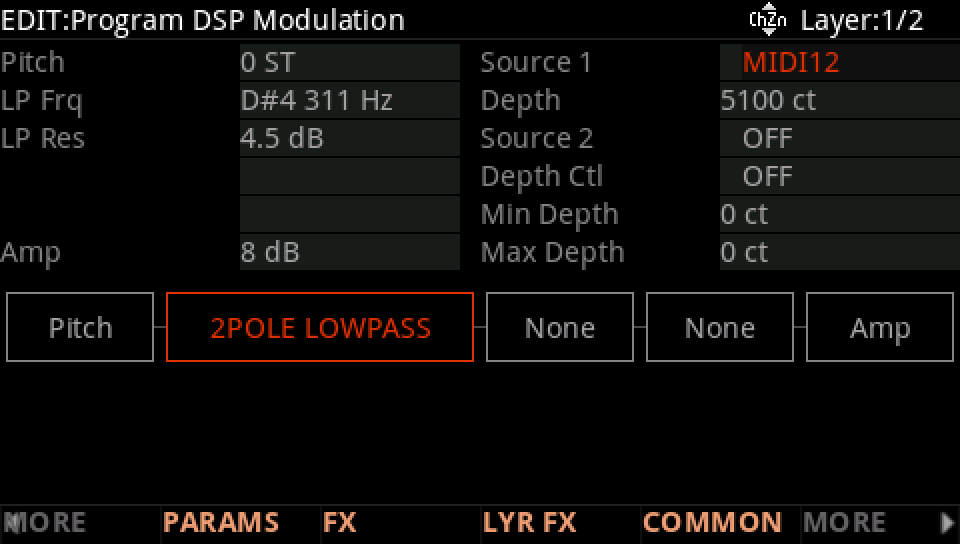
MORE, DSP MOD: on the LP Frq row Source 1 is MIDI12, Slider 1, with a Depth of 5100 ct.
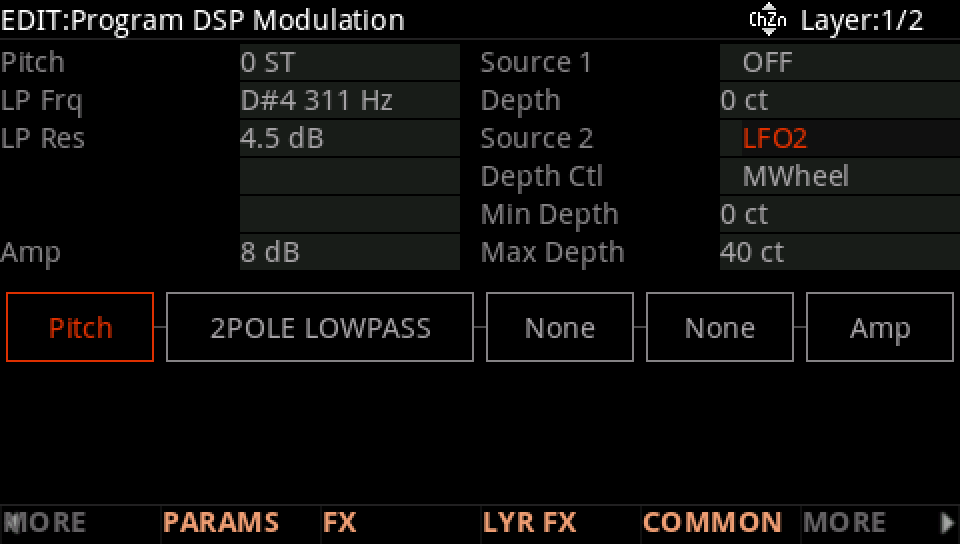
On the Pitch row Source 2 is LFO2, its depth from 0 ct to 40 ct as MWheel rises: the vibrato on the mod wheel.
Press EXIT and answer NO to leave the factory program as it was, or SAVE to keep your version on a USER ID.