A layer's own effects
LYR FXProgram FX · Layer-Specific · Another Layer'sEvery layer plays through the program's insert chain unless its LYR FX page says otherwise. Layer-Specific FX gives the layer an insert chain of its own and its own two sends into the program's Aux 1 and Aux 2; Use Another Layer's FX sends it through a Layer-Specific layer's chain and sends. One program can then hold a compressor on the kick alone, or a pad that skips the phaser.
SEE IT MOVE
Computed in your browser with KINSPIRATION's effects, sample by sample, with the values the program's own controllers give its chains. The phrase going in is a simple stand-in for the program's layers.
WHAT TO KNOW
THE THREE MODES
Use Program FX: the program's insert chain and sends, the default. Layer-Specific FX: a chain and a Send 1 and Send 2 of the layer's own, into the same aux chains. Use Another Layer's FX: through the chain and sends of a layer that is Layer-Specific.
NO CHAIN AT ALL
A Layer-Specific layer may name no chain (None): it skips the program's insert and keeps only its sends. The factory's drum kits do this to give each drum its own amount of reverb.
USE IT FOR
A compressor or an enhancer on one drum, a rotary on the organ half of a split, a layer kept out of a chorus, a pan or a phaser, a layer heard only in the reverb.
WATCH OUT
Each chain takes FX units of the 32, and a program runs up to 8 insert chains, its own and its layers'. The aux chains stay the program's: a layer chooses how much it sends, not which reverb.
IN THE FACTORY PROGRAMS
122 factory programs give a layer FX of its own: 499 layers are Layer-Specific and 429 more use another layer's. 403 of the 499 name no chain and keep only their sends; 61 of the programs are drum kits.
THE LAYERS' OWN CHAINS
THE PROGRAMS, BY CATEGORY
FIND THEM ON YOUR K2700
HOW TO ON YOUR K2700 · 921 Shrugie Kit
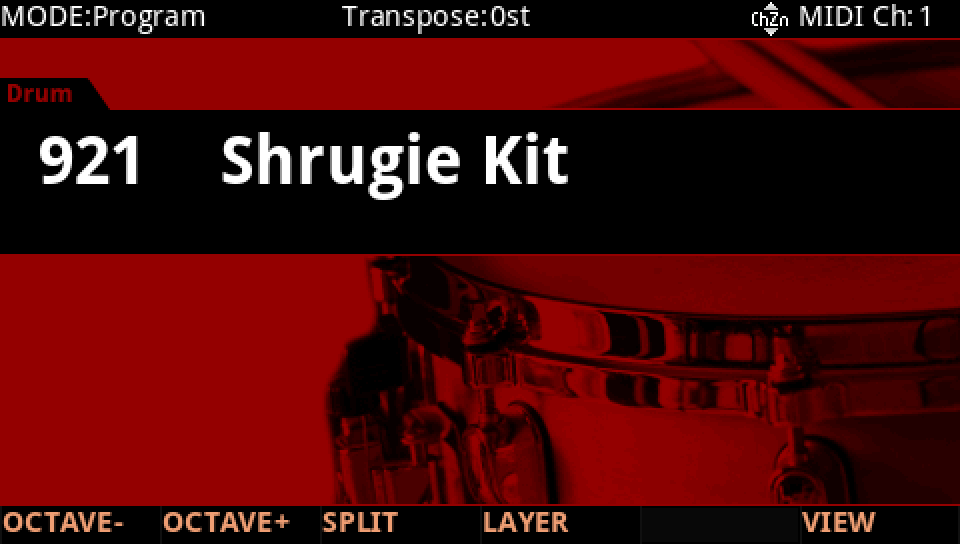
Shrugie Kit gives its kick a chain of its own, and its toms and snare share it. See each layer's choice on its LYR FX page.
In Program mode choose 921 Shrugie Kit (KEYPAD, 921, ENTER).
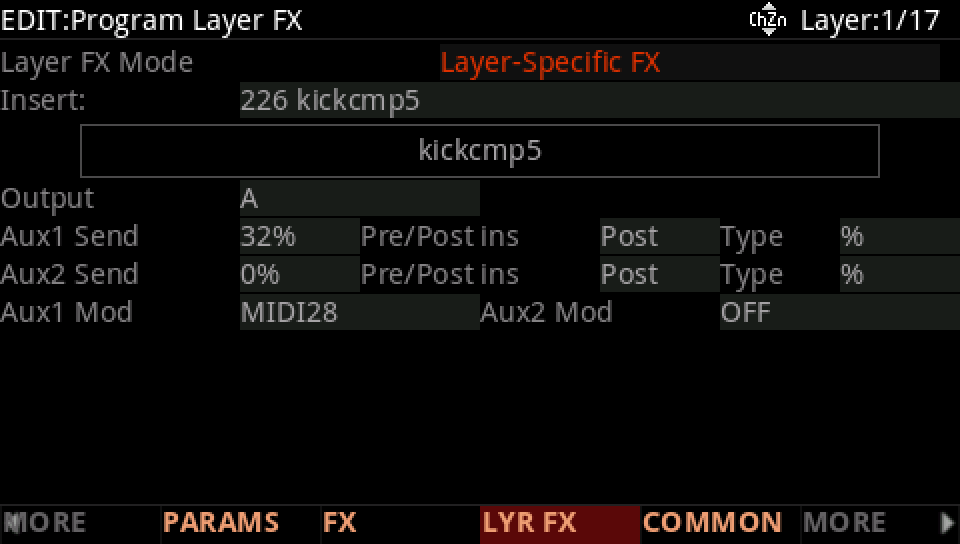
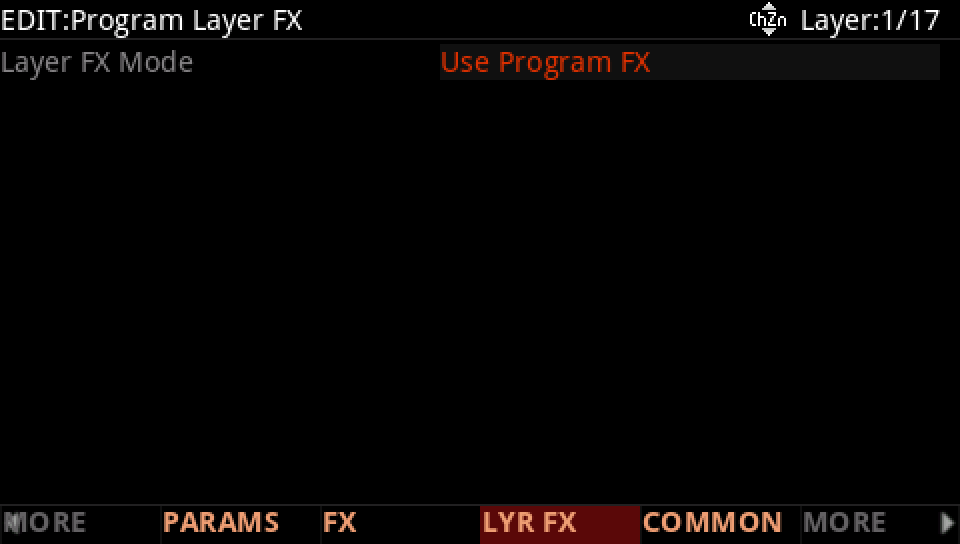
Press EDIT, then LYR FX. Layer 1, the kick, is Layer-Specific FX: a chain of its own, kickcmp5 (ID 226), and its own Send 1, 32%, scaled by MIDI28, Slider 9.
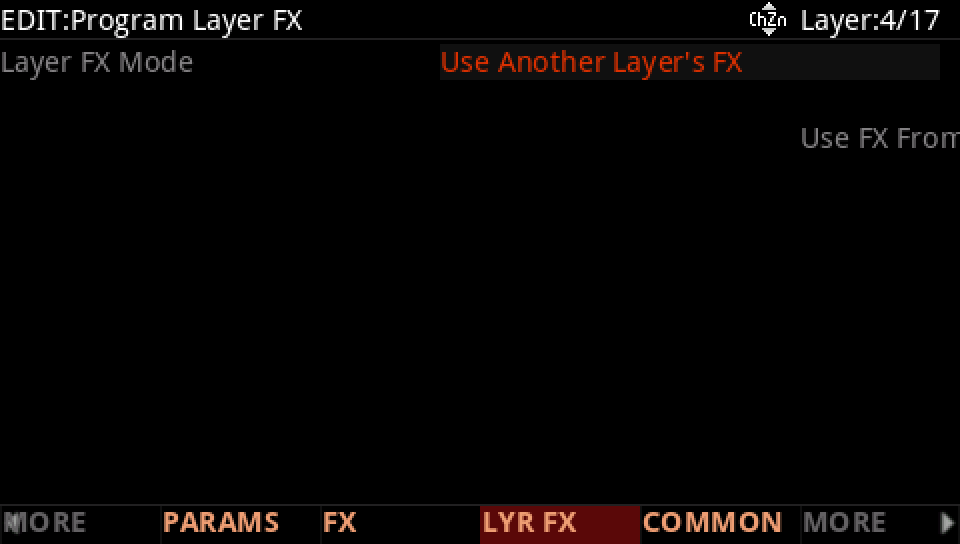
Press CHANNEL/LAYER ▲ three times, to layer 4, a tom: Use Another Layer's FX, layer 1. The toms and the snare's sample play through the kick's chain and its send.
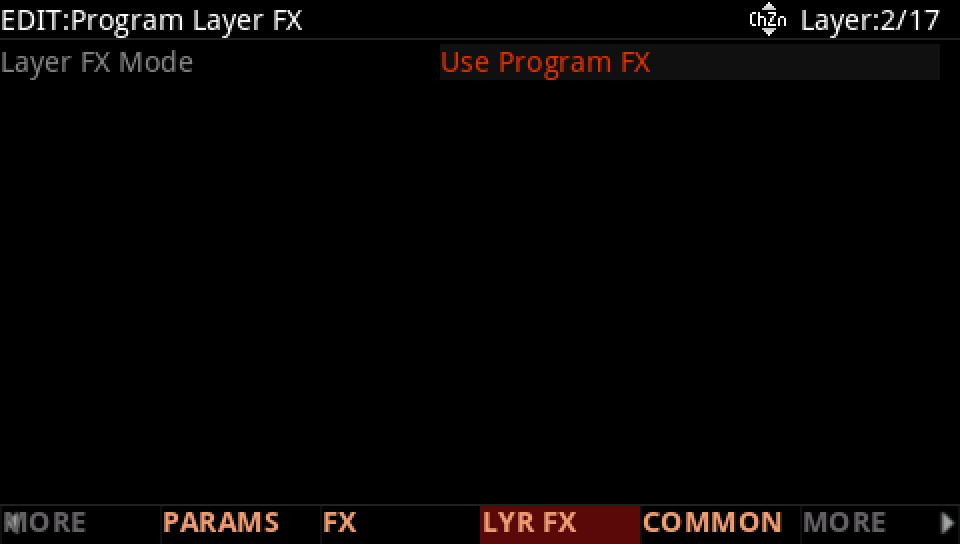
Press CHANNEL/LAYER ▼ twice, to layer 2, the snare's body: Use Program FX. It plays through the program's insert chain and sends, on the FX page.
Back on layer 1, with the cursor on the mode, turn the Alpha Wheel one step down: Use Program FX. Play: the kick loses its compressor and its booth, and plays through the program's FX.
Press EXIT and answer NO to leave the factory program as it was, or SAVE to keep your version on a USER ID.