The factory's chains
Templatesboxes · controllers · the most usedA chain is up to 16 boxes in series. The factory's most used insert chains are templates: an EQ, an enhancer, a chorus and delay, a phaser, a tremolo, each switched in and dosed by a controller, so the same chain sounds different in every program, by that program's own entry values.
SEE IT MOVE
Computed in your browser with KINSPIRATION's effects, sample by sample, with the values the program's own controllers give its chains. The phrase going in is a simple stand-in for the program's layers.
WHAT TO KNOW
THE TEMPLATES
Orchestral 01, 02 and 03 and the Eq+Eh chains carry boxes switched out; each program's PARAMS page switches in what it needs (Chorus Enable, Delay Enable) and doses it (Chorus Amount, Delay Feedback).
SHARING
A chain is one object that every program naming it shares: change it and all of them change. Copy it to a USER chain first.
USE IT FOR
A quick start: choose a template chain on the FX page, then switch and dose its boxes from PARAMS, without opening the chain editor.
WATCH OUT
A box switched out still takes its FX units, 32 for everything loaded at once; a box at Out passes the sound untouched.
IN THE FACTORY PROGRAMS
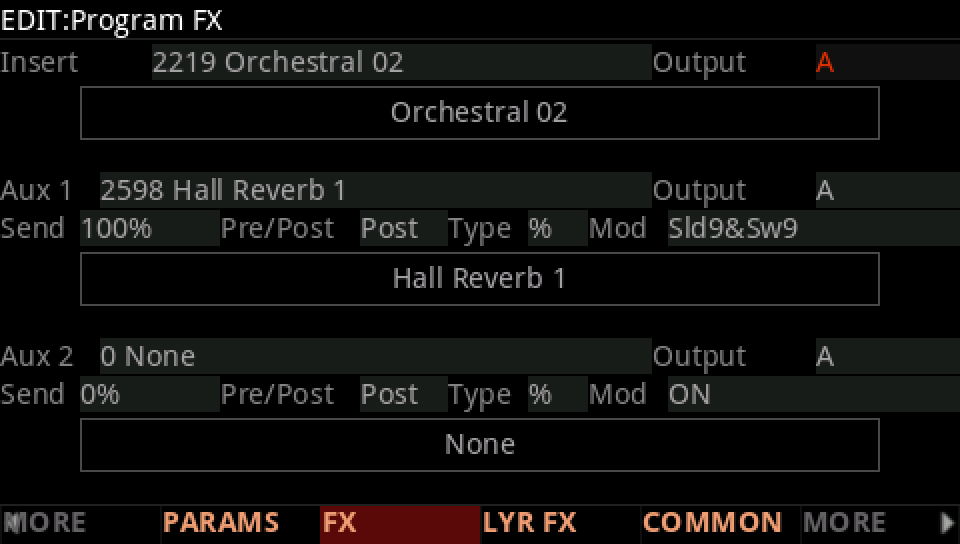
517 different insert chains serve the 1,497 programs that have one; the ten most used serve 622 of them, Orchestral 02 alone 242.
THE MOST USED INSERT CHAINS
AND AUX CHAINS
FIND THEM ON YOUR K2700
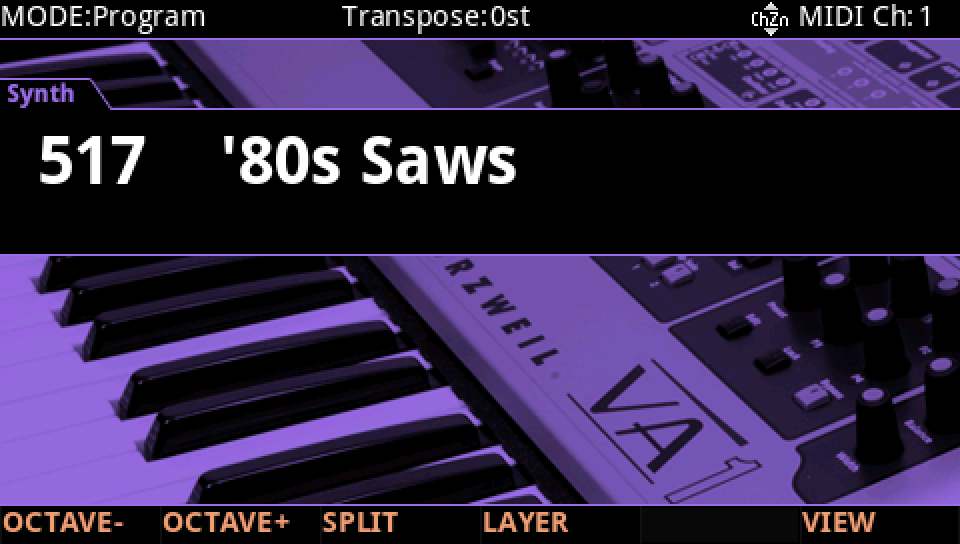
HOW TO ON YOUR K2700 · 517 '80s Saws
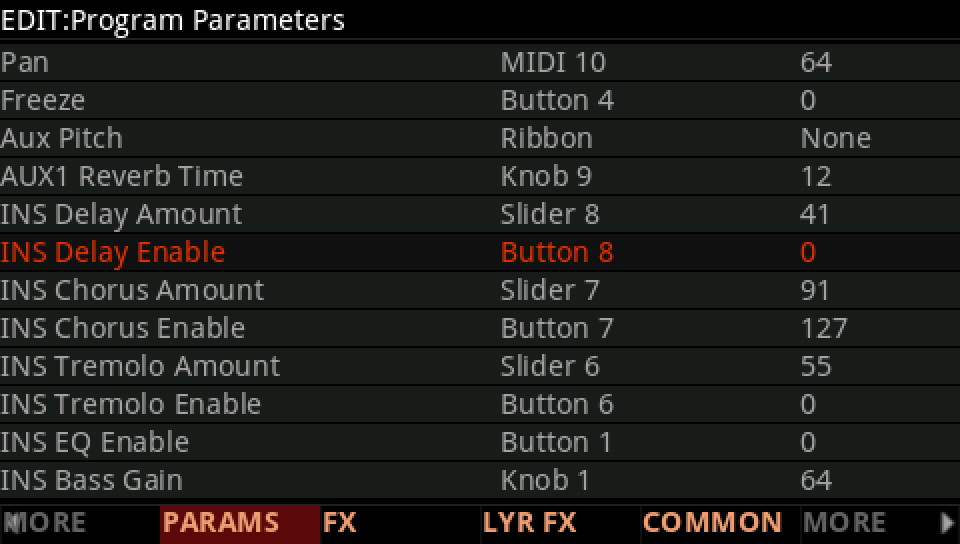
'80s Saws plays Orchestral 02 with only its chorus in. Bring its delay in from Button 8.
In Program mode choose 517 '80s Saws (KEYPAD, 517, ENTER).
Press EDIT, then FX: the insert chain is Orchestral 02, the same chain as in 241 other factory programs.
Press PARAMS. INS Delay Enable is on Button 8, at 0: the delay box waits, switched out.
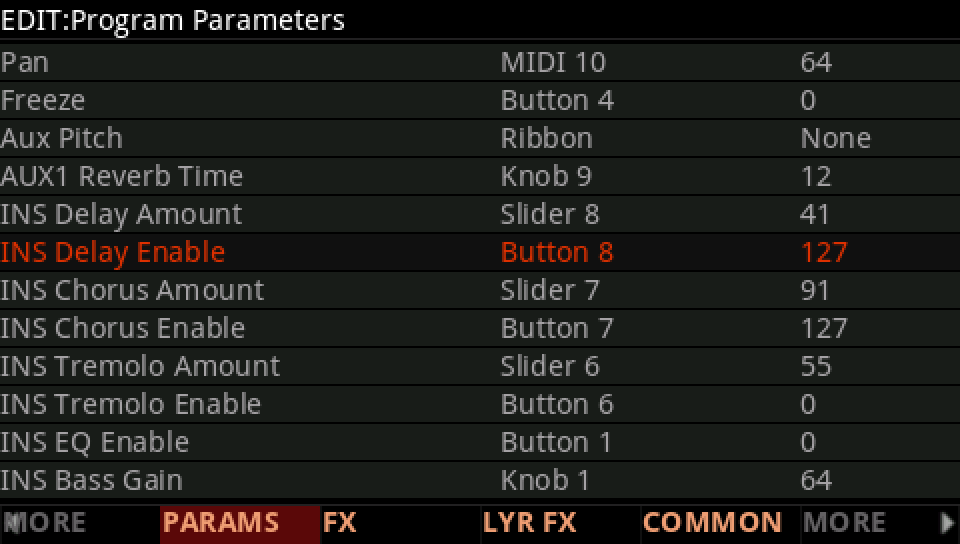
Press Button 8, 127: the delay joins the chorus, its time on Knob 8, its feedback on Pad 1.
Press EXIT and answer NO to leave the factory program as it was, or SAVE to keep your version on a USER ID.